


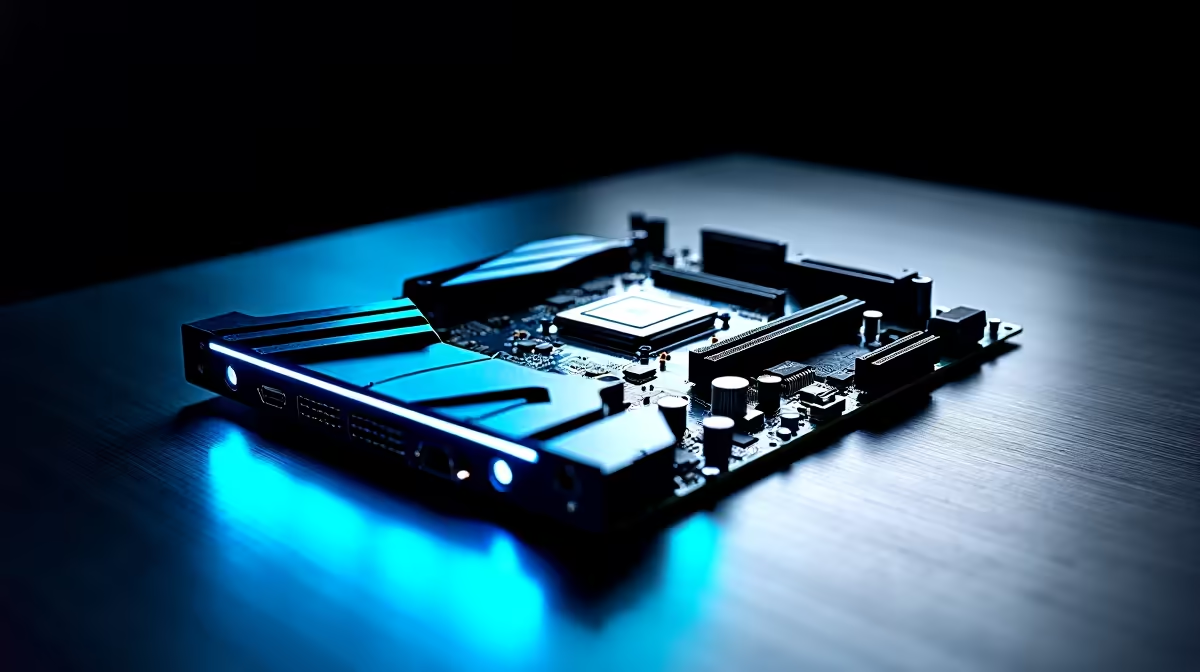
So, you’re hearing the buzz about "AI PCs" and you're ready to dive in. Awesome. But before you splash out on a beastly new GPU, let's talk about the unsung hero of any high-performance rig: the motherboard. Choosing the right motherboard for an AI PC is more than just finding one that fits your components; it's about building a stable, high-speed foundation that won't bottleneck your entire system when you need it most. 🚀
Why Your Motherboard is Crucial for an AI PC
Think of your motherboard as the central nervous system of your computer. It dictates how quickly your CPU, GPU, and RAM can talk to each other. For AI tasks like running local language models or generating images, this communication speed is critical. A cheap or poorly chosen board can starve your expensive components of data and power, leaving performance on the table.
A proper AI PC motherboard ensures your components get the resources they need through:
- High-Bandwidth Data Lanes (PCIe): Giving your GPU a wide-open highway for data.
- Stable Power Delivery (VRMs): Providing clean, consistent power for sustained, heavy workloads.
- Fast Memory and Storage Access: Reducing load times and latency for massive datasets and models.
Key Features in a Motherboard for AI Performance
When you're browsing for parts in South Africa, the specs can get overwhelming. Let's cut through the noise. Here’s what truly matters when selecting a motherboard for an AI PC build.
PCIe 5.0 Support
While PCIe 4.0 is still incredibly fast, PCIe 5.0 doubles the bandwidth. This is about future-proofing. As AI models and hardware evolve, they will demand faster data transfer. Equipping your rig with a motherboard that supports PCIe 5.0 ensures you're ready for the next generation of power-hungry NVIDIA GeForce GPUs and ultra-fast NVMe SSDs without needing a full system overall in a year or two.
Robust Power Delivery & Cooling ⚡
AI workloads aren't like short gaming sprints; they're marathons that push your CPU to its limits for extended periods. This generates a lot of heat and demands consistent power. Look for motherboards with a high number of power phases (e.g., 16+2+1) and beefy VRM heatsinks. This ensures your processor gets stable voltage, preventing crashes and maximising performance, whether you're running an AMD or Intel setup.
BIOS Pro Tip 🔧
Once your PC is built, dive into the BIOS and enable XMP (for Intel) or EXPO (for AMD). This simple one-click setting overclocks your RAM to its advertised speed. AI applications are memory-bandwidth sensitive, and this free performance boost can make a noticeable difference in processing times.
Fast RAM and M.2 Storage
DDR5 RAM is a must for a new AI build. Its higher speeds and bandwidth are perfect for feeding data to your CPU and GPU. Your motherboard should not only support DDR5 but ideally have four DIMM slots for future expansion.
Similarly, look for a board with multiple M.2 NVMe slots, preferably with PCIe 4.0 or 5.0 speeds. Loading multi-gigabyte AI models from a slow drive is a massive bottleneck. With multiple M.2 slots, you can dedicate one super-fast drive to your OS and AI tools, and others for datasets and projects.
Gaming vs. Workstation: The Right Choice for AI
So, do you need a specialised, expensive "AI motherboard"? Not necessarily. The good news is that high-end gaming motherboards already have most of the features we've discussed: excellent power delivery, great cooling, and fast connectivity. ✨
For most gamers and enthusiasts venturing into AI, a quality Z790 (Intel) or X670E (AMD) gaming motherboard is a fantastic choice. However, if your work involves certified drivers, maximum stability for professional applications, and ECC memory support, then a dedicated workstation PC with a specialised motherboard might be the better long-term investment.
Ultimately, the best motherboard for your AI PC is one that matches your chosen CPU, supports the fastest components you can afford, and provides a stable foundation for years to come.
Ready to Build Your AI Powerhouse? Choosing the right motherboard for your AI PC is the first step to unlocking incredible performance. Whether you're training models, creating AI art, or just future-proofing your gaming rig, the foundation matters. Explore our range of AI-ready NVIDIA GeForce Gaming PCs and find a system built for the future, today.











