Quick Answer
A solid 144Hz esports rig at R20,000 is absolutely achievable in SA. Build around a Ryzen 5 7600 (R4,200) paired with an RTX 4060 (R7,500) and a 144Hz 1080p IPS monitor (~R3,500), and you'll hit 200–300 fps in CS2 and Valorant — well above the 144Hz ceiling.
The R20,000 Parts Breakdown
Here is a realistic allocation for a 144Hz competitive build at R20,000:
- CPU: Ryzen 5 7600 — strong single-core speed for esports (~R4,200)
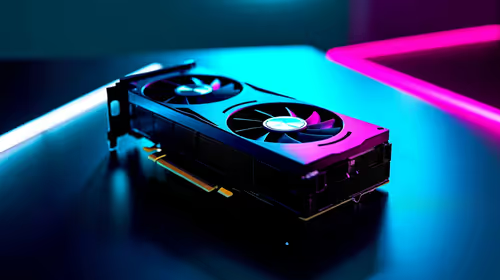
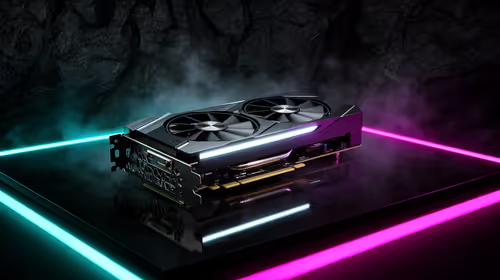
- GPU: RTX 4060 8GB — drives 144Hz comfortably at 1080p (~R7,500)
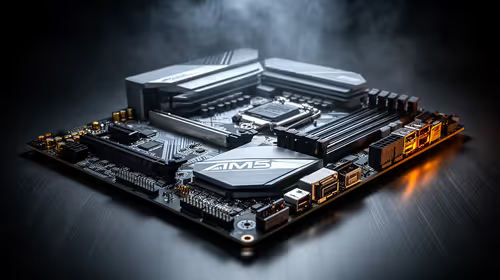
- Motherboard: B650 micro-ATX board (~R2,200)
- RAM: 16GB DDR5-5600 kit (~R1,400)
- Storage: 1TB NVMe SSD (~R900)
- Case + PSU + cooling: ~R2,500
- Monitor: 144Hz 1080p IPS panel (~R3,500)
Total lands at roughly R22,200 — trim the monitor or go with a 27-inch 1080p VA panel at ~R2,200 to keep under R20,500.
FPS Targets at 144Hz 1080p
With an RTX 4060 and Ryzen 5 7600, expect:
- CS2 (high settings, 1080p): 250–350 fps
- Valorant (high, 1080p): 280–400 fps
- Apex Legends (high, 1080p): 140–200 fps
All three run well above 144fps, so you'll never feel the monitor as the bottleneck. For Apex, lower to medium shadows to push above 144fps consistently.
Monitor Choice for 144Hz Esports
At R20,000 total, the monitor takes roughly R3,000–R4,000. Prioritise a 1080p 144Hz IPS panel with a 1ms GTG response time. A 27-inch 1080p panel is the sweet spot — large enough to track movement, sharp enough for crosshair precision. Avoid 4K at this budget; the GPU cannot sustain 144fps at that resolution in competitive titles.
FAQ
Can I hit 144fps in CS2 with a R20,000 PC build?
Yes — an RTX 4060 and Ryzen 5 7600 at 1080p high settings produces 250–350 fps in CS2, well above the 144Hz cap. You'll rarely dip below 144fps even in smoke-heavy rounds.
Is 144Hz enough for competitive esports or should I go 240Hz?
144Hz is the entry point serious esports players use. It removes the motion blur that hampers 60Hz monitors. For Valorant and CS2 at R20,000, 144Hz leaves enough budget for a better GPU — spending on 240Hz at this price point means cutting GPU performance.
What monitor size is best for a 144Hz 1080p esports setup?
A 24-inch or 27-inch 1080p panel hits the ideal pixel density for esports. 24-inch gives higher apparent sharpness and is the pro-tournament standard. 27-inch at 1080p is slightly softer but easier on the eyes during long sessions.
Check Evetech's current 144Hz monitor stock to match your R20,000 build. A 24-inch 1080p IPS panel paired with an RTX 4060 delivers consistent 200+ fps — the combination that makes 144Hz meaningful in competitive play.