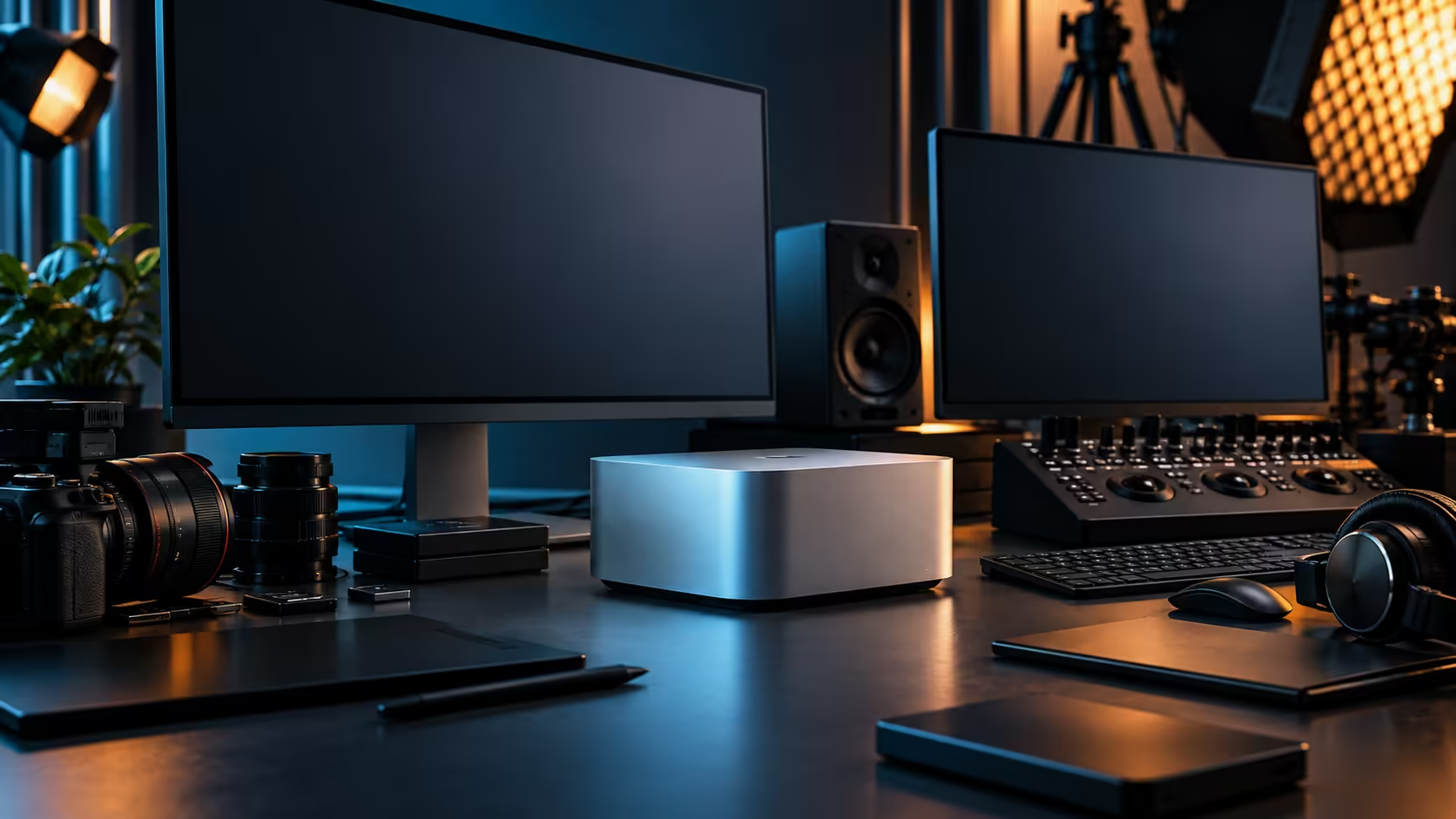
Screens are the part of a Mac Studio multi-monitor plan everyone focuses on. The room they sit in is what actually decides how many fit, and that's the part a South African buyer often works out last instead of first.
Quick Answer
Start a South African multi-monitor Mac Studio M5 Max plan with the room, not the ports: desk depth, wall space and afternoon light in a typical home office usually set the practical screen count before the machine's four Thunderbolt 5 ports and one HDMI output become the limiting factor. Evetech sells the machine at R49,499 with local warranty cover.
🏠 Why the room decides more than the machine does
This runs against how most buying guides frame the decision, and it's worth stating plainly.
A South African home office, particularly one converted from a bedroom or a corner of an open-plan living space, has fixed constraints that no port count changes: how deep the desk actually is, how much wall space sits behind it, and how much afternoon sun comes through a nearby window. Work out these three before shopping for a specific number of monitors, since a five-port Mac Studio in a room that only comfortably fits two screens makes the extra ports irrelevant.
📏 Measuring desk depth honestly
A monitor's box dimensions rarely match how much desk space it actually needs once a stand and viewing distance are factored in.
Measure your actual desk depth, then subtract enough for a comfortable viewing distance and the monitor's stand footprint, before assuming a given panel size fits. A standard 600mm-deep SA office desk leaves noticeably less breathing room behind a large panel than a 750mm or 800mm desk does, which is worth checking with a tape measure before ordering anything. A monitor that looks reasonably sized in a showroom can feel oppressive on a shallow desk pushed against a wall, which is a common layout in smaller South African home offices.
☀️ Afternoon light and screen placement
Glare is a bigger practical problem for multi-screen setups than most buyers plan for until they're living with it.
A desk facing or beside a west-facing window deals with direct afternoon sun that washes out screen contrast and adds eye strain over a full 8 hour working day. Position monitors perpendicular to major windows where possible, and treat blinds or curtains as part of the setup plan rather than an afterthought, particularly for any screen doing colour-sensitive work.
🖥️ Building the layout once the room is understood
Only now does the machine's actual port layout become the relevant constraint.
Five video-capable connections sit on the back panel, four Thunderbolt 5 ports plus HDMI, and confirming the M5 Max's actual simultaneous display ceiling tells you the technical maximum those five can reach. Compare that number against what the room comfortably supports, and in most South African home offices, the room reaches its practical limit first, comfortably a two or three screen layout for most desks, before the chip does.
🌡️ Cooling considerations for a screen-dense desk
A wall of monitors changes the thermal environment around the Mac Studio itself, and it's worth planning for that too.
Several screens running for a full 8 hour working day add real heat to a small, enclosed room, compounding whatever cooling challenge the machine already manages on its own. Keep clearance around the Mac Studio itself even as the desk fills with monitors, and don't let cable management or extra hardware crowd the airflow space you'd otherwise leave open.
🛋️ Furniture that actually helps a multi-screen desk
The right desk and mounting hardware do more for a South African multi-monitor setup than most buyers expect.
A monitor arm frees up 100mm or more of desk depth that a fixed stand simply can't, letting you push a screen back closer to the wall and reclaim usable surface for a keyboard and notes. Consider it standard equipment for any layout beyond a single screen, rather than an optional extra, and check the monitor range for panels that support standard mounting rather than assuming every screen ships arm-compatible out of the box.
📦 Planning for the setup you'll actually keep
A layout decided in one sitting, before the room and the work have been tested together, often changes within the first month anyway.
Build the initial setup slightly conservative rather than maxing out every port on day one, and add a screen once you've genuinely felt the need for it across a real 40 hour working week rather than in the excitement of a new machine arriving. This costs less upfront and avoids the common outcome of a fifth monitor bought early that ends up displaying little more than a clock.
Frequently Asked Questions
What usually limits screen count more in a South African home office: the machine or the room?
The room, in most cases. Desk depth, wall space and light exposure typically set a practical limit before the Mac Studio's own port count or display ceiling becomes relevant.
What's the screen ceiling set by the Mac Studio M5 Max's ports?
Five display-capable connections in total: four Thunderbolt 5 ports and one HDMI output. The exact simultaneous display limit is a separate figure set by the chip itself.
Does window placement really matter for a multi-monitor desk?
Yes. Direct afternoon sun on or near a screen adds glare and eye strain over a working day, and positioning monitors perpendicular to major windows helps considerably.
Does adding more screens affect how the Mac Studio manages heat?
Indirectly. More screens running in an enclosed room raise the ambient temperature around the machine, so maintaining clearance and airflow matters more as the desk fills up.
Ready to plan a multi-monitor desk that actually fits your room?
Measure the space first, then choose monitors and a Mac Studio M5 Max configuration to match.