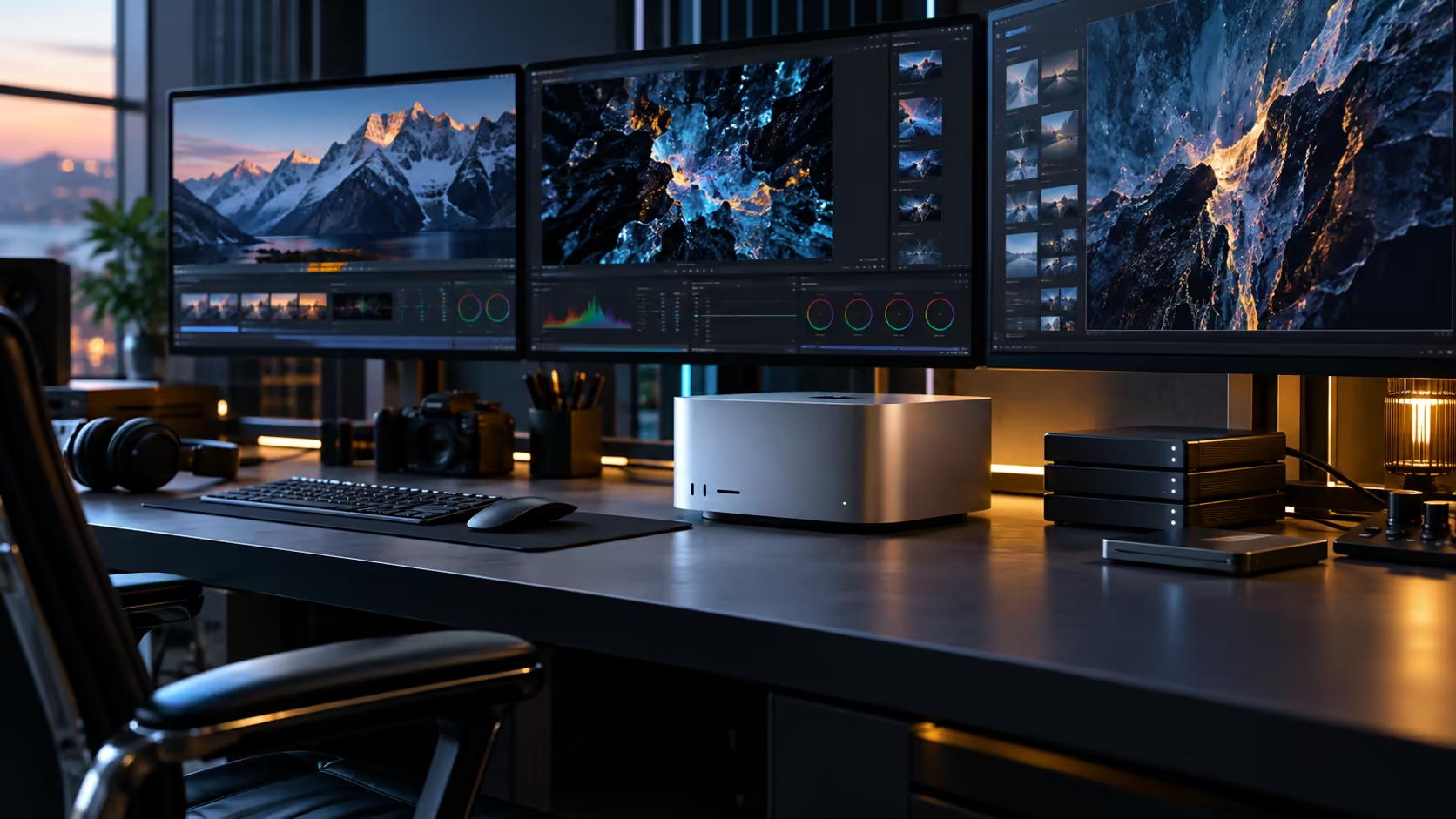
Eight ports sound like a marketing number until you ask who in South Africa actually fills all of them. The honest answer is fewer buyers than the headline suggests, and knowing whether you're one of them is the real question behind this guide.
Quick Answer
A South African buyer building a multi-display Mac Studio M5 Ultra workstation should size the screen count to the room and the actual work first, then confirm the chip's simultaneous display ceiling before ordering panels, buying locally so warranty support stays close to home. Six Thunderbolt 5 ports plus HDMI give seven connectors, real headroom over the four-port M5 Max, but most local setups land on two or three screens rather than the maximum the chip can drive. The machine is R108,999.
🏢 Who in South Africa genuinely needs this many ports
Be honest about this before spending on the higher tier purely for the display headroom.
A broadcast or live-production setup monitoring several feeds, a post-production house running a client review room, or a small studio consolidating what used to be several machines onto one, these are the buyers where six ports change what's physically possible on one desk. A single editor or designer, even a demanding one, rarely needs more than 2 or 3 screens to work comfortably, and the extra ports mostly go toward storage and docking rather than displays in that case.
🖥️ Building the actual layout for a South African desk or room
Local rooms set real constraints that a spec sheet can't show you.
Measure desk depth and wall space honestly before committing to a panel count, since a townhouse office rarely matches the 600mm minimum depth a purpose-built broadcast suite is designed around. Check each candidate screen from the monitor range against your actual available space, and treat afternoon sun through a nearby window as a real design constraint for screen placement, not an afterthought.
🔌 Confirming the technical ceiling before buying panels
The port count and the simultaneous display limit are two different numbers, and only one of them is guaranteed by the hardware alone.
Apple documents the actual number of screens the M5 Ultra's display engine can drive at once, and that figure depends on the resolution and refresh rate you choose. Confirm it directly rather than assuming seven connectors means seven independent screens, and budget for monitor mounting accessories once the layout is settled, since a multi-screen desk without proper arms quickly becomes difficult to manage.
🇿🇦 What local buyers get wrong most often
The mistake isn't picking the wrong machine; it's sizing the display plan to the marketing number instead of the room.
Buying toward "eight monitors" because the search result mentioned it, rather than measuring an actual desk against the machine's real R108,999 price tag, is the single most common way South African buyers overspend on this setup. Start from your room and your work, confirm the chip's real ceiling, and let those two numbers decide the layout rather than a headline figure.
💰 Pricing the room, not just the machine
A multi-display South African setup rarely costs what the machine alone suggests, and it's worth totalling honestly before ordering.
Panels are usually the largest single add-on cost once you go beyond one screen, followed by proper mounting arms and Thunderbolt-certified cables for each connection. Price the full layout, screens, arms and cabling, against the R108,999 machine before finalising a specific screen count, since a three-screen plan can quietly add a substantial fraction of the machine's own cost once every panel is properly mounted and cabled.
🔧 Staging the build rather than buying it all at once
None of this needs to be finalised on delivery day.
Start with one or two screens confirmed against your actual workflow over the first 30 days, then add further panels once you've genuinely felt the need during real work. This staged approach avoids sinking money into a fully-built display wall before you know whether your specific South African workspace, and your actual daily tasks, genuinely call for it.
Frequently Asked Questions
How many screens does a typical South African Mac Studio M5 Ultra buyer actually use?
Most land on two or three screens, even though the machine's port layout supports considerably more. The maximum is relevant mainly to broadcast, review-room and consolidated team setups.
Does room size really limit screen count more than the machine does?
Often yes. Desk depth, wall space and light exposure in a typical South African home office or small studio commonly become the practical limit before the chip's own display ceiling does.
Should I buy monitor arms as part of this setup?
For anything beyond a single screen, yes. A multi-screen desk without proper mounting quickly becomes hard to manage, especially once cable runs for three or more panels are involved.
What's the most common mistake South African buyers make with this machine's display capability?
Sizing the plan to a marketing number like "eight monitors" instead of measuring the actual room and confirming the chip's real simultaneous display limit first.
Ready to plan a multi-display Mac Studio M5 Ultra setup that fits your actual room?
Measure your space, confirm the display ceiling, then shop monitors and mounting accessories to match.