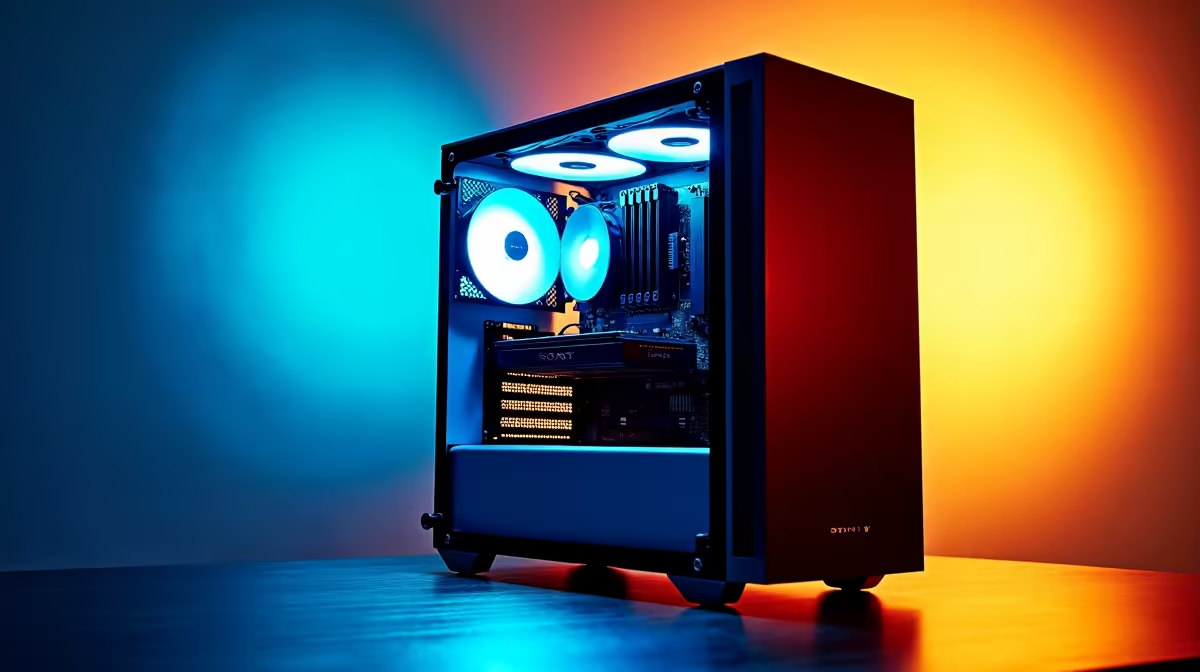
So, you're a developer in South Africa, and the AI bug has bitten... hard. You've seen what's possible with large language models and generative art, but running complex models on cloud services is starting to feel like feeding R5 coins into a very hungry arcade machine. What if you could have that raw power right at your desk? Building a dedicated AI PC build in South Africa is no longer a luxury; it's a strategic investment in your skills. 🚀
Why Build a Dedicated AI PC?
Before we dive into the hardware, let's be clear: an AI PC isn't just a gaming rig with a fancy name. It’s a specialised machine optimised for the massive parallel processing required for machine learning and deep learning tasks. The main advantage? Control. You're not at the mercy of cloud provider costs, data transfer speeds, or privacy concerns. You have a local powerhouse for training models, running inference, and iterating on your projects lightning-fast.
Core Components for Your AI PC Build 🔧
Getting your AI PC build right in South Africa comes down to choosing components that work in harmony. While every part matters, the hierarchy of importance is a bit different from a standard gaming PC.
The GPU: The Heart of the Operation
For AI, the Graphics Processing Unit (GPU) does most of the heavy lifting. The key specs to watch are VRAM (Video RAM) and processing cores (specifically NVIDIA's CUDA cores).
- VRAM: This is your number one priority. It determines the size and complexity of the models you can train. 12GB is a decent start, but 16GB or even 24GB is the sweet spot for serious development.
- CUDA Cores: The vast majority of AI frameworks (like TensorFlow and PyTorch) are heavily optimised for NVIDIA's CUDA platform. This makes GeForce RTX or NVIDIA RTX GPUs the default choice. While you can use other cards, you'll save yourself countless hours of configuration headaches by sticking with Team Green. For those who want a professionally assembled and tested system, exploring powerful pre-built NVIDIA PCs is a great way to guarantee compatibility.
The CPU: The Project Manager
While the GPU handles the intense parallel calculations, the Central Processing Unit (CPU) manages everything else: data pre-processing, loading datasets, and running the operating system. You don't need the absolute top-of-the-line CPU, but a modern processor with a good number of cores (8 or more) will prevent bottlenecks, ensuring your expensive GPU is always fed with data. A balanced system is key, and many modern AMD-powered gaming systems offer an excellent price-to-performance ratio for the CPU component of your build.
Cooling is Crucial ❄️
AI model training can run your GPU and CPU at 100% load for hours, or even days. Don't skimp on cooling! Invest in a good quality case with excellent airflow, and consider an AIO (All-In-One) liquid cooler for your CPU to maintain stable performance during those marathon sessions. A hot component is an underperforming component.
RAM and Storage: The Supporting Acts
- System RAM: For AI, 32GB of fast DDR4 or DDR5 RAM should be your minimum. If you're working with massive datasets, jumping to 64GB or more will pay dividends, preventing your system from slowing down as it swaps data to your drive.
- Storage: Speed is the name of the game. A fast NVMe SSD is non-negotiable for your operating system and primary datasets. The quicker your machine can load data into RAM and VRAM, the less time your GPU spends waiting. A 1TB or 2TB NVMe SSD is a great starting point.
Putting It All Together
Once you have your core components, you'll need a compatible motherboard and a reliable Power Supply Unit (PSU) with enough wattage to handle the high power draw of a top-tier GPU. If sourcing and building seems daunting, remember that a carefully configured pre-built machine can save you time and potential compatibility issues. For the most demanding workloads, looking into dedicated workstation PCs provides peace of mind with enterprise-grade components and stability. This is the ultimate path for a professional AI PC build in South Africa.
Ready to Build Your AI Powerhouse?
Assembling the perfect AI machine requires careful component matching. Whether you're sourcing individual parts or want a professionally built and tested system, Evetech has you covered. Explore our range of powerful workstation PCs and build the machine that will bring your AI projects to life.