Quick Answer
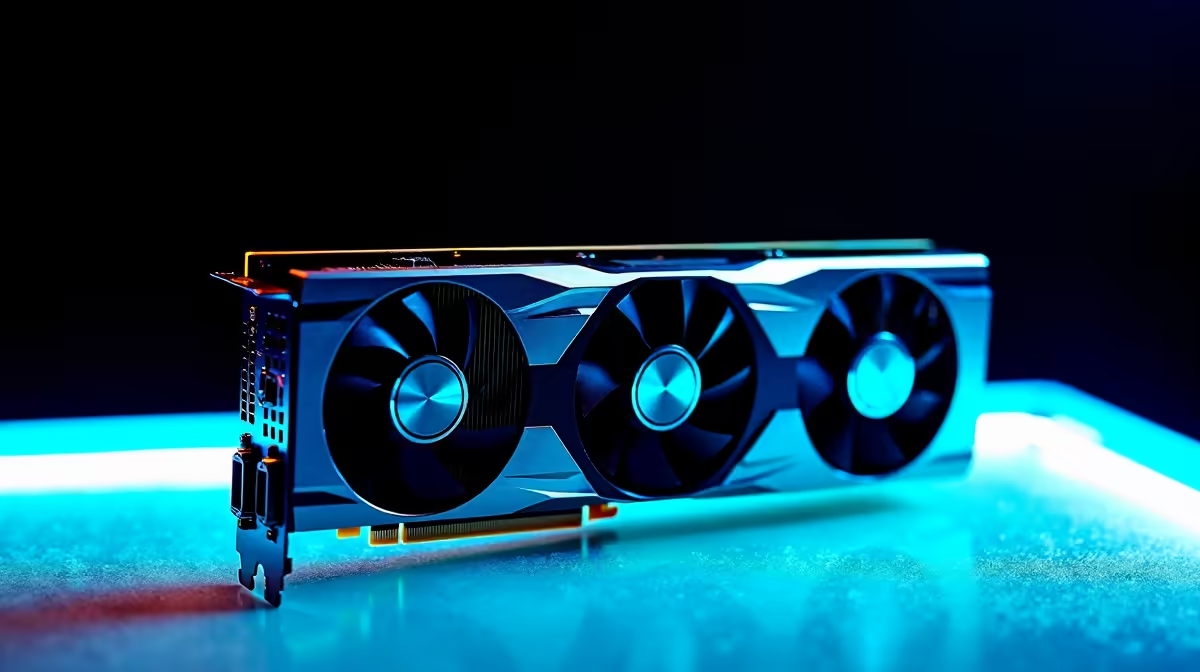
Yes, the RTX 4060 clears 240fps in Balatro at 1440p comfortably. This is a light game, so the win comes from a a 240Hz panel matched to a frame cap at 240, current drivers, and a quiet background, not from spending more on the card. The RTX 4060 currently sells in the R6,500 to R8,500 band at Evetech.
How the RTX 4060 handles Balatro at 1440p
Balatro is a 2D roguelike deck-builder, so its draw on the graphics card is tiny. Almost any modern GPU clears the frame target with room to spare, which means the 240fps goal at 1440p is really a question of your panel, your frame cap, and a clean Windows state rather than raw RTX 4060 muscle. The RTX 4060 sits in the mainstream 1080p bracket and carries 8GB of memory, so for a card-game like Balatro it is far more capability than the renderer ever asks for. At 1440p the GPU coasts near idle clocks; the only way you miss 240fps is a refresh mismatch, an over-aggressive cap, a background app stealing CPU time, or VSync fighting your monitor.
Settings that actually matter for 240fps
For 1440p at 240fps, set the in-game frame limit at or just above 240 (or uncap and let the monitor's a 240Hz panel pace it), run borderless or exclusive fullscreen, and confirm Windows is outputting 240Hz under Display settings. Balatro's only meaningful sliders are screen shake, CRT-style bloom, and animation speed; lower bloom if you want the cards to stay crisp during fast jokers, but none of these move the frame rate in a way you will feel. Keep Game Mode on, close browser tabs and capture overlays during a run, and let the GPU idle low; a cool card on 8GB of memory will hold the frame target far more consistently than one fighting a cluttered system.
Matching the RTX 4060 to your screen in South Africa
For SA buyers the real decision is the panel, not the card. If you only play Balatro and similar light titles, a a 240Hz panel pairs perfectly with the RTX 4060 and leaves budget for a better monitor, more RAM, or a faster SSD. Make sure your power supply and case airflow suit the card, and check that the monitor cable is plugged into the RTX 4060 output rather than the motherboard. The RTX 4060 sits in the R6,500 to R8,500 range, so plan the rest of the build around that figure.
FAQ
Can the RTX 4060 really hit 240fps in Balatro at 1440p?
Yes, easily. Balatro is a lightweight game, so the RTX 4060's mainstream 1080p performance is never the limit at 1440p. As long as your monitor runs 240Hz and your frame cap is set, the target holds.
Do I need to lower settings to reach 240fps?
Not for the frame rate. The RTX 4060 carries the visuals at full settings in Balatro. Lower bloom or post-processing only if you prefer a cleaner image, not to chase frames.
Is the RTX 4060 overkill for Balatro?
For Balatro alone, the RTX 4060 has plenty of headroom, which is fine if you also play more demanding titles. If Balatro-style games are all you run, a cheaper card and a good 240Hz monitor is the smarter spend.
Pair the RTX 4060 with the right 240Hz screen.
Browse Evetech's RTX 4060 stock in the R6,500 to R8,500 range, then add a 240Hz monitor so Balatro runs as smooth as the card allows.