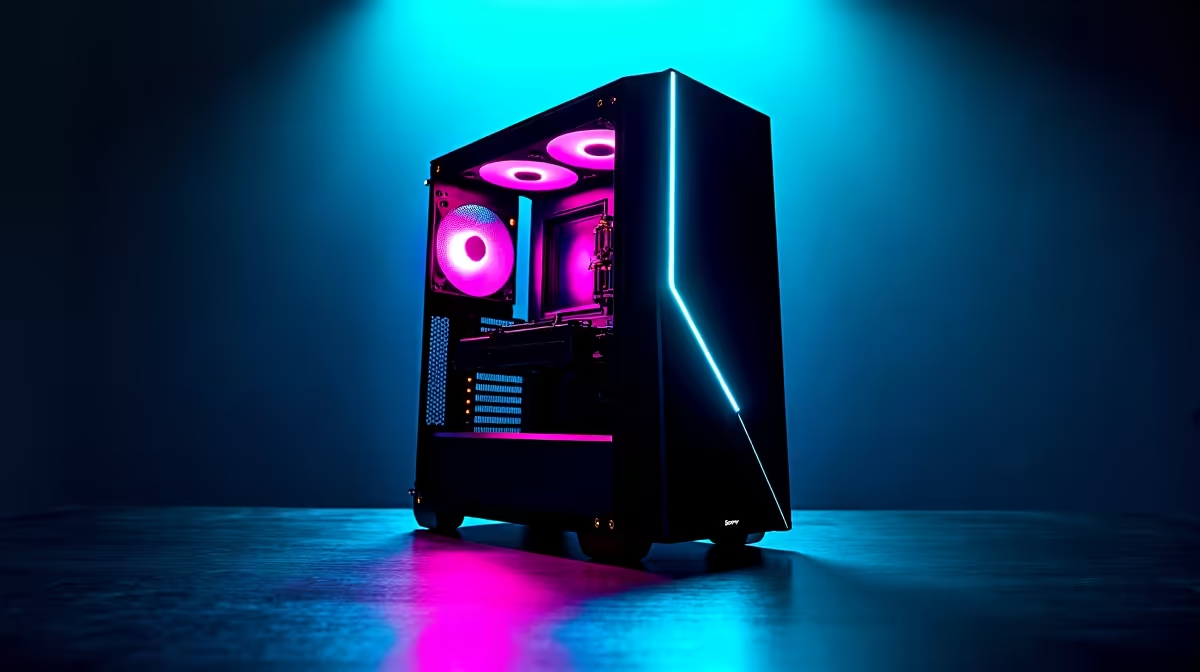
So, you’ve picked your CPU and GPU. Your RAM is ready and the SSD is waiting. But what about the home for all this powerful hardware? Choosing the best budget PC case for your new gaming build can feel like the final boss battle of PC shopping. It's easy to overspend or, even worse, get a cheap case that chokes your components. Let's break down how to find a great, affordable PC case in South Africa. 🔧
Why Your PC Case is More Than Just a Box
Think of your PC case as more than just a metal box. It’s the skeleton, armour, and respiratory system for your entire rig. A good case protects your expensive parts from dust and damage, but its most critical job is managing airflow. Poor airflow means higher temperatures, and higher temperatures mean your CPU and GPU will throttle… reducing performance when you need it most.
A well-designed chassis, even a budget-friendly one, ensures cool air flows over your hottest components and is exhausted efficiently. You can see this principle in action across all tiers of well-built gaming rigs, where component health is paramount.
Key Factors When Choosing a Budget PC Case
When your wallet is a factor, you need to focus on what truly matters. Forget the bells and whistles for a moment and zero in on the fundamentals.
Airflow is King 🌬️
This is non-negotiable. The single biggest difference between a good and a bad budget gaming case is its ability to breathe.
- Mesh Front Panels: Look for cases with a mesh front panel. This allows intake fans to pull in cool air with minimal restriction, which is far better than solid glass or plastic fronts that often suffocate the system.
- Included Fans: Many budget cases come with one or two pre-installed fans. While not always top-tier, they're a great starting point. Check if there are mounts to add more fans later as you upgrade.
Size Matters: ATX, Micro-ATX, or Mini-ITX?
Your case needs to fit your motherboard. It's a simple step that's easy to overlook.
- ATX (Standard): The most common size, offering plenty of room.
- Micro-ATX (mATX): A slightly smaller, more compact form factor that's very popular for budget builds.
- Mini-ITX (ITX): The smallest of the three, designed for tiny, space-saving PCs.
Ensure the case you choose explicitly supports your motherboard's form factor. Also, check the specs for GPU length and CPU cooler height clearance. The last thing you want is a shiny new graphics card that won't physically fit. Many of our budget gaming PCs use mATX builds to deliver fantastic value in a compact footprint.
Measure Twice, Buy Once ⚡
you buy, always check the spec sheet for three key measurements: GPU clearance (length), CPU cooler clearance (height), and PSU clearance (length). Cross-reference these with the parts you've chosen. A few millimetres can be the difference between a smooth build and a massive headache.
Cable Management & Build Experience
A tidy PC isn't just for looks; it also improves airflow. A good budget case will provide features to help you hide cables, like a power supply (PSU) shroud at the bottom, cutouts around the motherboard, and tie-down points on the back panel. This makes the building process much more enjoyable.
Don't Forget These Budget-Friendly Features ✨
While focusing on the core functions, a few other features can elevate a budget case from good to great.
- Front Panel I/O: At a minimum, you want at least one USB 3.0 port for fast data transfer. A modern USB-C port is a fantastic bonus if you can find it.
- Dust Filters: Removable dust filters (especially for the front intake and PSU) are a lifesaver. They keep your components clean, running cooler, and lasting longer.
- Aesthetics: You still want your rig to look cool! A tempered glass side panel is a premium touch that lets you show off your components. Many affordable cases now offer this, and you can often find great-looking options in the gaming PCs under R20k category that balance performance with style.
Is a Budget Case Ever a Bad Idea?
Honestly, for most builds, a well-chosen budget case is perfect. However, if you're planning to run extremely powerful, heat-intensive hardware—like a top-end Intel Core i9 or an NVIDIA GeForce RTX 4080/4090—it might be wise to invest more in a premium case with superior cooling capabilities. These components generate immense heat, and the advanced thermal designs of high-end cases are built to handle it, as seen in many high-performance builds over R20k.
The Final Verdict on Your PC Case 🚀
Finding the best budget PC case in South Africa doesn't mean you have to compromise on the essentials. Prioritise airflow above all else by looking for a mesh front panel. Double-check that your components will fit, and look for quality-of-life features like decent cable management and dust filters.
If the thought of matching all these parts seems daunting, don't worry. You can always check out our latest pre-built PC deals, where our experts have already done the hard work of balancing performance, cooling, and cost for you.
Ready to Build Your Masterpiece?
Choosing the right case is about finding that perfect balance of cooling, space, and style. It’s the armour for your hardware. Explore our legendary gaming PC deals and find a rig that's built right, from the chassis up.