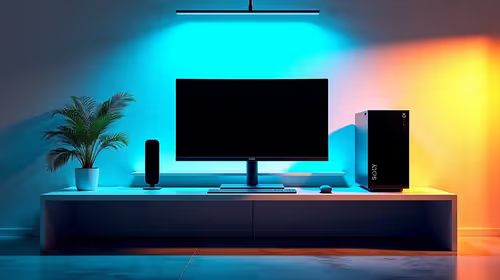
A podcast workstation for DaVinci Resolve is enough when the computer handles the video codecs, audio tracks and export resolution. Microphones and interfaces do not add editing performance. The GEEKOM A8 Max at R12,900 provides verified Ryzen 9 mini-PC hardware with 32GB and 1TB for a compact fixed desk.
Balance editing graphics with audio inputs
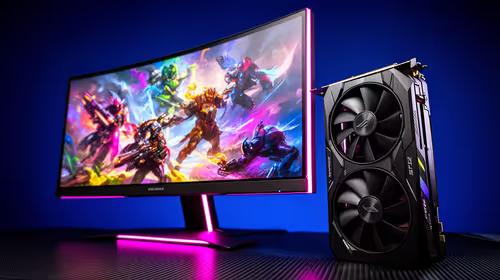
The Palit RTX 5060 Infinity 2 OC 8GB at R4,800 gives a confirmed graphics option for a compatible desktop using supported Resolve acceleration.
For R730, the verified NearStream AM10X-P accepts supported audio sources through USB or XLR.
The Hiksemi Pocket 1TB external SSD at R900 offers confirmed portable storage for multicamera footage, audio and project transfers.
Finish one episode from recording to export
Record all speakers, synchronise the video, edit and export at delivery resolution. Listen for noise, watch GPU memory and check free space. Keep isolated audio tracks plus original video on separate backup media. Add a mixer only when several live inputs need hardware control.
Editing a video podcast in Resolve? > Tell Evetech the cameras, codecs, microphones and delivery resolution.