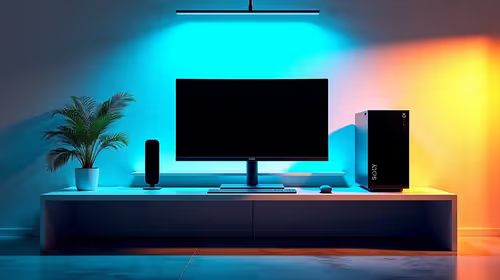
A compact streaming setup can work well in a quiet bedroom if fan noise, keyboard sound, room echo and evening voice levels are controlled. Expensive equipment cannot compensate for a microphone beside a noisy computer or a hard, empty room that reflects every word.
Listen to the room before adding gear
Make a one-minute sample at the normal speaking volume with the computer under streaming load. Listen on headphones for fan ramps, traffic, chair movement and echo. Move the microphone closer to the mouth, lower its input gain and position the computer away from the pickup path. Curtains, bedding and a filled bookshelf can reduce reflections without turning the room into a studio.
The factpacks verify the Minisforum UM750L mini PC with Ryzen 5 7545U, 16GB memory and a 1TB SSD at R4,600. Its compact size is relevant, but noise under the real workload and software support still need testing. The NearStream USB/XLR microphone appears at R676, while the HyperX SoloCast 2 USB microphone is verified at R690. Compare connection method, pickup behaviour, monitoring and stand placement rather than price alone.
Use headphones instead of speakers during broadcasts and set a noise gate gently so quiet words are not clipped. Run a private stream at the intended hour, then check whether the voice remains clear outside the room. Agree on a schedule with other occupants.
Building a quieter bedroom stream? > Compare verified compact PCs and microphones with Evetech around noise, placement and workload.