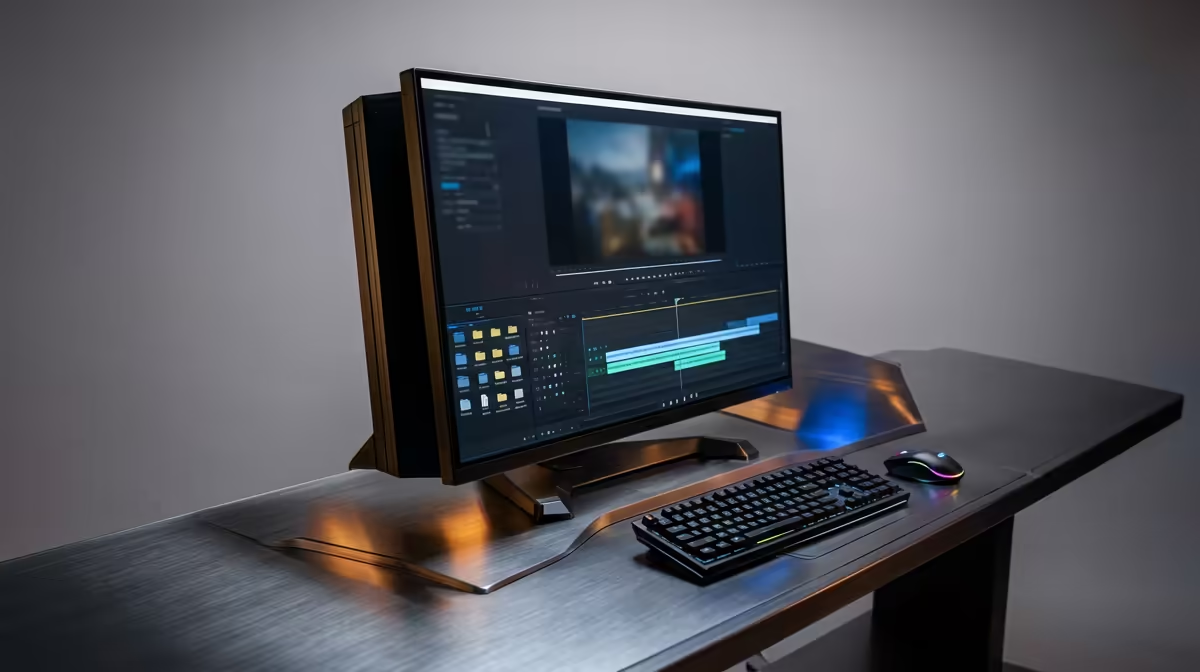
Tired of your PC choking on 4K footage? That dreaded render bar crawling slower than traffic on the N1? For South African creators, hitting a hardware wall is a massive vibe-killer. But you don't need to break the bank to fix it. An investment of around R30,000 unlocks a world of smooth timelines and lightning-fast exports. Let's dive into what makes the best editing PC under R30000 a true creative powerhouse. 🚀
What a R30,000 Editing PC Really Unlocks
Moving into the R30k price bracket is about buying back your most valuable asset: time. This isn't just about a slight speed bump; it's a fundamental shift in your workflow. At this level, you're looking at a machine capable of handling complex 4K timelines, multi-layer effects in After Effects, and high-resolution photo batches in Lightroom without breaking a sweat.
Forget making coffee while a video exports. A well-optimised editing PC for R30,000 allows for smooth playback, faster rendering, and the ability to run multiple creative apps simultaneously. It's the point where your hardware stops being a bottleneck and becomes a true extension of your creativity.
The Core Components for Your Editing Rig 🔧
Building the best editing PC under R30000 is a balancing act. You need to prioritise the components that give you the biggest performance boost for content creation. Here’s what matters most:
The CPU: Your Render Engine
The Central Processing Unit (CPU) is the heart of your editing machine. For video editing and rendering, more cores and threads are king. A modern processor like an Intel Core i5/i7 or AMD Ryzen 5/7 with at least 6-8 cores will drastically cut down your export times and make the entire system feel more responsive.
The GPU: Your Timeline Accelerator
While the CPU handles the final render, the Graphics Processing Unit (GPU) does the heavy lifting for real-time effects, colour grading, and timeline playback. Modern editing software leverages the power of GPUs to provide a smooth, stutter-free experience. A powerful graphics card is essential, and many of the GPUs found in the best gaming PC deals are perfect for accelerating video effects.
RAM: The Multitasking Muscle
When you're working with high-resolution video, 16GB of RAM can disappear frighteningly quickly. For a smooth 4K editing workflow, 32GB is the recommended sweet spot. This allows you to keep multiple applications like Premiere Pro, Photoshop, and your browser open without your system slowing to a crawl.
Editing Pro Tip 🎬
To seriously speed up your video editor (like Premiere Pro or DaVinci Resolve), dedicate a separate, fast NVMe SSD as your 'Scratch Disk'. This is where the software stores temporary files, previews, and cache. Separating it from your OS and media drives prevents bottlenecks and makes your timeline feel incredibly responsive.
Finding Your Perfect Pre-Built Editing PC in SA
So, you know what you need... but where do you find it? While building a PC is an option, a professionally assembled pre-built system from Evetech gives you peace of mind with full warranty support and performance testing. ✨
The sweet spot for a powerful editing rig often sits in our range of PCs above R20k, where performance and value meet to create the ideal R30k editing build.
If you're just starting your creative journey or your budget is a bit tighter, exploring our budget gaming PCs can provide an excellent entry point that still offers great performance for 1080p projects. In fact, even our selection of PCs under R20k packs a surprising punch for graphic design and lighter video work.
Ultimately, finding the right machine means matching these powerful components to your budget. To see all the latest configurations, be sure to check out our main pre-built PC deals page for the best value in SA.
Ready to Stop Waiting and Start Creating?
A powerful editing PC is an investment in your creativity and your time. Stop fighting with slow renders and laggy timelines. Explore our curated pre-built PC deals and find the perfect machine to bring your vision to life.