Quick Answer
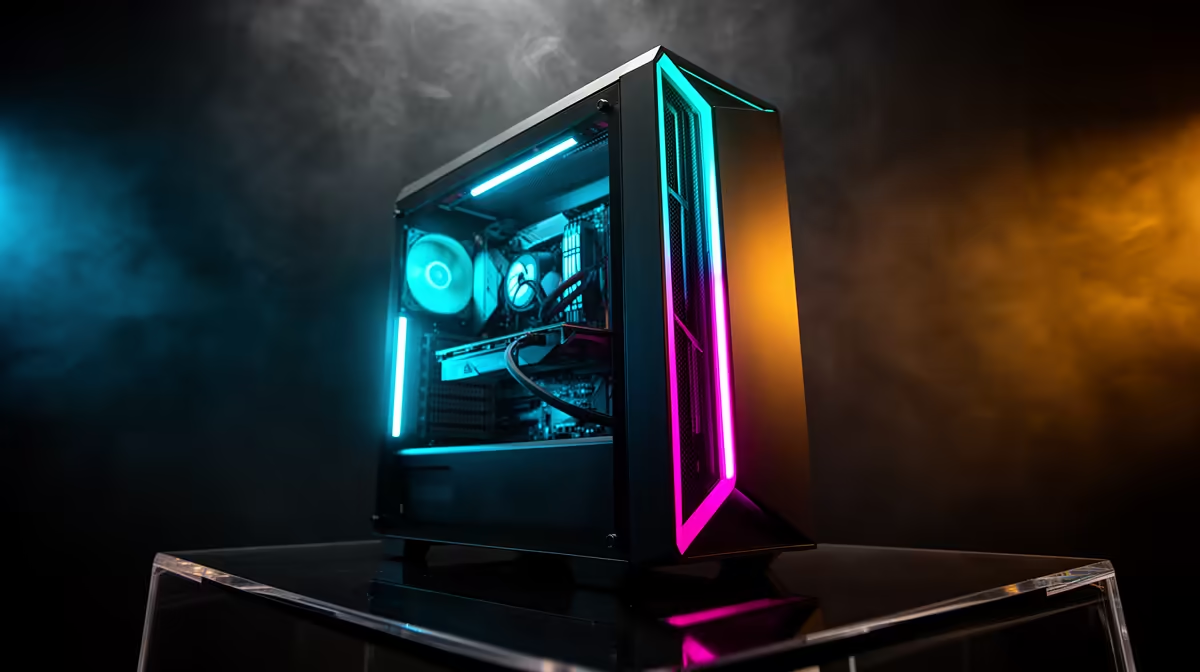
A R40,000 Mass Effect Legendary Edition PC in South Africa should prioritise the right GPU tier, a fast SSD, and enough RAM before cosmetic extras. A practical shortlist is Ryzen 7 7800X3D, RTX 4070 SUPER, 32GB DDR5-6000, and a 2TB NVMe SSD, with complete-system pricing usually sitting around R37,000-R43,000 depending on case, motherboard, cooling, and stock.
Best parts mix for this budget
For Mass Effect Legendary Edition, start with the monitor target and work backwards. Mass Effect Legendary Edition is light by modern standards; expect 100 fps plus at 1440p on RTX 4060-class hardware, with higher budgets aimed at silence and 4K. A Ryzen 7 7800X3D keeps frame pacing clean, while RTX 4070 SUPER is the sensible graphics anchor for this price class. Keep the motherboard simple, choose a branded 650W-850W PSU as the GPU tier rises, and leave enough of the budget for Windows setup, delivery, and a proper display cable.
Where the money should go
The first spend should be GPU, CPU, RAM, and SSD because those parts change how the game feels every day. At R40,000, a balanced Evetech build should avoid cutting storage below 1TB unless the budget is very tight, because big game libraries fill a 500GB drive quickly. For Johannesburg, Pretoria, Durban, and Cape Town buyers, also check delivery timing and whether you need Wi-Fi, Bluetooth, or a monitor in the same order.
What to avoid
Do not build this only around the most expensive graphics card label. A weak PSU, cramped case, 8GB RAM, or slow SATA drive can make the machine feel cheaper than the budget suggests. If the title game is light, spend the extra on a 144Hz or 165Hz monitor, quieter cooling, and a better SSD instead of forcing a top-tier GPU into a build that will not use it.
FAQ
Is R40,000 enough for Mass Effect Legendary Edition in SA?
Yes. R40,000 is enough for Mass Effect Legendary Edition when the build is matched to the right resolution, with 1080p easier at lower budgets and 1440p or 4K making more sense as the GPU tier rises.
Should I choose Nvidia or Radeon for this build?
Choose Nvidia if ray tracing, DLSS, streaming tools, or creator apps matter. Choose Radeon when the local price gives you more VRAM or more raw frame rate for the same spend.
How much RAM and SSD space should I choose?
Use 16GB RAM only for tight entry builds and 32GB for most modern gaming PCs. A 1TB NVMe SSD is the practical floor, while 2TB is cleaner for large Steam, Epic, and Xbox Game Pass libraries.