Quick Answer
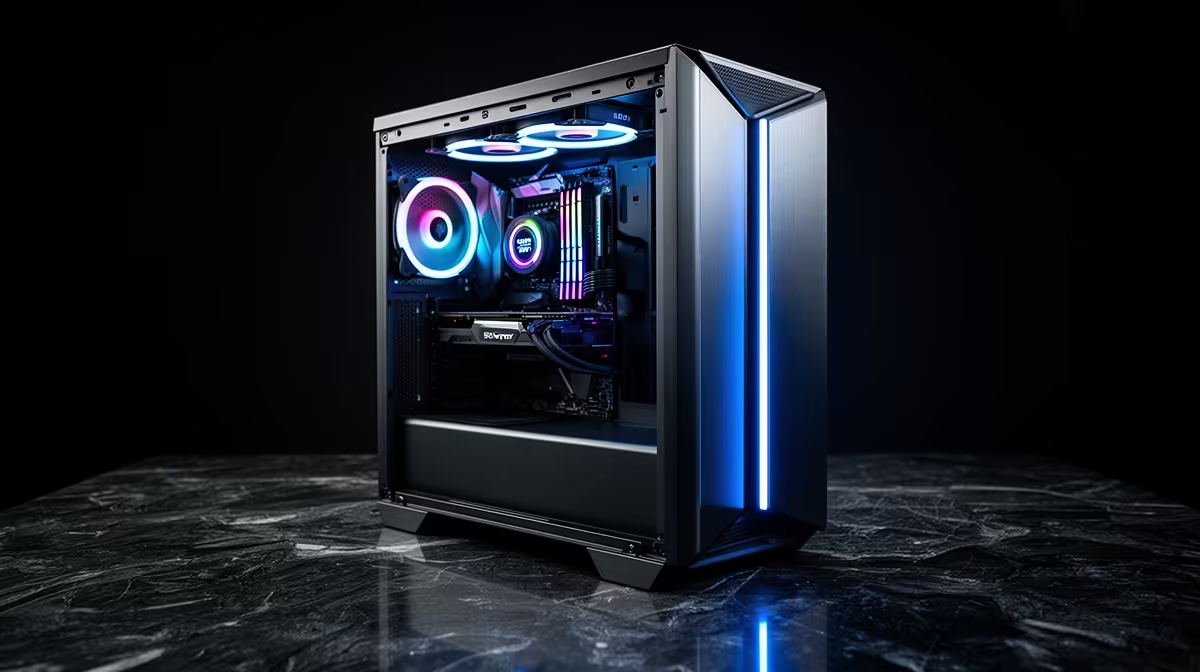
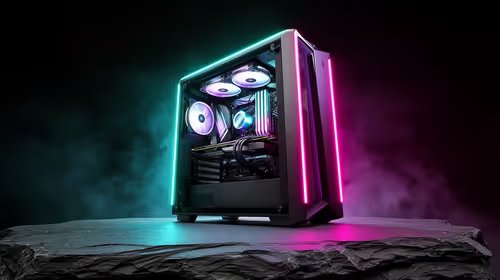
The best 3D modelling and rendering setup for Witbank (eMalahleni) buyers targets an RTX 4070 Ti Super (16GB VRAM) with a Ryzen 9 7900X and 64GB DDR5. This combination runs the Blender Classroom benchmark in approximately 75 seconds via OptiX GPU rendering and handles large Maya and Cinema 4D scenes without VRAM overflow. Total cost sits around R46,000–R52,000. Evetech delivers to Witbank in Mpumalanga in 2–3 business days.
GPU: VRAM is the key spec for 3D rendering
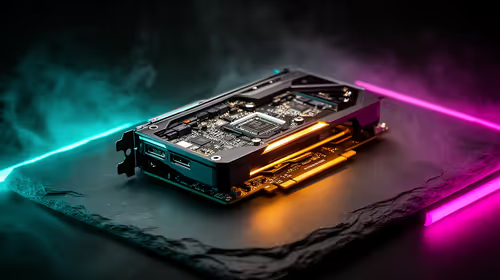
Blender Cycles, Redshift, and Octane each load the full scene into GPU VRAM. At 8GB VRAM (RTX 4060 Ti, ~R9,500), personal character work and basic product renders are fine, but complex arch-viz or dense foliage scenes overflow and fall back to slower CPU rendering. At 16GB VRAM (RTX 4070 Ti Super, ~R20,000), the vast majority of professional 3D workloads fit without paging. At 24GB (RTX 4090, ~R40,000), no common scene overflows. For Witbank-based architects and engineers working in Revit renders or product design visualisation, the 16GB tier is the right investment.
CPU and RAM requirements
Single-core speed drives interactive modelling responsiveness in the viewport — a Ryzen 9 7900X (R9,500) delivers the best combination of per-core performance and multi-core rendering for a Witbank-appropriate budget. 64GB DDR5 (R5,000) handles large scenes; 32GB DDR5 (~R2,500) is the entry minimum. A 2TB NVMe SSD for project files is essential — renders involving textures and HDRI files load from disk frequently, and a fast NVMe reduces hitching.
Software compatibility in Witbank
Blender (free, industry-standard), Autodesk Maya (~R1,900/month subscription), and Cinema 4D with Redshift are the most common 3D stacks in SA. All three run excellently on RTX hardware using CUDA and OptiX. Witbank has reliable fibre coverage through ISPs on the Openserve network, which matters for cloud storage workflows and downloading scene assets.
FAQ
What does a Blender Classroom benchmark score tell me about 3D performance?
The Blender Classroom benchmark is an industry standard that measures GPU rendering speed on a complex scene with materials, lighting, and textures. An RTX 4070 Ti Super completes it in approximately 75 seconds; an RTX 4060 Ti takes about 140 seconds; an RTX 4090 finishes in roughly 35 seconds. This benchmark gives a real-world indicator of how long your production renders will take.
Is 64GB RAM necessary for 3D work in Blender at the Witbank budget?
64GB DDR5 (R5,000) is the recommended tier for professional or commercial 3D work with complex scenes. 32GB DDR5 (R2,500) handles student and hobbyist projects in Blender. If your scenes regularly exceed 500MB in file size or include dense particle systems, 64GB prevents system slowdowns when VRAM overflows to system memory.
How fast does Evetech deliver to Witbank, Mpumalanga?
Evetech delivers to Witbank in 2–3 business days from Johannesburg dispatch — Mpumalanga is well within the Gauteng-adjacent fast delivery zone. Orders placed before 13:00 on weekdays ship same-day, with full email tracking provided.
denoising in Blender's render output settings alongside GPU rendering. This uses the RTX AI denoising cores to deliver clean renders at lower sample counts, cutting render times by 40–60% on final output with minimal quality difference at standard commercial resolutions.