Quick Answer
For running local LLMs in Rustenburg, VRAM determines which models fit: a 12GB RTX 4070 runs quantised 7B-13B models like Llama 3 8B smoothly, while 16GB or 24GB cards handle 30B-class models. Pair it with a Ryzen 7 7700 and 32GB DDR5; budget R25,000-R40,000 depending on GPU.
GPU memory sets the limit
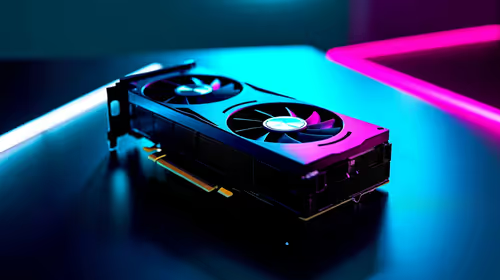
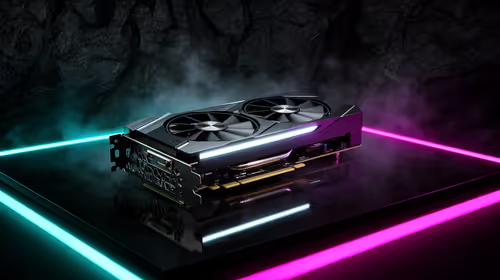
Local language models are constrained by VRAM, not gaming speed. A 12GB RTX 4070 runs quantised 7B-13B models such as Llama 3 8B and Mistral at usable token rates. Bigger 30B models or longer contexts need 16GB (RTX 4070 Ti Super) or 24GB. 32GB DDR5 system RAM allows CPU offloading for models that exceed the card.
Storage, RAM and tooling
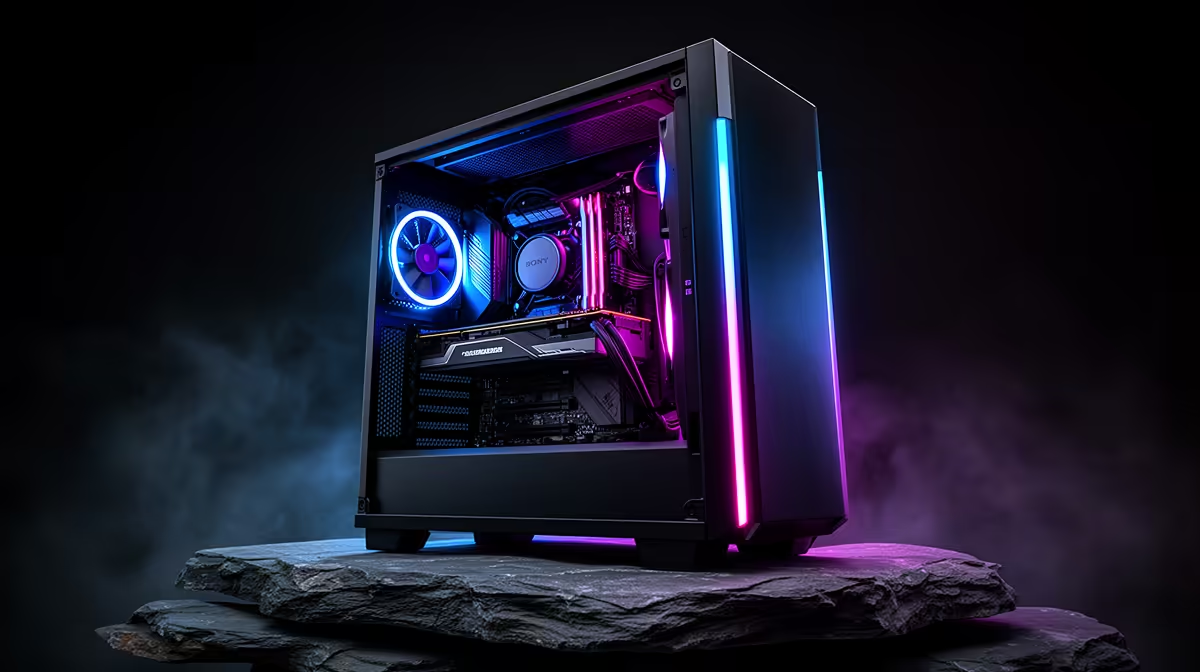
Keep a 1TB NVMe minimum; a quantised 13B model can be 8-15GB, and libraries grow fast. 32GB DDR5 supports offloading and running Ollama or LM Studio with the model loaded. A high-airflow case keeps the GPU stable through long inference that holds it at full load.
Rustenburg delivery and support
Evetech delivers to Rustenburg within roughly 3-5 working days in the North West courier zone, with the system under warranty so support is handled without a drive to Joburg. That matters on a high-value build where the GPU dominates the cost.
FAQ
Can a gaming GPU run local LLMs?
Yes. A gaming RTX 4070 (12GB) runs quantised 7B-13B models well. The same card games at 1440p, so it doubles as a play-and-work GPU.
How big a model can I run?
7B-13B comfortably on 12GB. For 30B-class models, use 16GB or 24GB of VRAM, or offload to 32GB+ system RAM at lower speed.
What is the easiest way to get started?
Install Ollama or LM Studio, download a quantised GGUF model, and run it. Both work out of the box on an RTX 4070-class GPU, and you can be chatting with a local model within minutes of the first download finishing.
Pro Tip
Pick quantised GGUF models in Ollama or LM Studio to fit more in VRAM; store weights on a 1TB NVMe and use a high-airflow case for steady inference temperatures during long sessions.