


So, you’re keen to hit that ‘Go Live’ button but your wallet is giving you the side-eye? Don't stress. The dream of streaming your Apex Legends wins or Valheim builds is closer than you think. You don’t need a Hollywood-tier studio to get started. The secret is knowing where to invest. Crafting the best streaming setup with minimal gear is about being smart with your cash, not just spending less. Let's get you sorted. 🚀
The Core Trio for a Minimalist Streaming Setup
Before you get lost in a sea of capture cards and green screens, let's centre on the essentials. A successful stream boils down to three things your audience actually cares about: they need to hear you clearly, see you (and your game) well, and be entertained. That’s it. For a simple streaming setup, this means focusing your budget on a quality microphone, a decent webcam, and some basic lighting. Get these three right, and you're already ahead of 90% of new streamers.
Audio First: The Unskippable Upgrade 🎙️
If you take away only one thing, let it be this: audio is more important than video. Your viewers might forgive a slightly grainy webcam, but they will click away instantly if your audio is a crackly, muffled mess. A dedicated USB microphone is the single biggest upgrade you can make for a streaming setup with minimal gear. It’s plug-and-play, affordable, and a massive leap from any headset mic. When you're ready, exploring quality gear from brands like Corsair will give you that crisp, professional sound that keeps viewers locked in.
Getting the Look Right Without Breaking the Bank
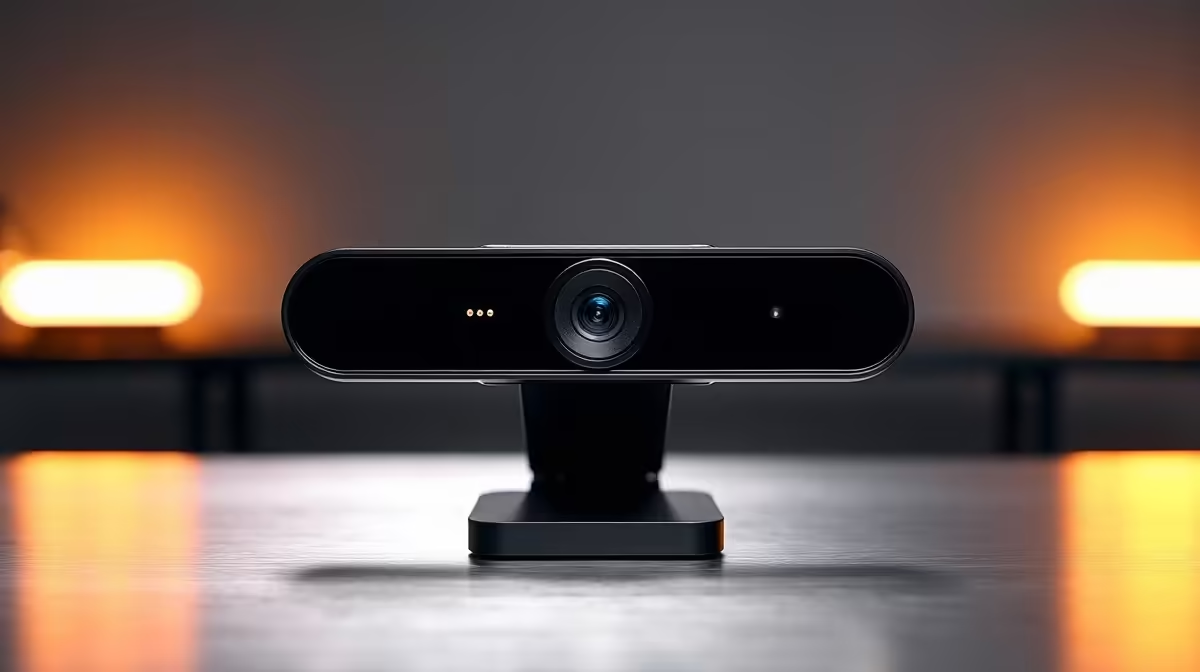
With audio sorted, let's talk visuals. You don't need a R20,000 DSLR camera to start. A reliable 1080p webcam will do the job beautifully, provided it has one crucial friend: light. Good lighting is the magic ingredient that makes affordable cameras look premium. A simple ring light or a single key light placed in front of you can dramatically improve your video quality, eliminating shadows and making the image pop.
Pro Lighting Tip 💡
Use the 'three-point lighting' principle on a budget. Place your main light (key light) slightly off to one side. Then, use a cheap lamp or even a white piece of cardboard on the other side to bounce light back and soften shadows (fill light). It’s a simple trick for a professional look.
Once you're comfortable, you can add some personality to your background. You don’t need a complete room makeover; a few customisable RGB lighting panels can add a splash of colour and a professional vibe to your space for a surprisingly low cost.
Finding Your Perfect Starter Kit
Building the best streaming setup with minimal gear is a journey, not a single purchase. Start with a great microphone, then add a good webcam and light as you go. The goal is to build a reliable, high-quality stream without needing a second bond on your house. You'd be amazed at what you can achieve by looking for bundles or focusing on one key piece at a time. In fact, you can find some seriously great streaming gear under R6000 that will have you sounding and looking like a pro from day one.
It proves that going live is more accessible than ever. By focusing on crystal-clear audio and effective lighting, your minimal gear for streaming will outperform setups that cost twice as much. Now all that's left is to build your community. ✨ Check out Evetech's range of streaming essentials to find the perfect components to begin your journey.
Ready to Go Live? Stop dreaming and start streaming. Find everything you need to build your perfect, budget-friendly setup in one place. Shop our full range of Streaming Essentials and get your voice heard today.









