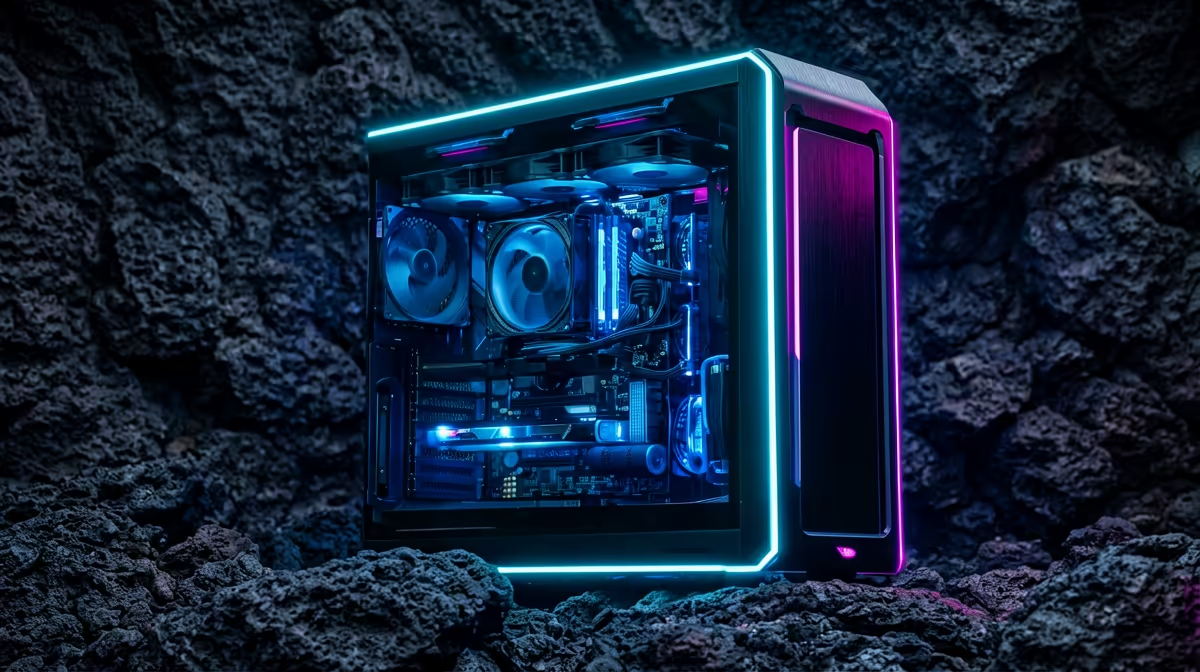
So, you want to build a gaming PC in South Africa? Welcome to the club! There's nothing quite like the feeling of booting up a machine you’ve planned and assembled yourself—a rig perfectly tailored to your games, your style, and your budget. But let's be honest, it can feel a bit daunting. Where do you even start?
This guide is your blueprint. We'll cut through the noise and give you the essential, no-nonsense advice for building a gaming PC in SA. 🚀
Why Build a Custom Gaming PC in SA?
Building your own gaming rig is about more than just parts; it's about control. You decide where to spend your money. Need raw processing power for strategy games and streaming? You can focus your budget there. All about buttery-smooth frame rates in the latest AAA titles? A top-tier graphics card becomes your priority. This level of customisation ensures you get the best possible performance for every Rand you spend.
The journey of building a gaming PC in South Africa is also incredibly rewarding. You'll gain a deeper understanding of the tech you use every day, making future upgrades a breeze.
Your Blueprint: The Core Components Explained
A powerful PC is a team of high-performance parts working in harmony. Getting the balance right is the secret to a great build. Here’s a breakdown of the key players.
The Brain: CPU (Central Processing Unit)
The CPU is the command centre of your PC, handling calculations, instructions, and system logic. For gaming, a faster CPU means better performance in complex, simulation-heavy games and smoother multitasking if you're streaming or running apps in the background.
The big debate is always between the two titans: Intel and AMD.
- Intel: Often praised for strong single-core performance, which is crucial for many games. A solid choice for pure gaming builds. Check out our range of powerful Intel-based PC deals to see what’s possible.
- AMD: Known for excellent multi-core performance, making them fantastic value for gamers who also stream, create content, or multitask heavily. Explore the latest AMD Ryzen gaming PCs for incredible versatility.
The Powerhouse: GPU (Graphics Processing Unit)
This is the component that gets gamers most excited, and for good reason! The GPU renders the images, textures, and worlds you see on screen. A better GPU means higher resolutions, more detail, and higher frame rates (FPS). It's the single most important part of your custom gaming rig in South Africa.
- NVIDIA GeForce: The market leader, famous for cutting-edge features like DLSS (AI-powered performance boosting) and stunning ray tracing effects. If you want the best visual experience, our NVIDIA GeForce gaming PCs are built to impress.
- AMD Radeon: A fierce competitor offering incredible performance-per-Rand, especially in the mid-range. Their FidelityFX Super Resolution (FSR) technology is an excellent alternative to DLSS. Our AMD Radeon gaming PCs deliver amazing value and power.
Pro Tip: Don't Skimp on the Power Supply! ⚡
Your Power Supply Unit (PSU) is the heart of your build, delivering clean, stable power to every component. A cheap, unreliable PSU can cause instability and even damage your expensive parts. Always choose a reputable brand with an 80 Plus Bronze rating or higher to ensure efficiency and peace of mind.
Memory (RAM) & Storage (SSD/HDD)
- RAM (Random Access Memory): Think of this as your PC's short-term memory. It allows your computer to quickly access data for the programs you're currently running. For modern gaming, 16GB is the sweet spot, while 32GB is great for future-proofing and heavy multitasking.
- Storage: This is your PC's long-term memory. A speedy Solid State Drive (SSD) is non-negotiable for your operating system and favourite games—it dramatically cuts down loading times. You can add a larger, more affordable Hard Disk Drive (HDD) for mass storage of media and less-played games.
The Smart Way to Build a Gaming PC
Assembling the parts yourself is one path. But what if you want the customisation without the headache of compatibility checks, cable management, and troubleshooting? That's where a professionally assembled PC comes in. You still choose the core components, but an expert handles the build process, ensuring everything works perfectly from day one.
This approach is especially smart for complex builds. A high-end gaming machine can easily double as a creative powerhouse for video editing or 3D rendering, and our range of customisable workstation PCs are perfect for those who work hard and play harder. ✨
Ready to Build Your Dream PC?
This guide gives you the blueprint, but Evetech provides the tools. Skip the compatibility headaches and let our experts do the heavy lifting. Use our powerful online PC Builder to design your perfect rig, and we'll assemble, test, and deliver it to your door.
Start designing with the Evetech PC Builder now!