Quick Answer
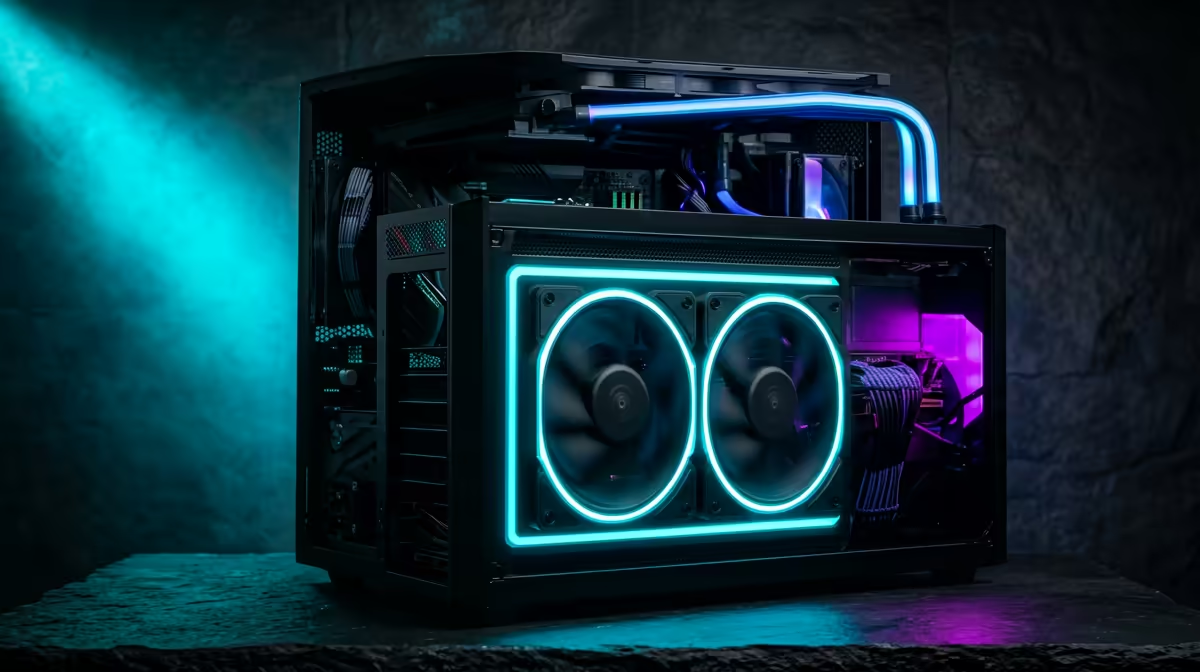
Pairing a 480Hz esports rig with 4K video editing requires a secondary 4K display for the actual editing work — no current 480Hz panel is 4K. For the editing side, a Ryzen 9 7900X, RTX 4070 Ti, 64GB DDR5, and 2TB PCIe 4.0 NVMe handles 4K H.265 timelines in DaVinci Resolve smoothly, while the 480Hz 1080p display serves competitive esports — total build cost around R65,000.
The Display Setup: Two Monitors is the Practical Answer
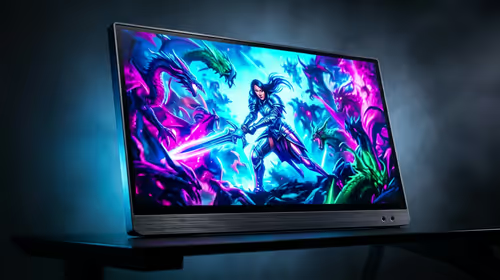
A 480Hz 1080p panel is the current format for 480Hz monitors. For 4K colour grading and editing, you need 4K pixels — a single 480Hz monitor simply can't serve both use cases simultaneously. A two-monitor setup (480Hz 1080p for gaming + 4K IPS for editing) is the professional solution. Budget an additional R6,000–R14,000 for a quality 4K IPS editing panel.
Hardware for 4K Editing Alongside 480Hz Gaming
DaVinci Resolve at 4K demands NVMe storage, CUDA GPU acceleration, and 64GB RAM for RAW workflows. A PCIe 4.0 2TB NVMe (R1,600) delivers 5,000 MB/s — sufficient for uncompressed 4K playback. The RTX 4070 Ti (R20,000) handles 4K CUDA-accelerated noise reduction and colour science in Resolve without proxy media on most project complexities. 64GB DDR5 (~R4,800) prevents out-of-memory errors on complex Fusion compositing.
The Ryzen 9 7900X (12 cores, ~R10,500) encodes a 10-minute 4K H.265 export 45% faster than a 6-core chip via both software and NVENC encoding — meaningful for high-volume SA YouTube creators on tight upload schedules.
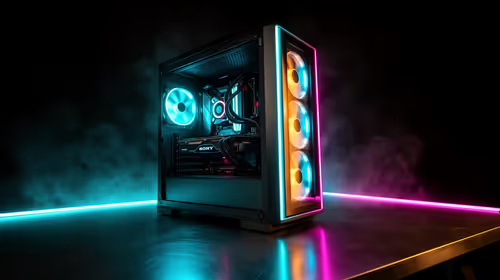
Sample Build: ~R65,000
- CPU: Ryzen 9 7900X — ~R10,500
- Motherboard: MSI X670E CARBON WiFi — ~R6,500
- RAM: 64GB DDR5-5600 — ~R4,800
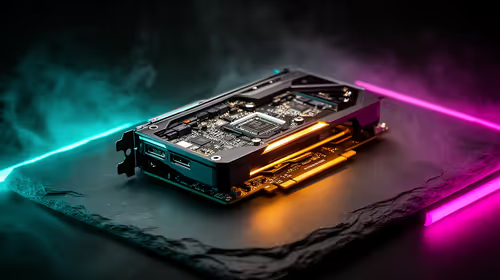
- GPU: RTX 4070 Ti — ~R20,000
- SSD: 2TB PCIe 4.0 NVMe — ~R1,600
- HDD: 4TB — ~R1,400
- Case + 850W 80+ Gold PSU — ~R4,000
- Monitor 1: 24" 1080p 480Hz IPS — ~R9,500
- Monitor 2: 27" 4K IPS — ~R8,000
- Total: ~R66,300
FAQ
Can a 480Hz monitor display 4K content from a 4K timeline?
No — a 1080p 480Hz panel outputs 1920×1080 maximum. Editing a 4K timeline on it results in a downscaled preview, which is acceptable for rough cuts but not for final colour grading. Always grade on a native 4K display for accurate output.
Is a Ryzen 9 vs Ryzen 7 meaningful for 4K video editing?
Yes — a Ryzen 9 7900X (12 cores) encodes H.265 4K exports 35–45% faster than a Ryzen 7 7700X (8 cores) in software-encode workflows. For NVENC hardware encode, the gap narrows to 10–15%. For a busy editing schedule, the extra R3,700 for the 7900X saves real time daily.
What frame rate should 4K timelines be exported at for YouTube from SA?
YouTube recommends 30fps or 60fps for 4K content. At 60fps, a 10-minute 4K H.265 export from DaVinci Resolve takes approximately 10–14 minutes on an RTX 4070 Ti with NVENC. On a fast Openserve or Vumatel FTTH connection, a 4K 40 Mbps file uploads in under 3 minutes.
Resolve, set your project frame rate before importing any 4K media — Resolve matches the timeline frame rate to your project setting, and mismatched settings cause frame-doubling artifacts on export. Set it once at project creation and don't change it mid-project.