Most South African households chasing a faster network aim their frustration at the wrong link. A South African home network running slower than expected is rarely the fibre line's fault, since even a modest local package uses a fraction of what modern hardware can carry between your own devices. The real speed gain sits between the machines already in the house, not between the house and the exchange.
Quick Answer
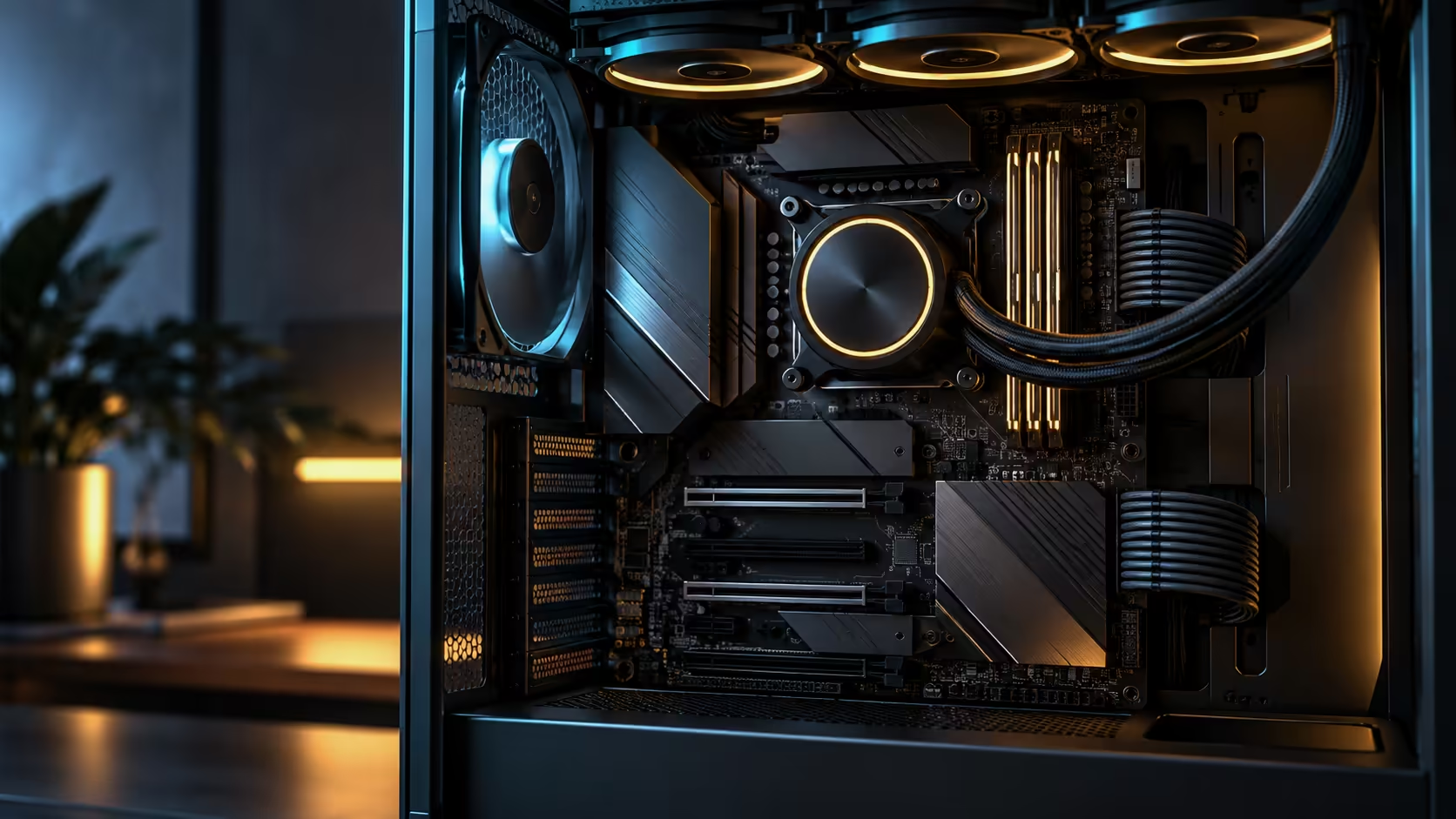
A standard 1Gbps Openserve or Vumatel fibre package uses roughly a tenth of a single 10Gb port's capacity, so upgrading your internet line is not the fix for a slow local network. Build the fast segment between your own machines instead, using Cat6a cabling and, once a third device joins, a small 10Gb switch. This board, from the AMD motherboard range, handles both jobs from the same two ports at once, at R54,999, so the internet connection and the local fast link never compete with each other.
🌐 Your fibre line was never the bottleneck
A 1Gbps fibre package, common across South African metros, tops out at roughly 125 megabytes per second in real-world terms, well within what a single Ethernet port a fraction of this board's rated speed could carry. Pointing a 10Gb port at your router does nothing extra for browsing, streaming, or general internet use, because the fibre line itself is the actual ceiling, not the port speed on either end.
That is worth knowing before spending on a faster internet package purely to "use" a fast network card. The upgrade that actually changes daily experience is the one between devices inside the house, where no ISP or exchange limit applies at all.
🔌 Building the fast segment with Cat6a
Cat6a cabling handles 10Gb comfortably across typical home distances, and it costs relatively little per metre compared to the hardware at either end of the run. Running a length between this PC and a NAS, a second workstation, or a media server turns a task like moving a large backup or a media library from a slow overnight job into something that finishes while you make coffee.
Two devices connected directly need nothing more than the cable itself; the connection negotiates on its own without a switch in between. That is the cheapest possible version of a fast home network and the one most South African households actually need, since most homes have one PC and one NAS or server rather than a rack of machines.
🖧 Adding a switch once the network grows
A small network switch becomes worthwhile the moment a third device joins the fast segment, since a direct point-to-point link only serves two devices at a time. Choosing one rated for at least 2.5Gb or 10Gb on its uplink ports preserves the speed gain rather than accidentally bottlenecking it back down to gigabit at the switch itself, which is an easy mistake when shopping by price alone.
Run network cabling in Cat6a throughout the fast segment, even for shorter runs, since the price difference over Cat5e is small and it removes any doubt about whether a given run can sustain the full rate.
🏠 What this actually looks like in a typical home
A realistic setup: the router handles internet for every device in the house over Wi-Fi and a standard gigabit port, completely unaffected by anything described here. A direct Cat6a run connects this PC's second 10Gb port straight to a NAS in the same room or one floor away, carrying backups, media and large file transfers at a speed the fibre line was never going to offer regardless of package.
That split, one network for the internet and one for fast local transfer, is the practical shape of a genuinely fast South African home network, and it costs a cable and, eventually, a modest switch rather than a more expensive fibre package that would not have solved the actual bottleneck anyway.
Frequently Asked Questions
Will a faster fibre package speed up file transfers between my own devices?
No. A faster internet package only affects traffic to and from the internet; transfers between your own devices on the same network are governed by your local wiring and hardware, not your ISP package.
Do I need a switch for a two-device fast network?
No. A direct cable between two 10Gb-capable devices negotiates the connection without any switch in the middle.
What cable should I use for a 10Gb home network segment?
Cat6a, which comfortably sustains 10Gb over typical home distances and costs little more than lower-rated cable.
What should I check when buying a switch for this kind of network?
Confirm its uplink ports are rated for at least 2.5Gb or 10Gb, since a gigabit-only switch would undo the speed gain from the faster cabling and ports.
Does this setup require any special router configuration?
No. The fast local segment operates independently of the router and your internet connection, so no router settings need to change.
Ready to build the network upgrade that actually changes your daily speed?
Run a direct Cat6a link between your fastest devices first, and leave your fibre package exactly as it is.