Quick Answer
The cheapest 144Hz 1440p build for strategy and sim games in SA starts at R32,000 — a Ryzen 7 7800X3D with an RTX 4070 and 32GB DDR5-6000 covers the CPU bottleneck that strategy games impose in late-game, while delivering 80–120 fps at 1440p high settings in Total War: Warhammer III and Microsoft Flight Simulator. The 3D V-Cache on the 7800X3D specifically benefits CPU-bound strategy scenarios.
Why Strategy Games Need More CPU Than You Think
Total War, Age of Empires IV, Civilization VII, and Microsoft Flight Simulator are CPU-intensive in ways most games aren't — large battle unit AI, end-turn processing, and simulation physics all run on CPU threads rather than the GPU. A Ryzen 5 7600X delivers acceptable performance in smaller battles but shows frame rate drops in late-game large engagements. The Ryzen 7 7800X3D's 3D V-Cache adds 15–25% fps in these CPU-bound scenarios specifically.
For MSFS at 1440p ultra, a 7800X3D + RTX 4070 averages 70–95 fps — within FreeSync range of a 144Hz display. Below this CPU tier, MSFS drops to 50–65 fps in complex scenery, which feels noticeably choppy.
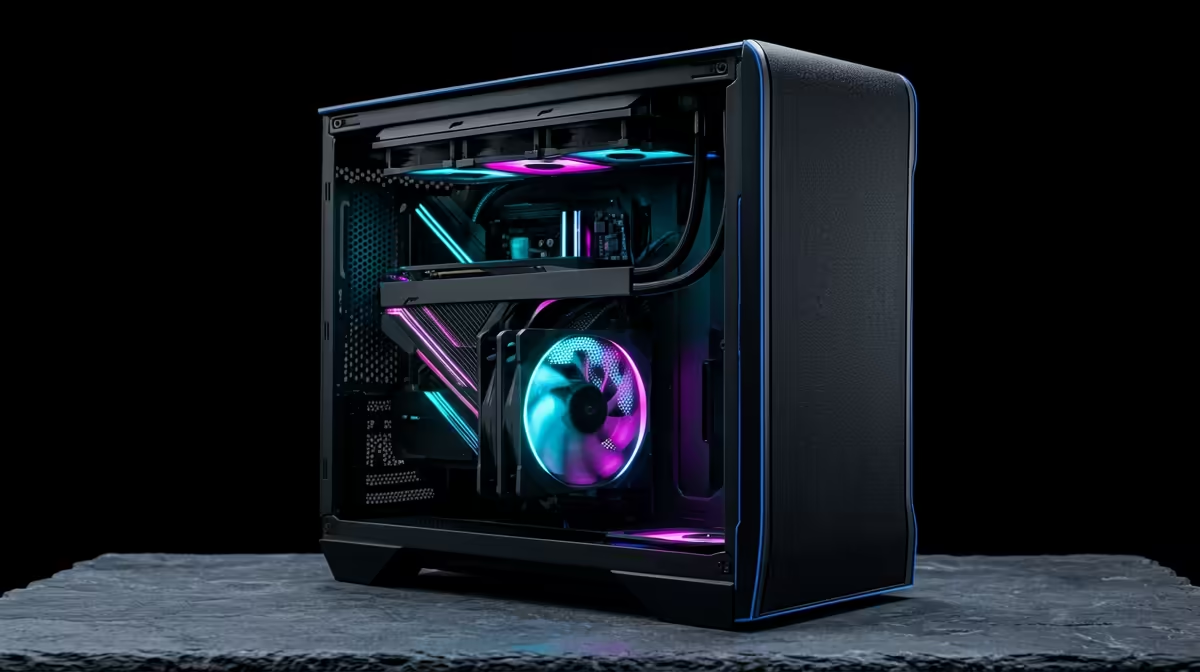
Build List: ~R32,000
- CPU: Ryzen 7 7800X3D — ~R9,500
- Motherboard: MSI X670-P PRO WiFi — ~R4,200
- RAM: 32GB DDR5-6000 — ~R3,200
- GPU: RTX 4070 — ~R16,000
- SSD: 2TB PCIe 4.0 NVMe — ~R1,600
- Case + 750W 80+ Gold PSU — ~R3,000
- Total: ~R37,500
FAQ
Is the RTX 4070 sufficient for 1440p 144Hz strategy gaming?
For strategy titles specifically, yes — Total War, Age of Empires, and Civilization are not GPU-intensive at 1440p. The RTX 4070 delivers 80–120fps in these titles at 1440p ultra settings, with the CPU being the performance floor. Microsoft Flight Simulator is the exception — it demands GPU compute at 1440p ultra and the RTX 4070 averages 70–90fps, which is comfortable on a 144Hz FreeSync panel.
Why is DDR5-6000 important for a 7800X3D strategy gaming build?
The Ryzen 7 7800X3D's Infinity Fabric runs at optimal speed when RAM is at DDR5-6000 — the FCLK aligns at 3000 MHz, maximising cache bandwidth. In CPU-intensive strategy games, the 6–10% performance gain from DDR5-6000 over DDR5-4800 translates directly into better late-game frame rates in Total War and Civilization VII end-turn speed.
Does Microsoft Flight Simulator run at 144Hz on this build at 1440p?
At 1440p ultra settings, MSFS averages 70–90fps on a 7800X3D + RTX 4070 — below 144fps but above 60fps. FreeSync/G-Sync on the monitor makes this range feel smooth. Reducing one setting tier (High instead of Ultra) bumps the average to 90–110fps. The 144Hz display still benefits from reduced input latency compared to 60Hz.
Flight Simulator, go to Graphics Options and set the "LOD Terrain and Objects" sliders to 150 rather than 200 — this alone recovers 15–25fps at 1440p on most hardware without a visible quality loss at typical flight altitudes, keeping the 144Hz display better fed in dense urban areas.