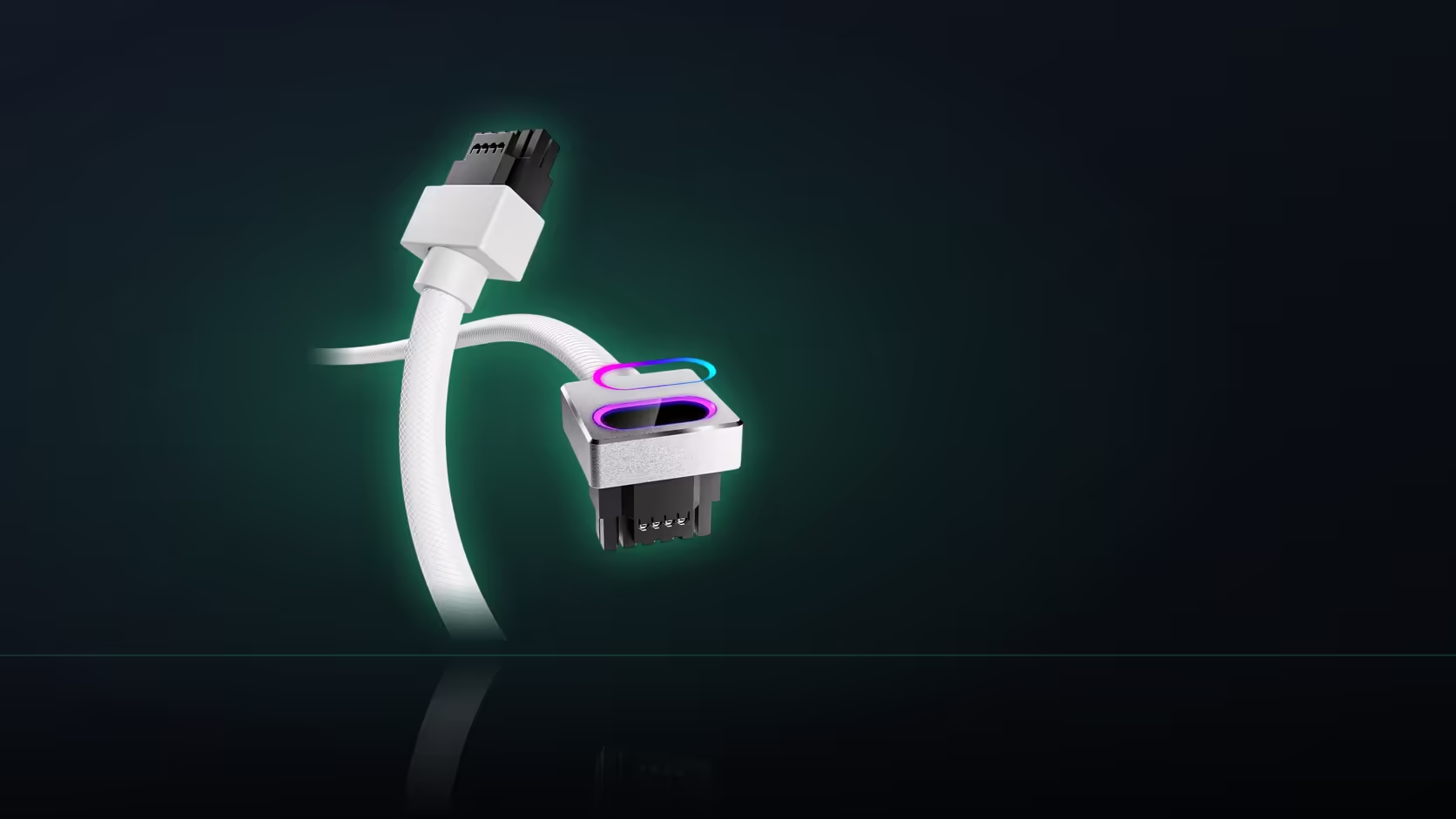
Half-checked compatibility is the most common way a Hydrus 16-pin cable order goes sideways. An RTX 5070 build looks settled the moment the card is confirmed compatible, and that confirmation is real - but it only answers one of two questions this cable asks, and the second one sits on the power supply side of the case, not the graphics card box.
Quick Answer
At R699 in black or white, the AsiaHorse Hydrus 16-pin (12VHPWR) cable plugs directly into a power supply's native 16-pin port and is rated 480W. The RTX 5070 is on AsiaHorse's compatible list alongside the RTX 5080 and the RTX 40-series, but the cable still needs that dedicated supply-side socket before it can be fitted - card compatibility and supply compatibility are two separate checks.
Reading a parts list correctly
A typical parts list names the card, the case, the motherboard, storage and the power supply as separate line items, and it is easy to treat the RTX 5070's presence on that list as proof the whole cable question is closed. It is not. The card confirms one half: it is a 12VHPWR card AsiaHorse names as supported, which is genuinely useful information. What it does not confirm is anything about the power supply line on the same list - whether that specific unit carries a native 16-pin socket on its modular panel.
Those two checks live in different places and answer different questions. The card check is settled by AsiaHorse's own compatibility statement. The supply check is settled by that unit's own specification sheet, which lists its available modular sockets.
Where the supply information actually is
Most power supply listings state their modular connections explicitly, which means the native-port question is usually answerable before anything physical is assembled - you do not need the unit in hand to find out. Look for a native 16-pin or 12VHPWR socket called out specifically, separate from the eight-pin PCIe positions the same unit will also carry. If the specification does not mention a 16-pin socket at all, treat that as a strong signal the cable will not have anywhere to plug in.
Two supplies to be specifically cautious with
If the parts list names a Lian Li or Sharkoon power supply, there is an additional step beyond the port check. AsiaHorse reports elevated damage with this cable on those two brands specifically, and recommends a different pairing where either is involved. It is not a claim that the cable is faulty in general - it is a caution about that particular combination - and the practical response is straightforward: keep the cable that shipped with a Lian Li or Sharkoon unit rather than fitting this one.
The rating question, once compatibility clears
Once both the card and the supply check out, there is a third figure worth reading rather than assuming: what the RTX 5070 actually draws under load, set against the cable's own 480W rating from AsiaHorse. The compatible-list entry tells you the card and cable are meant to work together; it does not by itself state that the card's draw sits comfortably inside the cable's rating. Pulling the card's published power figure and comparing it directly is a five-minute check worth doing before the parts list is finalised, particularly on higher-draw configurations.
What to do if the supply is undecided
If the power supply line on your parts list is still open, hold the cable back rather than adding it speculatively. A cable ordered ahead of the supply decision risks arriving to a unit with no matching socket, and there is no adapter path that makes this particular product work around that gap. Settle the supply first, confirm its modular sockets, then add the cable once the pairing is known to work.
Length belongs on the same checklist
One more line worth adding while you are validating the parts list: the 50cm length has to cover the entire run from the supply's modular socket to the card, since this is a direct replacement cable rather than an extension with slack built in. Case layout, where the supply sits, and how the card is mounted all affect whether that measurement actually works out - it is worth a rough check with a length of string along the intended path before the order goes in.
Once the supply, the card and the route are all confirmed, browse the comprehensive cable solutions range to see the cable alongside its sibling extensions, and check graphics card accessories for anything else the build still needs.
Frequently Asked Questions
Does confirming the RTX 5070 settle the whole compatibility question?
No, only the card half. The power supply still needs its own native 16-pin socket, checked separately from the card.
Where do I find whether my supply has the socket?
On its own specification sheet, which lists the modular connections it provides, or by inspecting the modular panel directly.
Are there specific power supplies to avoid pairing with this cable?
AsiaHorse names Lian Li and Sharkoon as showing elevated damage reports with this cable and recommends a different pairing for those brands.
Does the RTX 5070's draw fit inside the cable's rating automatically?
AsiaHorse rates the cable at 480W as a separate figure from the card's own draw; comparing the two directly is worth doing rather than assuming.
What if the power supply is still undecided on my parts list?
Hold the cable until the supply is settled - ordering it ahead of that decision risks a unit with no matching socket.
Does case choice matter for this cable?
Mainly for routing. The 50cm length has to cover the whole run from the supply socket to the card, which depends on the layout.
Is the RTX 5090 covered by the same list as the 5070?
No. AsiaHorse explicitly excludes the RTX 5090 from this cable's compatibility, even though the connector type is shared.
Building around an RTX 5070 and still confirming your power supply?
Check its modular sockets against this cable's requirement, then browse Evetech's power supply range to close the gap.