Quick Answer
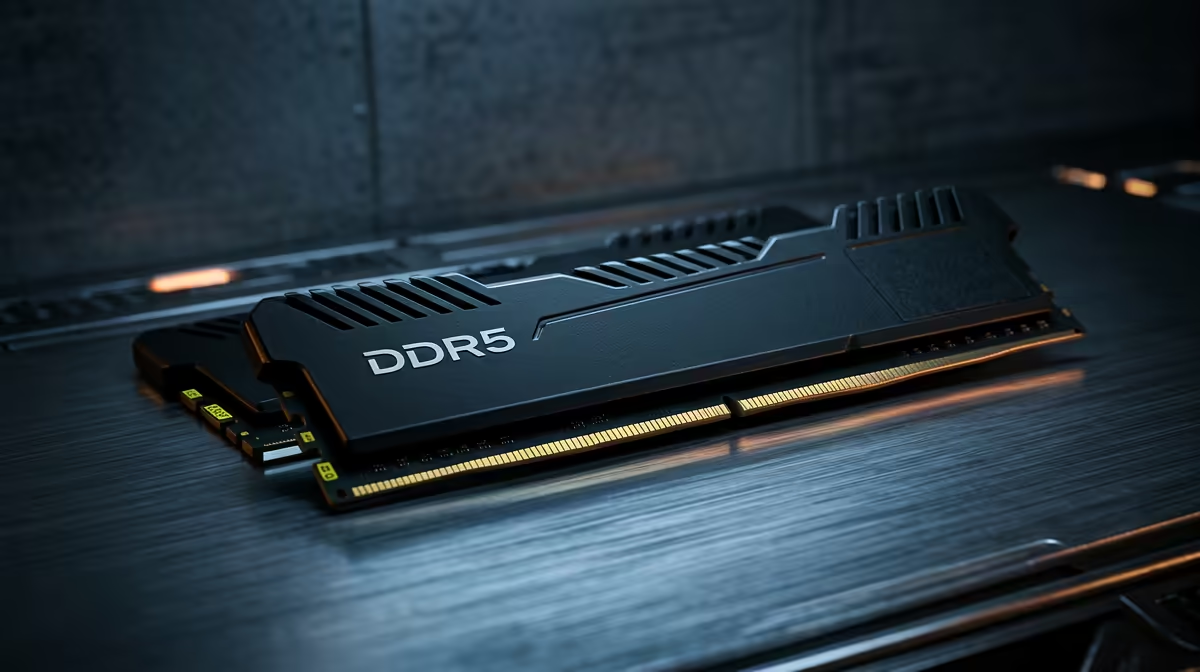
Coming from console, 32GB DDR5-6000 is the right first PC memory and a clear step up from a console's shared 16GB. A 2x16GB DDR5-6000 CL30 kit (about R1,400 to R2,200 currently stocked at Evetech) pairs cleanly with AM5 (Ryzen 7000/9000) or LGA1700 boards.
DDR5 Speed And Timings That Matter In SA
On AM5, DDR5-6000 with CL30 timings is the documented sweet spot because it syncs cleanly with the Ryzen memory controller; pushing to DDR5-6400 often forces a slower 1:2 ratio and loses the gain. On Intel LGA1700, DDR5-6000 to DDR5-6400 both run well. Always enable EXPO (AMD) or XMP (Intel) in BIOS, or the kit defaults to a sluggish 4800MT/s. For raw capacity, 32GB suits gaming and 64GB suits heavy creative or engineering loads.
Capacity Versus Speed For Your Workload
For console-to-PC switching: upgrade path from starter, decide capacity before chasing megatransfers. Gaming barely benefits past 32GB, so the money is better spent on the GPU. Editing, simulation, VMs and large datasets benefit from 64GB because running out of RAM forces slow disk swapping that no amount of clock speed fixes. Buy a matched kit (2x16GB or 2x32GB) rather than mixing modules, since mismatched sticks can drop to slower speeds or fail to post.
FAQ
Is DDR5-6000 CL30 really the sweet spot?
On AM5, yes. It matches the Ryzen memory controller's ideal 1:1 ratio, so you get the rated speed without instability. On Intel both DDR5-6000 and DDR5-6400 run well; a good 32GB kit costs about R1,400 to R2,200 currently stocked at Evetech.
Do I need 32GB or 64GB of DDR5?
32GB covers gaming and everyday creative work. Choose 64GB for 4K video editing, large simulations, several VMs, or heavy multitasking, where running out of memory forces slow disk swapping.
Can I mix my old RAM with a new DDR5 kit?
Avoid it. Mixing brands, sizes or speeds can drop the whole set to a slower speed or stop the PC posting. Buy a single matched 2x16GB or 2x32GB kit and enable EXPO or XMP for the rated speed.
matched 2x16GB DDR5-6000 CL30 kit, enable EXPO or XMP in BIOS, and only move to 64GB if your real workload exceeds 32GB.