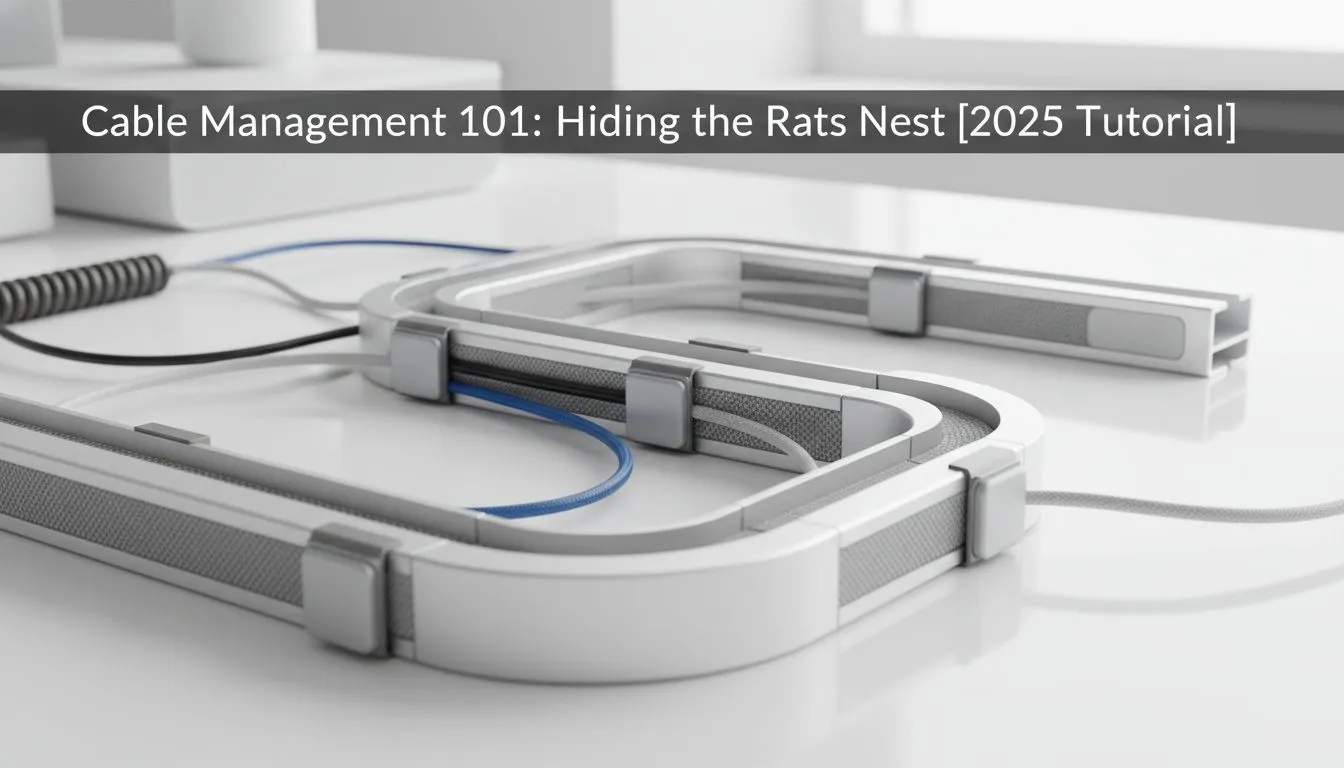
Is your desk buried under a spaghetti monster of cables? You’re not alone. In South Africa, between our rigs, peripherals, and the essential an unexpected outage UPS, our setups can quickly become a chaotic 'rats nest'. But a clean, organised desk isn't just for pro streamers. Proper desk cable management boosts focus, improves airflow, and makes your entire battle station feel more premium. Let's get it sorted. ✨
Why Good Desk Cable Management is Non-Negotiable
Before we dive into the how, let's talk about the why. Taming that tangle of wires isn't just about looks; it delivers real, practical benefits for any serious PC user.
- Improved Airflow: Cables dangling behind your PC can obstruct exhaust fans, trapping hot air. A clean setup allows your machine to breathe properly, potentially leading to lower temps.
- Easier Cleaning & Maintenance: Dust bunnies love a good cable nest. A tidy desk is a breeze to wipe down, and when it's time to upgrade a component, you won't have to spend an hour untangling wires first.
- Reduced Trip Hazards: It sounds simple, but a stray power or network cable is a safety risk. Securing them keeps you, your family, and your expensive gear safe.
- Mental Clarity: A cluttered space can lead to a cluttered mind. A clean, organised gaming environment helps you focus on what matters… winning.
Your Essential Cable Taming Toolkit
You don't need a massive budget to achieve great results. A few key items are all it takes to start your desk cable management journey. Think of it as an investment in your setup's sanity.
The absolute basics include:
- Velcro Cable Ties: Infinitely reusable and much gentler on your cables than traditional plastic zip ties.
- Cable Sleeves: These zip-up or wrap-around tubes are perfect for bundling a group of cables (like those from your PC to your monitor) into one thick, clean-looking conduit.
- Adhesive Cable Clips/Mounts: Small, sticky clips that are perfect for guiding a single cable along the edge of a desk or leg.
Of course, the best cable management starts with a good foundation. Many modern quality computer cases are designed with deep channels and plenty of tie-down points to make this process much simpler from the inside out.
The Ultimate Guide to Hiding Desk Cables 🚀
Ready to transform your desk? Follow these steps for a setup that looks professional and is easy to manage.
Step 1: The Great Disconnect
It feels like a hassle, but trust us: unplug everything. You can't properly organise what's already tangled. Lay out all your cables and group them by function—power, display, USB peripherals, etc. This is your chance to get rid of any cables you no longer need.
Step 2: Master Your PC Case First
Your PC is the heart of the setup, and its internal tidiness sets the stage. A well-designed case provides channels and hidden compartments specifically for cable management. For instance, premium brands like Fractal Design are legendary for their minimalist aesthetic and brilliant cable routing options, making it simple to build a clean-looking machine from the start.
Cable Labelling Pro Tip 🔧
Before you plug everything back in, use small labels or coloured tape to mark both ends of each cable (e.g., 'Monitor Power', 'Mouse USB'). It seems like a small thing, but you'll thank yourself months later when you need to troubleshoot or swap a component without having to trace every single wire back to its source.
Step 3: Go Undercover (Beneath the Desk)
This is the biggest secret to elite desk cable management. Mount your power strip to the underside of your desk using heavy-duty double-sided tape or a dedicated under-desk tray. This gets the bulky power bricks and excess cable length completely out of sight, instantly decluttering your floor space.
Step 4: Bundle, Sleeve, and Route
With your power source hidden, start running your cable groups. Bundle the cables running from your PC to your monitors using a cable sleeve. This turns a messy handful of wires into one neat trunk. The design of your chassis plays a big role here; many Gamdias gaming cases offer generous cutouts and space behind the motherboard tray to help you guide these bundles cleanly.
For any remaining visible cables, use adhesive clips to trace them along the back edge or legs of your desk. The goal is to make them follow the existing lines of your furniture, making them virtually disappear. And remember, you don't need to break the bank for a clean build; even starting with one of these great budget-friendly cases under R1500 can set you on the right path to an organised setup.
Ready to Build a Cleaner Battle Station?
A tidy desk starts with a tidy PC. The right case provides the foundation for perfect cable management, better airflow, and a setup you'll be proud to show off. Explore our massive range of PC cases and find the perfect chassis for your dream build today.