Is your PC sounding like a jet engine trying to take off every time you hit 'render'? We've all been there. Staring at a lagging timeline while the South African summer heat turns your workspace into a sauna is a special kind of creative frustration. The good news? You don't need to break the bank to fix it. Building or buying a powerful, cool-running editing PC under R30k is entirely possible with a bit of smart planning.
Why Your PC Hates Summer (And How to Fix It)
When your computer's components work hard—like when encoding a 4K video—they generate a lot of heat. If that heat isn't removed efficiently, the system protects itself by slowing down. This is called thermal throttling, and it's the number one enemy of a smooth editing workflow.
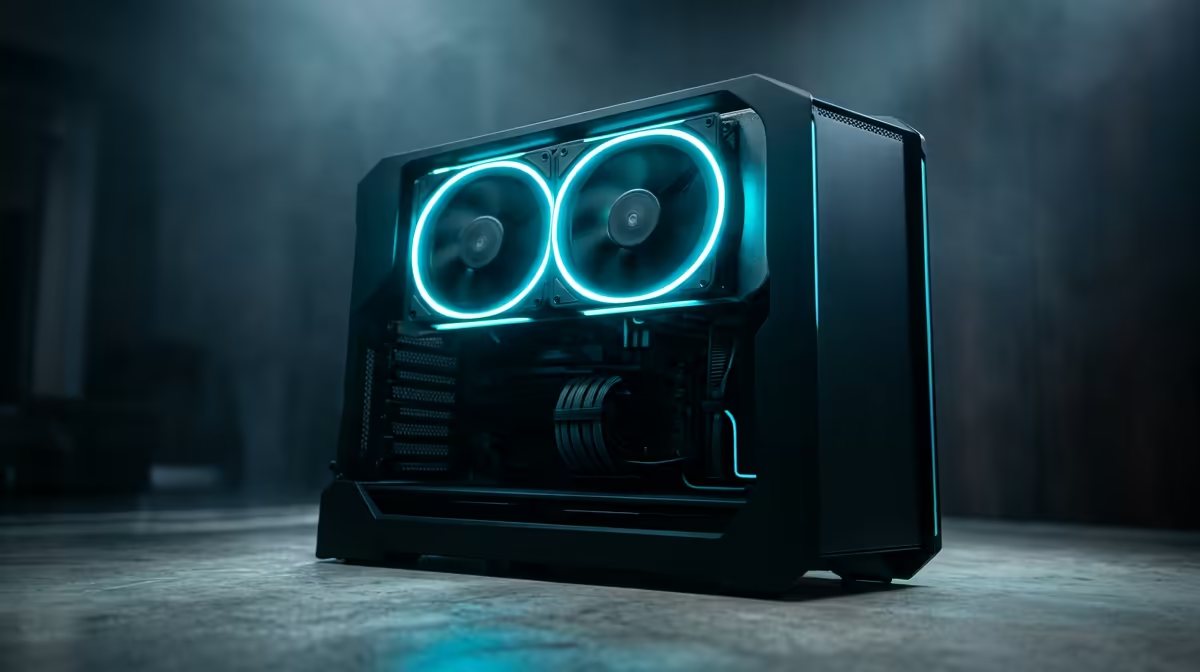
A great editing PC under R30k isn't just about raw power; it's about sustained performance. This means prioritising components that work well together and a case that actually breathes. Forget fancy RGB lights if the front panel is a solid piece of glass; airflow is king, especially when the ambient temperature is already climbing.
Core Components for Your Editing PC Under R30k
Getting the balance right is everything. For creative work, your CPU, GPU, and RAM do the heavy lifting. Here's where to focus your budget for a killer video editing rig.
The CPU: Your Editing Engine ⚙️
The Central Processing Unit (CPU) is the brain of your operation. For video editing, you want a good mix of high clock speeds (for smooth timeline scrubbing) and multiple cores (for faster rendering).
- Intel: Processors like the Core i5 series are fantastic because of Intel Quick Sync Video, a feature that dramatically accelerates encoding and decoding in apps like Adobe Premiere Pro.
- AMD: Ryzen 5 and Ryzen 7 CPUs often offer more cores for your money, which can give you an edge in pure rendering performance.
You don't need a top-tier chip to get started. Many powerful and affordable systems, including some PCs under R20k, feature CPUs that are more than capable of handling 1080p and even light 4K editing.
The GPU: More Than Just for Gaming
Your Graphics Processing Unit (GPU) or graphics card isn't just for playing Helldivers 2. In modern editing software, the GPU accelerates effects, colour grading, and timeline playback. A card with at least 8GB of VRAM is a solid target. Look for NVIDIA's RTX 3050/4060 or AMD's RX 6600/7600 series, which offer excellent performance for their price. These are often found in well-balanced budget gaming PCs that double perfectly as editing machines.
Editing Workflow Pro Tip ⚡
Use proxies! Most editing software lets you create low-resolution copies of your high-res footage. Editing with these 'proxies' is much smoother and less demanding on your hardware. When you're ready to export, the software automatically switches back to the original high-quality files. It’s a simple trick that saves a ton of frustration.
RAM & Storage: The Unsung Heroes
For video editing, 16GB of RAM is the absolute minimum, but 32GB is the sweet spot for an editing PC under R30k. It allows you to multitask with other apps like After Effects or Photoshop without your system grinding to a halt.
For storage, a fast NVMe SSD is non-negotiable. Installing your operating system, editing software, and current project files on an NVMe drive will make your entire system feel incredibly responsive.
The Secret Sauce: Airflow and Cooling 🌬️
This is where you beat the heat. A PC case with a mesh front panel is your best friend, allowing cool air to be pulled in easily. Pair that with a decent set of case fans and a capable aftermarket CPU cooler (even a good air cooler is often better than the stock one). These features are common in well-designed systems, especially when you look at PCs above the R20k mark, where thermal performance becomes a key selling point.
Pre-Built vs. DIY: The Smart Choice
Building a PC yourself can be rewarding, but it also comes with risks. Sourcing parts, ensuring compatibility, and troubleshooting can be a headache. A professionally assembled pre-built PC offers peace of mind. It’s tested, warrantied, and ready to go right out of the box.
Often, the best gaming PC deals provide the perfect balance of CPU and GPU power that creative professionals need. You get a machine optimised for performance and thermals, saving you the time and stress of building it yourself. By keeping an eye on the latest pre-built PC deals, you can often find a perfectly configured editing rig well within your R30,000 budget.
Ready to Create Without Compromise?
Building the perfect editing PC is about balancing power, cooling, and budget. For a machine that's expertly built, stress-tested, and ready to handle any project you throw at it, Evetech has you covered. Explore our massive range of pre-built PC deals and find the perfect rig to bring your vision to life.