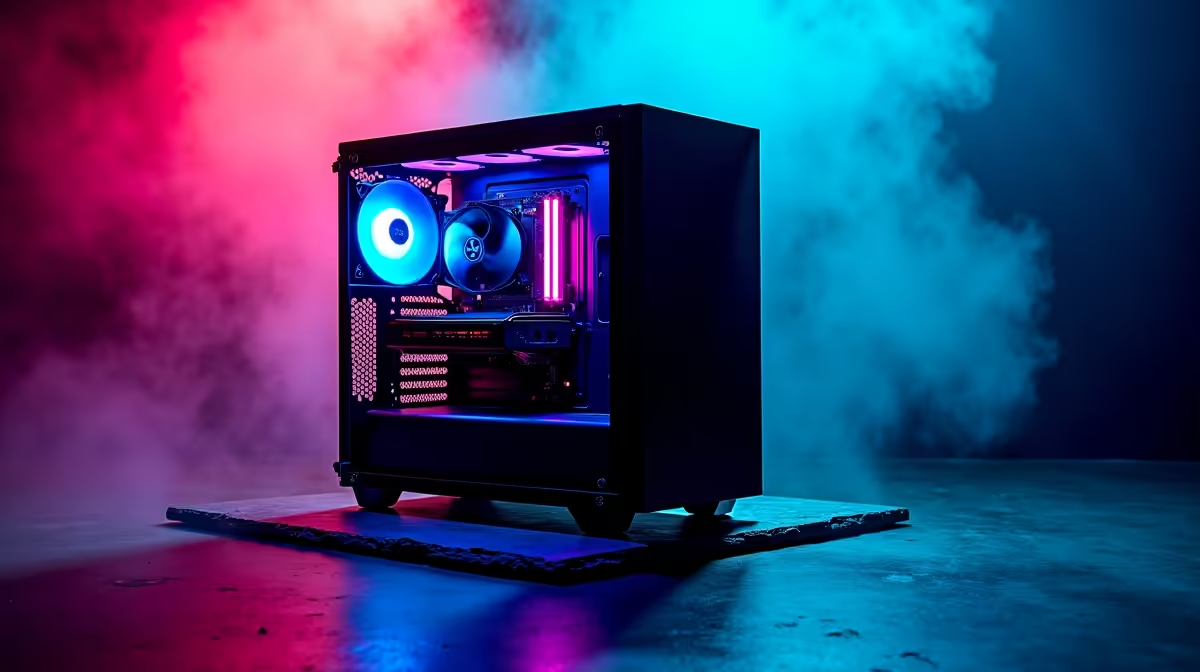
Lekker, you’ve just unboxed your beast of a new PC. The RGBs are glowing, the frame rates are soaring... but after a few hours of dominating in Valorant or grinding through a work project, the aches set in. That nagging pain in your back, the tingle in your wrist. Sound familiar? A truly ergonomic PC build isn't just about a fancy chair; it’s a complete system designed for comfort, health, and peak performance, right here in South Africa.
Your Core Components: The Foundation of Comfort
Before we even get to peripherals, the heart of your machine plays a role in your comfort. Building an ergonomic PC build starts with choices that make your life easier and your environment calmer.
Think about your PC case. Is it tucked away under your desk? A case with top-mounted USB and audio ports saves you from constantly bending and fumbling for connections. The size also matters. A massive full-tower might look impressive, but a sleek mid-tower could free up valuable legroom.
Then there's the noise. 🎧 The constant drone of high-speed fans can be incredibly fatiguing during a long session. Investing in quiet case fans, a quality air cooler, or an All-in-One (AIO) liquid cooler creates a more peaceful space. Many pre-built systems, like these well-optimised AMD Radeon gaming PCs, are designed with excellent thermal and acoustic performance in mind from the start.
The Holy Trinity: Monitor, Keyboard, and Mouse
These are your primary points of contact with your digital world. Getting them right is non-negotiable for a comfortable and ergonomic setup.
Monitor Matters Most
Your screen is your window to everything. If it's positioned incorrectly, you're setting yourself up for neck and eye strain.
- Height: The top bezel of your monitor should be at or slightly below your eye level. You shouldn't have to tilt your head up or down. A monitor arm is a fantastic investment for precise, easy adjustment.
- Distance: Sit about an arm's length away from your screen. If you find yourself leaning in to read text, rather increase the scaling in your OS settings.
- Refresh Rate: A higher refresh rate (144Hz+) isn't just for gaming. It provides a smoother experience for everything, making motion clearer and reducing eye fatigue. It's a standard feature on most modern powerful NVIDIA GeForce gaming PCs for a reason.
Keyboard and Mouse: Your Hands-On Tools
Standard flat keyboards and generic mice can force your wrists into unnatural angles.
- Keyboards: An ergonomic keyboard might look strange, but its split or tented design keeps your wrists straight. Mechanical keyboards with lighter switches (like Cherry MX Reds) can also reduce finger fatigue over long typing or gaming sessions.
- Mice: A mouse that’s too small or large for your hand causes cramping. Consider a vertical mouse, which puts your hand in a more natural "handshake" position, relieving pressure on the carpal tunnel.
Cable Management Pro Tip 🔧
A clean desk is a calm desk. Use cable sleeves, velcro ties, and under-desk cable trays to hide your wires. This not only looks better but prevents you from accidentally kicking a loose power cable during a crucial moment. A tidy setup reduces mental clutter and contributes to your overall ergonomic comfort.
Beyond the Desk: Optimise Your Environment
Your hardware is only half the battle. Your physical space is just as crucial for creating the ultimate ergonomic PC build. The goal is to support your body, not force it into an uncomfortable position.
Your chair and desk are the obvious heroes here. Adjust your chair so your feet are flat on the floor and your knees are at a 90-degree angle. Your elbows should also be at roughly a 90-degree angle, with your forearms parallel to the floor. If this means your feet are dangling, a simple footrest can work wonders. ✨
Lighting is another unsung hero. Avoid placing your monitor with a bright window directly behind it, as this creates glare. Use a combination of soft, ambient room lighting and a dedicated desk lamp or monitor light bar to illuminate your workspace without shining directly into your eyes. This simple change can drastically reduce eye strain. This philosophy of a well-designed environment is just as important for gaming rigs as it is for dedicated workstation PCs where focus is paramount.
Ready to Build for Comfort and Performance? 💪
An ergonomic setup is the smartest upgrade you can make for your health and your K/D ratio. Stop fighting your gear and start building a PC experience that works for you, not against you. Use our Custom PC Builder to configure a machine that’s powerful, quiet, and the perfect foundation for your ultimate comfort zone.