


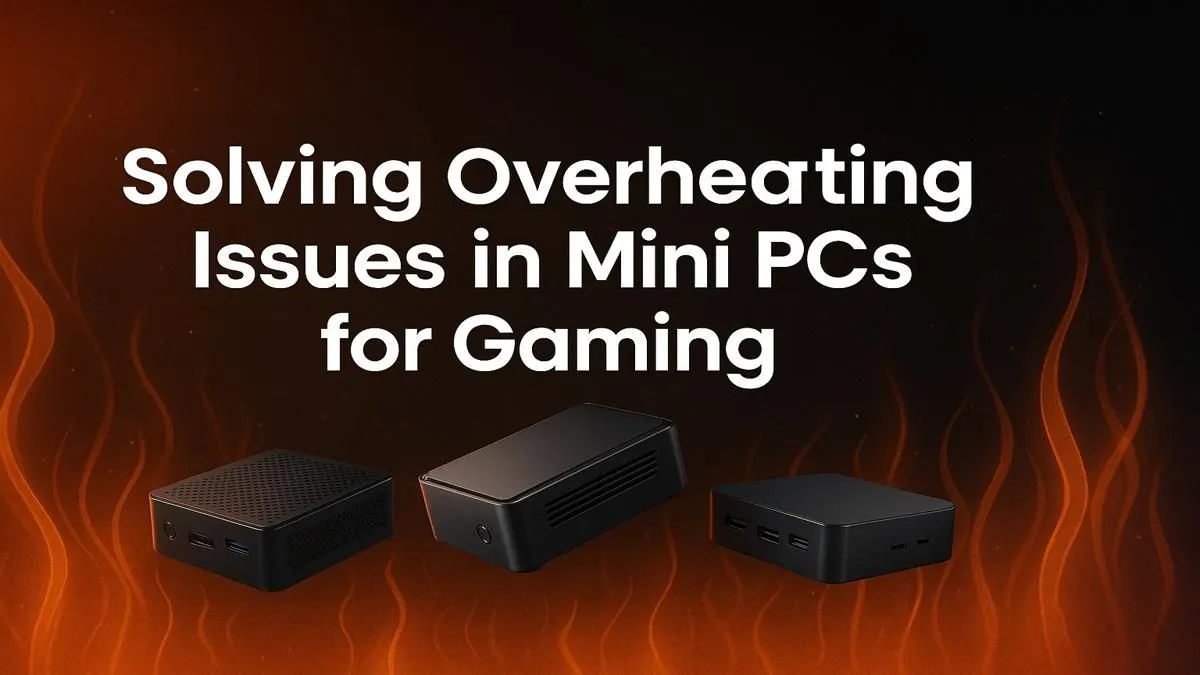
You’re in the final circle, squadmates are down, and the victory is in sight... then it happens. Your frames drop to a crawl, your screen stutters, and you’re eliminated. The culprit? Your compact rig is running hotter than a Durban summer day. A gaming mini PC overheating is a common frustration, turning your powerful machine into a pricey paperweight. But don’t sweat it. We’ve got the pro tips to keep your system cool and your gameplay smooth. 🥵
Understanding Why Your Gaming Mini PC Gets Hot
Mini PCs are marvels of engineering, packing immense power into a tiny chassis. But that density is a double-edged sword. High-performance CPUs and GPUs generate a lot of heat, and with limited space for fans and heatsinks, things can get toasty fast. Add a bit of dust clogging the vents or a warm room, and you have a recipe for thermal throttling… where your PC intentionally slows down to prevent damage.
The design of today's powerful mini PCs has come a long way, but physics is still physics. Preventing your gaming mini PC from overheating starts with understanding that good airflow is non-negotiable.
Practical Steps to Cool Down Your Rig
Before you think about a major hardware change, let's cover the basics. These simple fixes solve the vast majority of overheating issues and cost you nothing but a little time.
Tidy Up Your Playspace 💨
Where you place your mini PC matters more than you think. Is it tucked away in a tight TV cabinet or squashed between books? That’s a major no-no for a performance machine.
- Give it Breathing Room: Ensure there's at least 10-15 cm of clear space around all vents.
- Elevate It: Place your PC on a hard, flat surface. Avoid carpets or cloth that can block bottom intakes.
- Consider Ambient Temp: Gaming in a room without air conditioning on a hot day will naturally raise your PC's baseline temperature.
Even premium models from brands like Minisforum, which are known for excellent cooling, benefit massively from a well-ventilated environment.
Perform a Deep Clean 🔧
Dust is the number one enemy of a cool PC. It acts like a blanket, trapping heat and forcing your fans to work overtime. A quick clean every few months can make a world of difference.
- Power Down & Unplug: Safety first! Disconnect everything from your mini PC.
- Use Compressed Air: In short, controlled bursts, blow dust out of the vents and away from the fan blades. Never use a vacuum cleaner, as it can create static electricity.
- Wipe Down the Exterior: Use a microfibre cloth to clean the chassis.
Software Tweak for Lower Temps ⚡
Many mini PCs allow you to adjust the fan curve in the BIOS or with manufacturer software. Setting a more aggressive fan profile means the fans will spin up sooner, keeping heat from building up in the first place. It might be a bit louder, but it's a small price for stable performance.
When is it Time for an Upgrade?
If you’ve cleaned your PC, optimised its placement, and it's still struggling with overheating, the issue might be the hardware itself. Older models may not have the thermal design to handle modern games, or the thermal paste between the CPU and its cooler may have dried out.
While reapplying thermal paste is an option for the tech-savvy, it can be a tricky process on a compact machine. Sometimes, the most effective solution is upgrading to a newer unit designed with better thermals from the ground up. Exploring our complete collection of mini PCs and their components can reveal just how much cooling technology has advanced. ✨
Ready to Ditch the Lag? Battling an overheating gaming mini PC is frustrating. Sometimes the best fix is an upgrade to a modern chassis with superior cooling. Explore our curated range of powerful mini PCs and find a compact rig that stays cool under pressure.










