Quick Answer
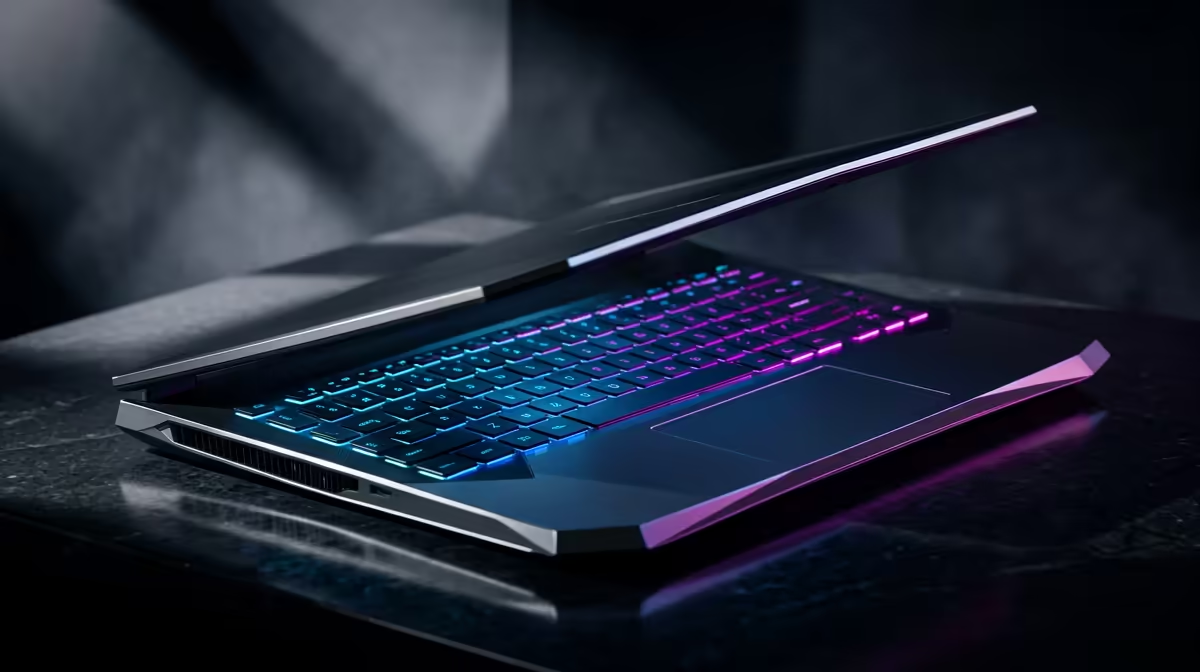
If a Windows 11 update left your gaming laptop stuttering, the fix is usually a clean graphics-driver reinstall plus disabling the new power and background features the update re-enabled. Most cases resolve in under 30 minutes without reinstalling Windows.
Why a Windows 11 update causes stutter
Feature updates often reset power plans, re-enable Memory Integrity (core isolation), turn on background apps and sometimes ship a generic display driver. Any of these can cause micro-stutter and frame drops. On a gaming laptop the symptoms are uneven frame pacing, brief freezes and lower average fps than before the update.
Step-by-step fix for a gaming laptop
First, set the Windows power mode to Best Performance and your laptop's vendor app (Armoury Crate, Omen, Legion) to Performance. Reinstall the latest NVIDIA or AMD driver using a clean install option. Disable Memory Integrity under Core Isolation if it is causing GPU stutter, and confirm the discrete GPU (not the iGPU) is running your games.
Extra checks that matter on laptops
Make sure the laptop is plugged in, gaming on battery throttles performance. Update the chipset and BIOS from the vendor site, clear background apps, and verify thermals are not the cause; repaste or a cooling pad helps if temps spike. A gaming laptop starts around R8,000 at Evetech if an older machine is the real bottleneck.
FAQ
Why did my gaming laptop start stuttering after a Windows 11 update?
Updates often reset power plans, re-enable Memory Integrity, turn on background apps or install a generic display driver. Any of these can cause micro-stutter until you reinstall the proper GPU driver and restore performance settings.
Does disabling Memory Integrity help with stutter?
It can. Core Isolation's Memory Integrity adds overhead that sometimes causes GPU stutter on gaming systems. Disabling it under Windows Security, Device Security, is a common fix, though it slightly lowers a security layer.
Do I need to reinstall Windows to fix update stutter?
Rarely. A clean GPU-driver reinstall, correct power plan and disabling background apps fixes most cases in under 30 minutes. Reinstalling Windows is a last resort if corruption is confirmed.
Pro Tip
After any Windows 11 feature update, do a clean GPU-driver reinstall and recheck your power plan and BIOS settings like XMP EXPO and Resizable BAR, updates silently reset these and cause most post-update stutter.