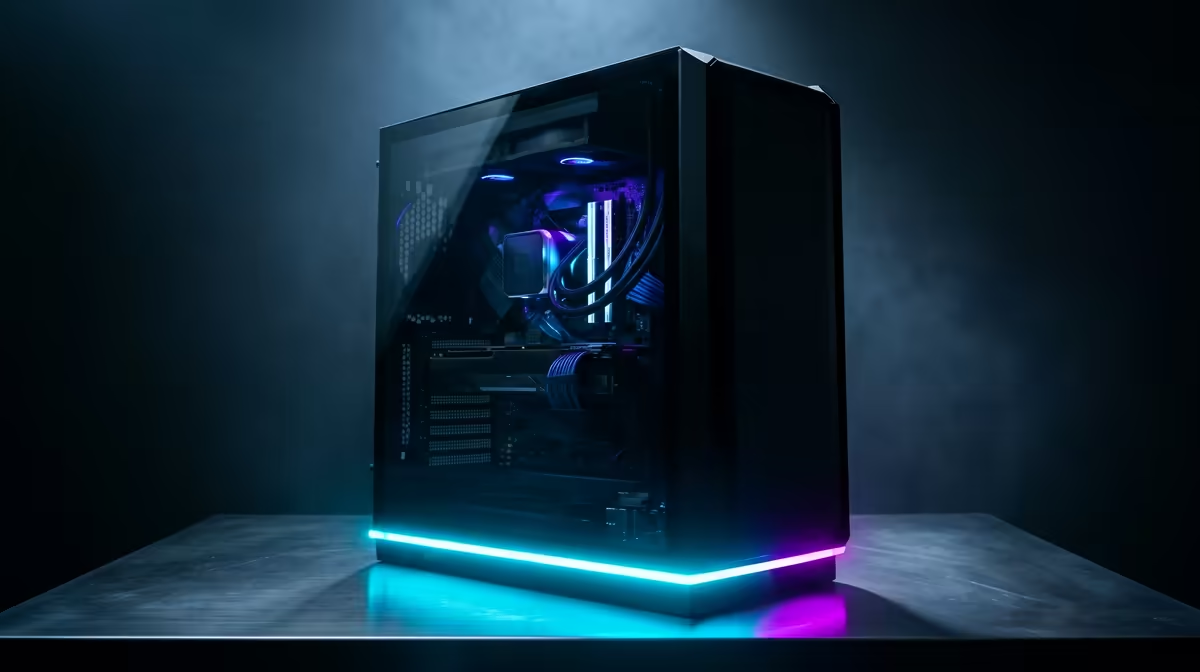
That scorching South African sun isn't just tough on us... it's brutal on our high-performance rigs. When the ambient temperature soars, your PC's components can start to struggle, leading to frustrating frame drops and system instability right in the middle of a crucial match. Effective gaming PC cooling isn't a luxury here; it's an essential strategy for protecting your investment and ensuring you get the performance you paid for, all summer long. 🌡️
Why Standard Cooling Fails in a South African Summer
Most pre-built PCs and CPUs come with a "stock" cooler. While these are fine for basic tasks in cooler climates, they often can't cope when the room temperature hits 30°C or more. This is where a phenomenon called "thermal throttling" kicks in.
Your CPU and GPU are designed to automatically reduce their speed (and thus their performance) to prevent overheating and permanent damage. So, that lag spike you experienced during a heatwave? It might not be your internet... it could be your processor throttling itself. This is why investing in proper gaming PC cooling is one of the most impactful upgrades you can make. A simple check of our wide range of CPU coolers shows just how many powerful options are available to prevent this.
Smart Gaming PC Cooling Strategies
Before you even spend a Rand, you can optimise your setup. But for a real, lasting solution, you'll need to consider hardware upgrades. The right approach to cooling your gaming PC combines good habits with great gear.
Airflow is King 🌬️
The foundation of any good cooling setup is airflow. It's about moving hot air out of your PC case and pulling cool air in.
- Cable Management: Messy cables block airflow. Tucking them away neatly can significantly improve thermal performance.
- Dust Filters: Clean them regularly! Clogged filters starve your components of cool air.
- Fan Configuration: Aim for a "positive pressure" setup (more intake fans than exhaust fans) to minimise dust buildup while ensuring a steady supply of fresh air.
Pro Builder's Tip 🔧
When upgrading your CPU cooler, don't forget fresh thermal paste! The pea-sized dot method in the centre of the CPU is the most reliable way to ensure even spread and optimal heat transfer. Old, dried-out paste can seriously hinder your cooler's performance, no matter how powerful it is.
Choosing the Right CPU Cooler
This is where you'll see the biggest temperature drops. The two main choices are high-performance air coolers and All-in-One (AIO) liquid coolers.
- Air Coolers: These use a heatsink and fan(s) to draw heat away from the CPU. They are incredibly reliable, easier to install, and often provide the best performance-for-money. Top-tier brands like CORSAIR offer high-performance air and liquid options that can handle even the most demanding processors.
- AIO Liquid Coolers: These use liquid to transfer heat from the CPU to a radiator, where it's dissipated by fans. They often provide superior cooling for high-end, overclocked CPUs and offer a cleaner, more modern aesthetic inside your case. For gamers looking for great performance without breaking the bank, brands like GAMDIAS provide excellent value in this space.
Is an AIO Liquid Cooler Right for You?
If you're running a top-of-the-line Intel Core i9 or AMD Ryzen 9 processor, or if you love pushing your hardware to its limits through overclocking, an AIO is a fantastic choice. The improved thermal headroom allows your CPU to maintain its maximum boost clocks for longer, giving you smoother, more consistent frame rates. ✨
When choosing an AIO, the radiator size is key. A 120mm radiator is a good step up from stock, but for serious gaming PC cooling, you should look at 240mm or 360mm options. For most modern gaming rigs, a 240mm AIO liquid cooler hits the sweet spot between performance and case compatibility. A model like a GAMDIAS AIO liquid cooler can dramatically lower CPU temperatures under load, ensuring you're always getting the best performance.
Ready to Beat the Heat?
Keeping your rig cool during a South African summer is key to consistent, high-frame-rate gaming. Don't let thermal throttling ruin your fun. Explore our massive range of PC cooling solutions and find the perfect upgrade to keep your PC frosty.