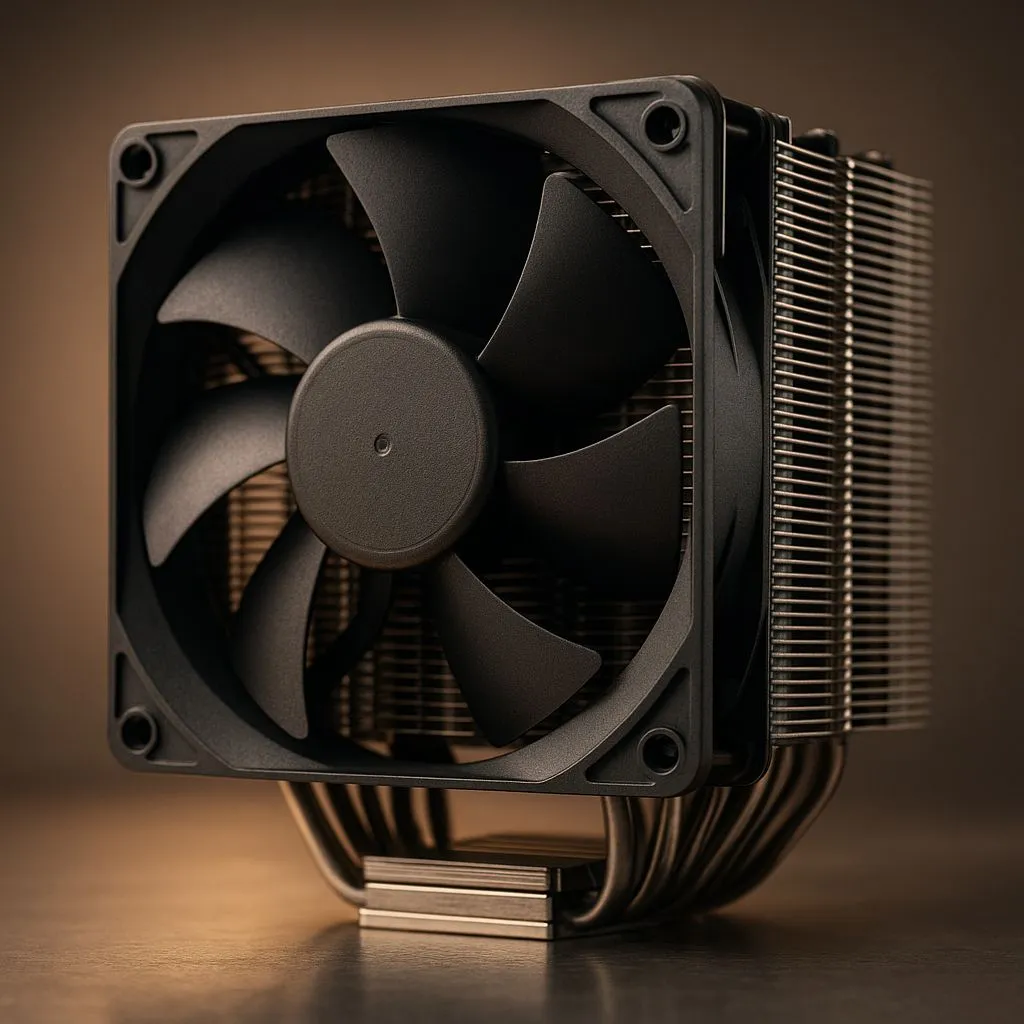
So, you’ve just dropped some serious ZAR on a beastly new Intel Core i9 or AMD Ryzen 9 CPU. That’s awesome! But here in South Africa, keeping that powerhouse from melting under pressure is the real challenge. Pushing pixels in the latest AAA titles generates serious heat, and without the right cooling, you're just paying for performance you can't use. This high-end PC cooling guide for 2025 is your blueprint for achieving frosty temps and unlocking your rig's true potential.
Why High-End PC Cooling is Non-Negotiable in 2025
Think of your powerful new CPU as a performance engine. The harder it works, the hotter it gets. When it gets too hot, it automatically slows down to protect itself—a process called thermal throttling. Suddenly, your buttery-smooth frame rates start to stutter, and your export times drag on. It's the PC equivalent of trying to run a marathon in a fleece jacket during a Durban summer.
Effective cooling isn't just about preventing throttling. It's about stability and longevity. A solid cooling solution ensures your components run within their optimal temperature range, extending their lifespan and giving you consistent, reliable performance day in and day out. This is the foundation of any serious, no-compromises build.
The Great Debate: Air vs. Liquid Cooling
Choosing your cooling weapon comes down to two main camps: traditional air coolers and modern All-in-One (AIO) liquid coolers. Both have their place, but for top-tier CPUs, the decision is crucial.
The Case for Air Cooling 🌬️
Modern high-performance air coolers are engineering marvels. They use a combination of heat pipes and a massive fin stack to draw heat away from the CPU, which is then dissipated by powerful fans.
- Pros: Incredible reliability (fewer moving parts), simple installation, and often a lower price point. They are the workhorses of the PC world.
- Cons: Their sheer size can cause clearance issues with tall RAM modules or small cases, and their cooling potential can be capped compared to larger liquid solutions.
The Allure of All-in-One (AIO) Liquid Cooling
For those seeking the ultimate in cooling performance and aesthetics, an AIO is the way to go. These sealed systems circulate liquid between a water block on the CPU and a radiator, offering superior heat dissipation. For a clean, modern look and top-tier thermal management, many builders prefer liquid coolers (AIO).
- Pros: Exceptional cooling capacity, especially for overclocking. They also create a cleaner look inside your case and improve overall airflow around the CPU socket.
- Cons: They are more complex, with more potential points of failure (pumps, fittings), and typically come at a premium price.
Don't Forget Case Airflow! 🔧
CPU cooler can't work effectively in a hot box. Ensure your case has a clear airflow path: intake fans at the front pulling cool air in, and exhaust fans at the back and top pushing hot air out. This simple setup can drop your CPU and GPU temperatures by several degrees, giving your new cooler a much easier job.
Choosing the Right High-End Cooling Solution
Making the right choice is about matching the cooler to your specific needs and hardware. This is where this high-end PC cooling guide gets practical.
Match the Cooler to the CPU
A Core i5 doesn't need the same cooling as a Core i9 that's boosting to nearly 6GHz. Check the TDP (Thermal Design Power) of your CPU—the higher the number, the more heat it produces. For flagship CPUs, you need to look at flagship CPU coolers to keep them from throttling. Don't bottleneck a R10,000 CPU with a R500 cooler.
Radiator Size: Bigger is Better
When it comes to AIOs, radiator size is king. A larger surface area allows for more heat to be dissipated. While a 240mm AIO is a great starting point, for a true no-compromises build with a top-tier CPU, a 360mm radiator cooler is the gold standard in 2025. It provides the thermal headroom needed for intense gaming sessions and heavy workloads. ✨
Brands That Deliver
In the world of high-end PC cooling, reputation matters. You want a solution from a brand known for performance, reliability, and excellent support. Brands like Noctua dominate the air-cooling space, while companies such as Corsair are leaders in the AIO market, offering a fantastic blend of performance, aesthetics, and user-friendly software. Investing in a trusted brand is investing in peace of mind.
Ultimately, the best cooling solution is one that allows your PC to perform at its peak, silently and reliably. Whether you choose the steadfast dependability of a massive air cooler or the sleek, powerful performance of a 360mm AIO, you're making a smart investment in your rig's health and your own gaming experience.
Ready to Beat the Heat?
A high-end PC deserves high-end cooling. Don't let thermal throttling steal your performance. Explore our massive range of CPU coolers and find the perfect solution to keep your rig cool, quiet, and running at its absolute best.