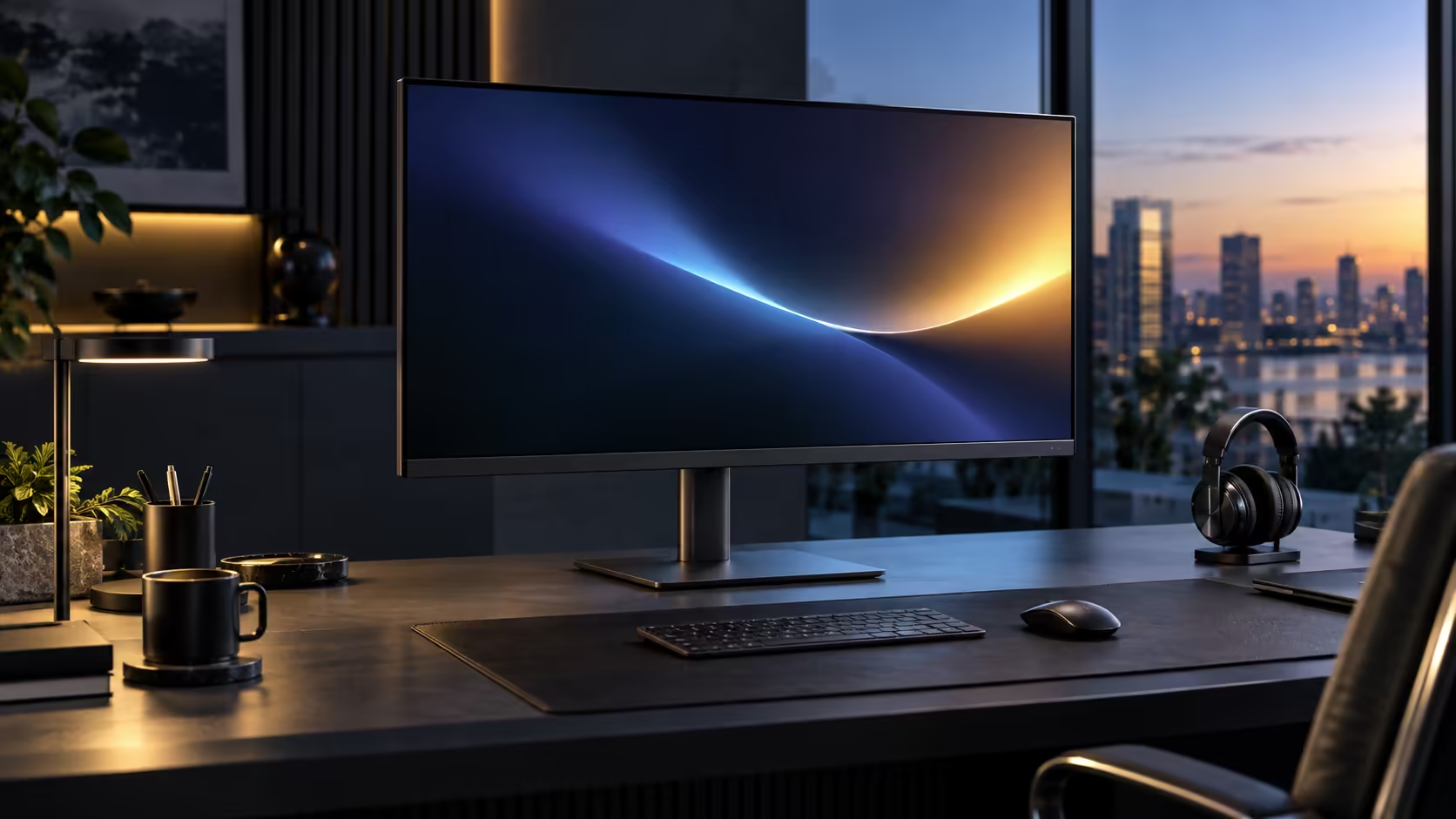
Spending decisions on a 32-inch monitor usually come down to a single comparison nobody actually runs: what you get for stepping up from the smaller version in the same range, against what you get for stepping down. The Dell Pro 32 Plus P3225DE sits at R8,799, and the two comparisons either side of it are more useful than the number on its own.
Quick Answer
Plan on about R8,799 for a 32-inch QHD panel that also charges a laptop and carries Ethernet. That is where Dell's Pro 32 Plus P3225DE sits. Buying here keeps the warranty claim in the country rather than paying customs and freight on a private import.
⬇️ What stepping down to the 24-inch version actually saves
The smaller Dell Pro 24 Plus P2425DE in the same range shares every hub feature this 32-inch model has, at a noticeably lower price, so the gap between them is purely about screen size and pixel density rather than missing functionality.
Both panels run 2560 x 1440 at 100Hz, both charge at up to 90W over USB-C, and both carry a built-in RJ45 port. The 24-inch version reaches roughly 123 pixels per inch against this panel's 93, sharper for close-up reading but on a physically smaller working surface that needs less desk depth. Choosing the smaller size is a legitimate way to spend less without losing a single hub function, provided the reduced physical width does not bother you.
⬆️ What stepping up to 4K would cost instead
The other direction from this monitor is not a bigger QHD panel, since 32 inches is close to where QHD tops out sensibly; it is a jump in resolution at a similar physical size.
A 32-inch 4K panel reaches around 140 pixels per inch, sharper again, but typically costs meaningfully more than this QHD model once matched for the same charging and networking features, and asks more of the connected laptop's graphics output to drive comfortably at higher refresh rates. Spending more here buys sharper detail, not more hub functionality, which is a different upgrade to the one this monitor already represents over the smaller size.
🧮 Where R8,799 actually sits between those two directions
Placed between a cheaper, sharper small screen and a pricier, sharper large screen, this specific price and size combination is where desk space and resolution both land in a comfortable middle.
If your desk genuinely cannot spare the roughly 80cm of depth a 32-inch panel wants, the smaller version saves money and solves the space problem at the same time, so the decision is not really about price at all in that case. If desk space is not the constraint and only budget is, staying at QHD rather than reaching for 4K is the more defensible saving, since the everyday productivity gain from 4K at this size is smaller than the price gap suggests.
🇿🇦 Why the local warranty matters more at this specific size
A 32-inch monitor is heavy and awkward enough to ship that the buying decision should factor in more than the sticker price alone.
Freight on a private import scales with size and weight, so a 32-inch panel costs proportionally more to bring in than a small accessory would, before duty, VAT on the total and a clearing fee are even added. A locally bought unit's R8,799 already includes VAT and comes with a warranty claim that does not involve international shipping if something fails.
Compare both sizes directly in the office monitor range, check current pricing on the monitor deals page, and browse Dell's own monitor lineup to see the two sizes and the 4K step-up side by side.
Frequently Asked Questions
Is it worth paying more for 32 inches over the smaller 24-inch version?
Only if the extra desk width and larger text genuinely help your work; the hub features, charging and refresh rate are identical between the two sizes in this range.
Does 4K make more sense than QHD at this same 32-inch size?
Only if sharper detail matters more than cost to you specifically, since 4K asks more of the graphics output and typically costs meaningfully more once matched for the same charging and Ethernet features.
How much desk depth does the 32-inch version need compared with the 24-inch one?
Roughly 80cm against roughly 55cm, which is often the deciding factor before price even enters the comparison.
Does the smaller 24-inch monitor lose any hub features to hit its lower price?
No, in this specific range both sizes share identical charging, Ethernet and refresh rate specifications; only screen size and pixel density differ.
Is the price gap between this size and the 4K version likely to shrink over time?
It can narrow as component costs fall generally, but treat any specific figure as correct at the time of writing rather than a fixed, permanent gap.
Ready to pick the right size before worrying about the price?
Measure your desk depth, then decide between the smaller, sharper 24-inch panel and this 32-inch one.