Quick Answer
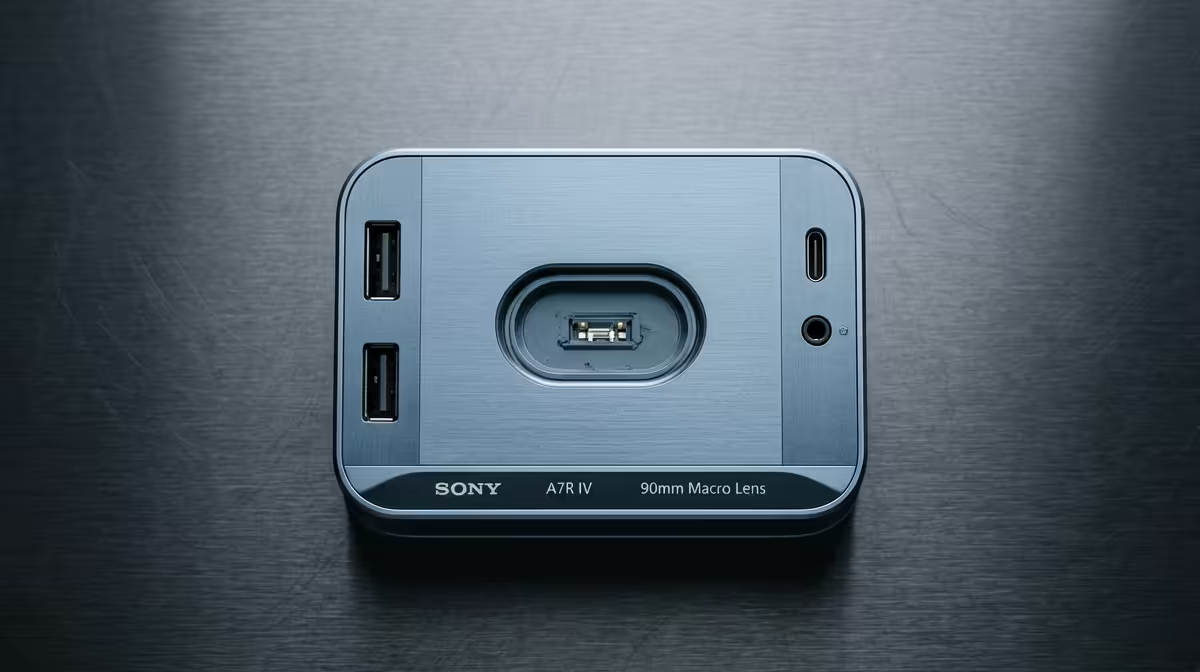
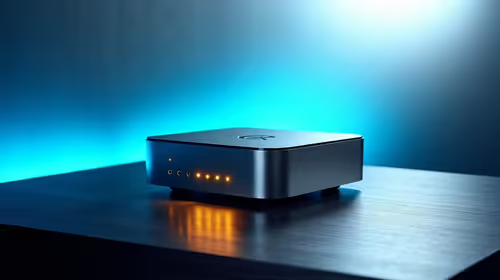
For 4K video editing, do not overbuy a docking station: a Thunderbolt 4 or USB4 dock with 4K at 60Hz output and 85W-100W power delivery (around R2,500-R4,500 at Evetech) is enough. You only need a R6,000+ flagship dock if you drive dual 4K at 120Hz or many high-bandwidth drives at once.
What 4K editing actually needs from a dock
The must-haves are a single 4K at 60Hz output (or dual 4K at 60Hz for a two-monitor edit), 85W-100W power delivery to charge a working laptop, and enough USB bandwidth for your scratch drives. A Thunderbolt 4 or USB4 dock delivers all of this. Cheaper USB-C docks that cap HDMI at 4K 30Hz make cursor and timeline scrubbing feel laggy, so avoid those for editing.
Where editors overbuy
A R6,000 flagship dock with 140W delivery and dual 4K 120Hz is overkill unless your laptop charger is 140W or you run two high-refresh editing monitors. For a single 4K 60Hz edit, the R2,500-R4,500 tier does everything; the extra spend buys ports you will not use.
SA buyer notes
Match the dock's power delivery to your laptop's charger wattage, and confirm the display output is true 4K 60Hz, not 30Hz. Buy locally for warranty.
FAQ
What dock do I need for 4K video editing?
A Thunderbolt 4 or USB4 dock with 4K at 60Hz output and 85W-100W power delivery, around R2,500-R4,500. That covers a single or dual 4K 60Hz edit.
Is a 140W dock worth it for editing?
Only if your laptop charger is 140W or you run dual 4K 120Hz monitors. For most editors, 85W-100W and 4K 60Hz is enough.
Why avoid a 4K 30Hz dock?
At 30Hz the cursor and timeline scrubbing look choppy, which slows editing. Insist on a dock rated 4K at 60Hz over DisplayPort or HDMI 2.0.
What pairs with the dock for editing
The dock only adds screens and ports; editing speed comes from the laptop or desktop itself. Pair a 4K 60Hz dock with at least 32GB of RAM (around R1,400-R1,900) and a fast NVMe scratch drive, and the timeline scrubbing and export times improve far more than any dock upgrade would deliver.
editing, confirm the dock outputs true 4K at 60Hz and matches your laptop's charger wattage; skip the 140W flagship unless you run dual high-refresh editing monitors.