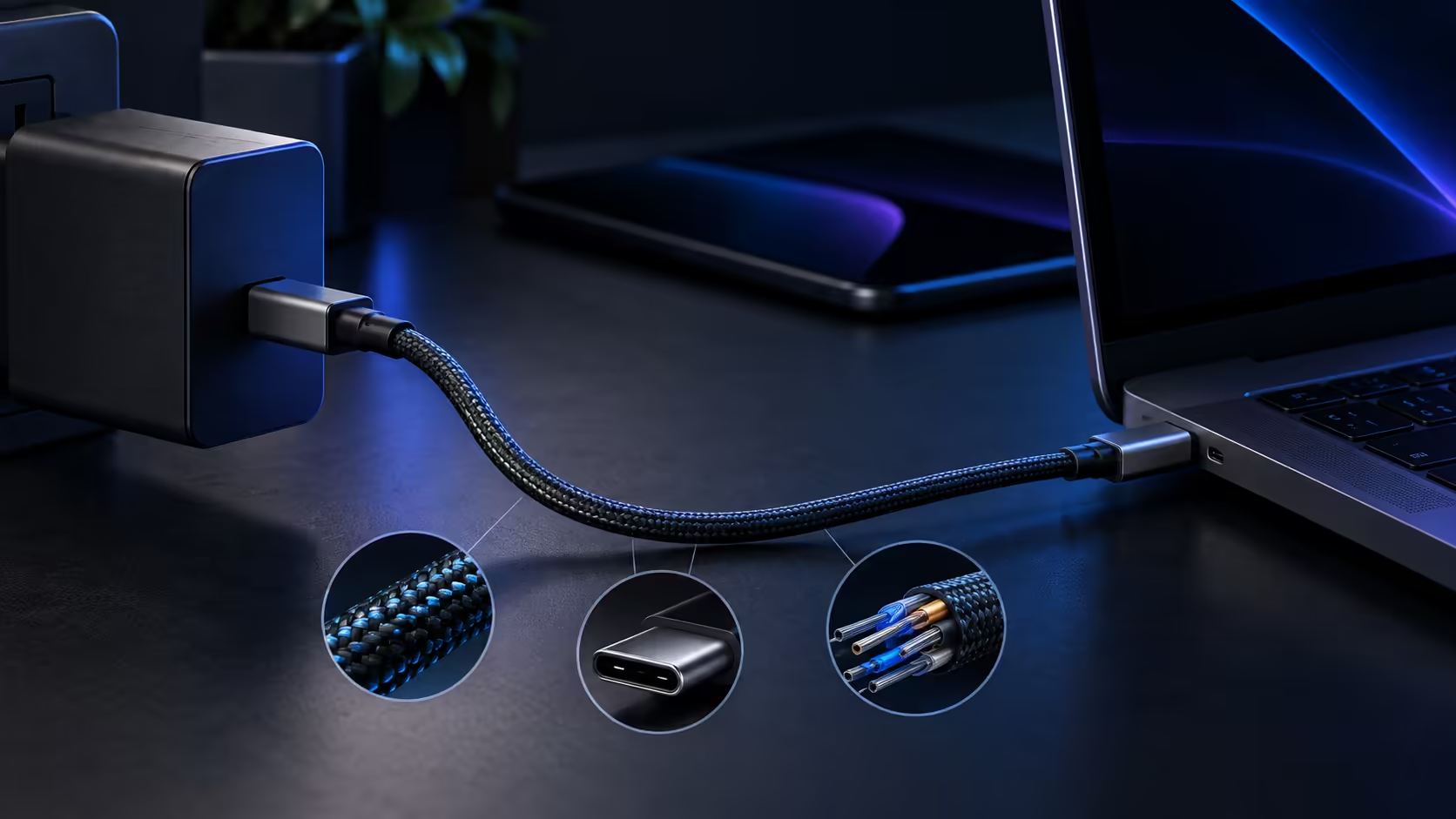
Checking whether a USB-C cable can handle your laptop charger takes three simple steps, and none of them require opening the cable up or guessing purely from how thick or heavy it happens to feel sitting in your hand.
Quick Answer
Read the cable head for a 5A or wattage marking, then check the packaging for the certified logo. The third test is behavioural: watch whether charging ever exceeds 60W under load. Those steps separate a real 140W cable such as the R399 Anker 544 from drawer spares.
🔍 Step one: read the connector and packaging
Some cables print a current rating, either "5A" or a wattage figure, directly on the connector housing or moulding near the plug, which is the fastest confirmation available if it is present. Where nothing is printed on the cable itself, the original packaging or product description is the next place to check, since a genuine 5A cable is almost always labelled clearly on one or the other by a manufacturer confident in the rating.
🏷️ Step two: look for the USB-IF certification mark
A USB-IF certification logo confirms an outside test house checked the cable's declared rating against what it can genuinely carry, and that check exists precisely because nothing stops an uncertified product printing a big wattage number it was never actually wired for. This mark is separate from the wattage rating printed on the same USB-C cable, so check for both rather than assuming one implies the other.
🗂️ Keeping a record once you have checked a cable
Once a cable has passed all three checks, it is worth a habit as simple as a small sticker or a marker dot to identify it at a glance among a drawer of otherwise identical-looking leads. This sounds trivial, but it is the difference between reaching for a known-good 5A cable in ten seconds and re-running the same three checks on a cable you have almost certainly already tested before.
🧪 Step three: watch what actually happens under load
If the first two checks leave any doubt, plug the laptop in and check the reported charging wattage in its battery settings or system information while it is under real use, such as running a demanding application. A figure sitting at or near 60W, despite a charger rated well above that, confirms the cable is capping the connection regardless of what its packaging claimed. A USB hub inserted into the chain can introduce its own limitation too, so test the cable directly against the laptop where possible before adding other devices into the mix.
🖊️ Why the printed marking matters more than it seems
A USB-C cable manufacturer that goes to the trouble of printing a current rating directly onto the connector housing itself, rather than only on a box that gets thrown away, is signalling confidence in that figure holding up over the cable's whole working life. This small detail is a reasonable secondary signal once the packaging and certification checks have already been done, though it should never replace those two checks on its own.
🛒 What to buy if your current cable fails these checks
Sitting in the comprehensive cable range, the Anker 544 states 140W+ and USB-IF certification directly, satisfying both the labelling check and the certification check without needing the behavioural test to confirm it. Check your charger's own rating alongside it, since the cable's job is to match or exceed that figure rather than to compensate for a charger that falls short on its own.
Frequently Asked Questions
Is it normal for a cable to have no rating printed on it at all?
It happens, particularly with older or budget cables, but it is a reason for more caution rather than less, since the absence of a rating gives you nothing concrete to verify against.
Can a USB hub reduce charging speed even with a good cable?
Yes, if the hub itself is not rated to pass through the full power level, it can become its own bottleneck regardless of how capable the cable connected to it is.
Does the behavioural test require any special software?
No, most laptops show charging wattage in built-in battery or power settings without needing any additional software installed.
Is a cable safe to use if it passes the labelling check but fails the behavioural test?
That combination suggests a mismatch between what is printed and what the cable actually delivers, which is worth treating as a reason to replace it rather than continuing to rely on it.
Should I run the behavioural test every time I buy a new cable?
It is a reasonable habit for any cable claiming above 60W, since it takes only a couple of minutes and confirms the printed and certified claims actually hold up under a real charging load rather than just on paper.
Ready to confirm your cable actually matches your charger?
Check the printed rating, the certification mark, then the real reported wattage under load.