The Ryzen 7 9800X3D is a gaming powerhouse, so any stutter is a platform setup issue: BIOS version, memory profile, or chipset driver. The 3D V-Cache rewards a clean, current AM5 base.
Quick Answer
Flash the newest BIOS, enable EXPO for DDR5-6000 CL30, and install the latest AMD chipset driver so the cores park correctly. Set up this way, the 9800X3D delivers some of the flattest frame times available, with no hitching.
Keep the cache cores fed
The 9800X3D's smooth 1% lows come from its stacked cache. An old chipset driver can mis-schedule threads off the cache cores, causing hitches. The current driver keeps gaming load on the cores that matter. A capable 240mm AIO around R2,000 keeps the 9800X3D cool enough to hold boost in long sessions.
Memory and BIOS sweet spot
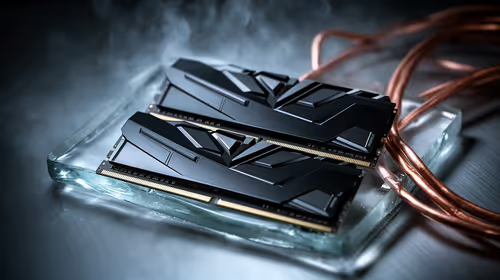
DDR5-6000 CL30 via EXPO is ideal; faster kits add cost and risk instability. A modern BIOS keeps the Infinity Fabric stable, so re-enable EXPO and retrain memory after any flash.
GPU balance and clean drivers
Match the chip to a strong GPU so the CPU is never the limit. Do a clean GPU driver install, close overlays, and leave NVMe headroom so the 9800X3D is never waiting on storage during play. Keep a clean GPU driver and 15% free on the NVMe so neither component masks the platform setup fix you applied.
FAQ
Why would the 9800X3D stutter at all?
Almost always setup: an old chipset driver, slow default RAM, or a dirty GPU driver. Update all three and the hitching clears.
Is DDR5-6400 worth it on this chip?
Not really; 6000 CL30 is the sweet spot. Higher speeds add little gaming benefit and can introduce instability and stutter.
Does the 9800X3D need a big cooler?
A solid air or 240mm AIO is enough; it is efficient for its speed. Good cooling keeps boost steady and pacing flat.
Build the 9800X3D on a current AM5 board with DDR5-6000.
Update the chipset driver for perfect core parking and flat frame times.