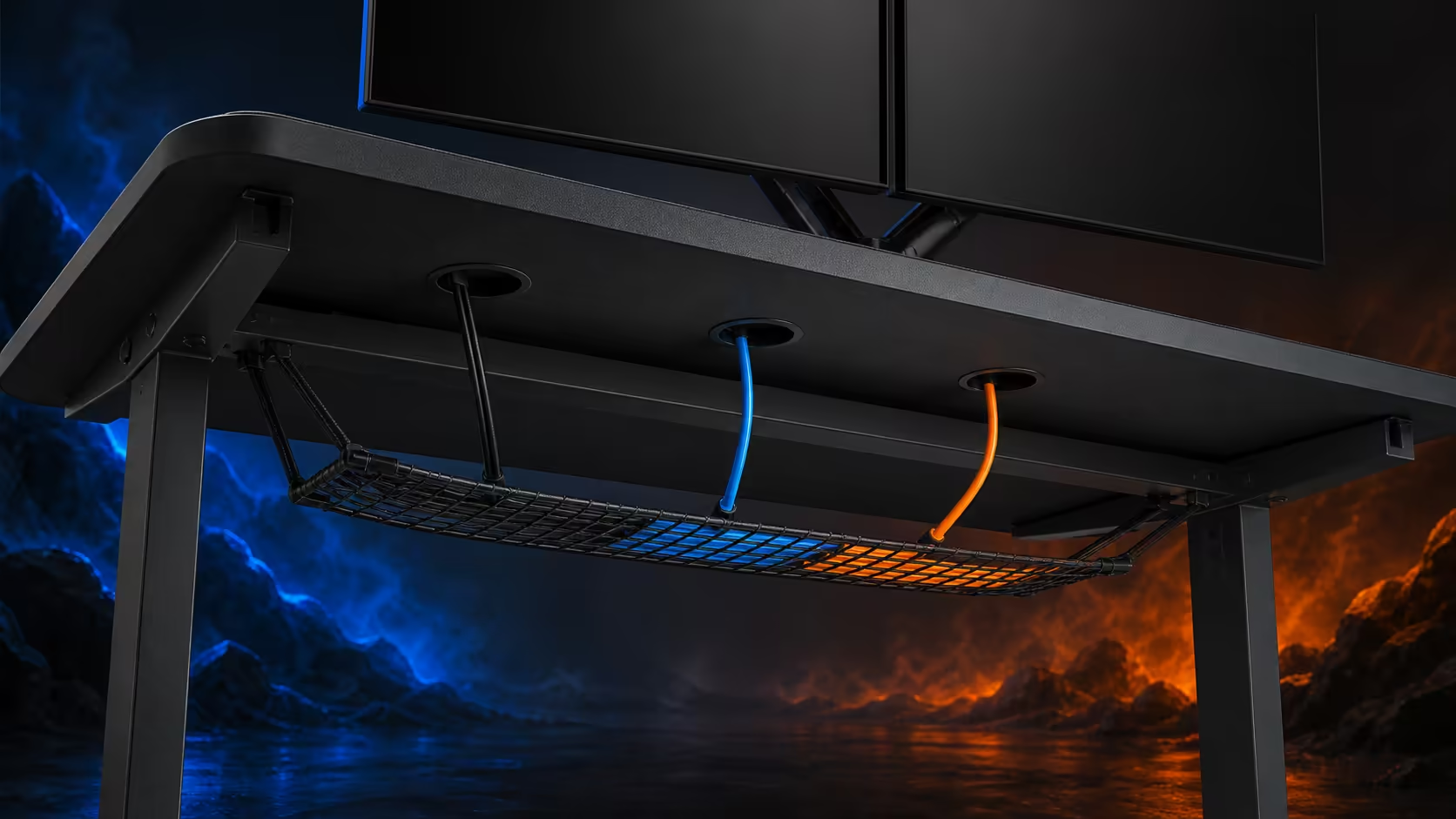
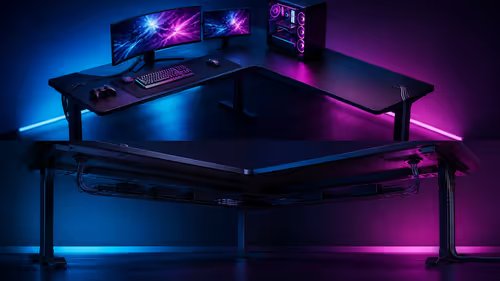
Clean cable management separates the route through the worktop from the storage of slack below it. Using desk cut-outs and an under-desk cable net requires a device map, labelled drops and accessible adapters. The R5,099 Arozzi Arena provides three cut-outs across its 160x82cm surface; any lower net or holder is selected separately.
Quick Answer
Send each device lead through the nearest practical cut-out, keep a short service loop above the surface and support excess length beneath the desk. A cable net can hold mixed adapters and slack away from feet, but it must not sag into leg space or hide connections that need regular access. The Arena costs R5,099 and supplies the three top openings for this plan.
🗺️ Assign every opening a purpose
Lay out the monitor, PC, keyboard, mouse, audio gear and chargers without connecting power. Trace the shortest sensible route from each device to one of the three Arena cut-outs.
A central opening may suit display leads, while side openings can serve equipment near each edge. The best assignment depends on the real positions, not a rule that every cable type must use a particular hole.
Keep mouse and keyboard leads free enough for normal movement. A tightly pulled lead changes input feel and transfers strain to a port. A small loop above the desk provides serviceability without rebuilding visible clutter.
Compare gaming desks with routing features by checking where openings sit relative to the equipment plan.
🧺 Position a separate cable net carefully
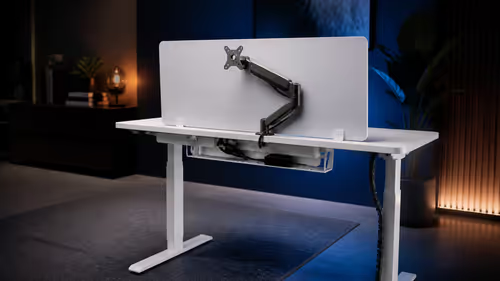
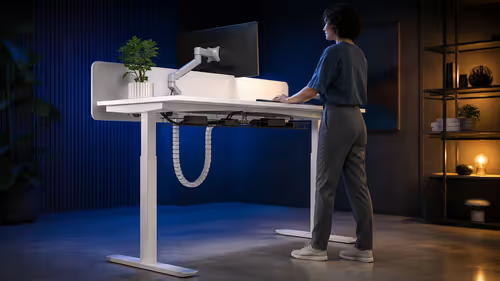
An under-desk net can support power bricks, bundled slack and connections that do not belong on the surface. Choose one separately by measuring the clear underside area, attachment points and total adapter load around the Arena frame.
Keep the net away from knees and the chair's travel. Before fitting anything, inspect the underside for clear mounting areas and follow the organiser's instructions. Never drill or fasten through a surface without knowing what lies above and below.
Place heavier adapters where the net supports them without tilting. Do not suspend a power brick from its device cable. Keep plugs accessible enough to disconnect safely, and avoid packing the holder so densely that individual leads cannot be traced.
Test the proposed net position with the user's knees beneath the desk before attaching it. Mark chair travel and any adjustment controls. The organiser should not turn a clean desktop into restricted legroom, and its contents should remain visible from a safe service position.
The Arozzi gaming setup collection can help frame the visual goal, while the underside plan remains specific to the hardware in the room.
🏷️ Label, separate and leave service slack
Label both ends of monitor, network, audio and power leads before bundling. Short tags make fault-finding faster and reduce the temptation to tug an unknown cable through a full net.
Route signal and power leads in sensible lanes where practical, crossing cleanly instead of weaving repeatedly. Avoid sharp bends at connectors and keep cables clear of warm exhausts or moving frame areas.
The Arena is height adjustable, so test the cable plan at its chosen working position and through any adjustment required during setup. Enough slack must remain for intended movement, but no loop should drop into the user's legs.
Monitor attachment can affect both cable length and cut-out assignment. Decide the display position before shortening a bundle. Any mount or arm must meet its own compatibility and installation requirements.
🔧 Maintain the system after changes
Make an empty route available for a likely future device. When gear is added, open the organiser and assign a label instead of threading a new lead over the outside of every bundle.
Inspect the net and attachments periodically for sag, looseness or trapped heat around adapters. Remove dead cables promptly. Dust accessible equipment without soaking connections or using the desk's easy-clean surface as permission to spray nearby electronics.
Photograph the final underside arrangement. A reference image makes it easier to restore the plan after maintenance and exposes accidental changes before they become a knot.
Perform a pull test without yanking: move each device through its ordinary range and watch the supported bundle. A cable should not lift an adapter, tighten across an edge or slide the net. Correct the route at the first stressed connector rather than adding more ties around the symptom.
Leave one clear path for future maintenance so the entire bundle never needs dismantling for a single lead.
Browse complete gaming setup categories after cable capacity is understood. Every accessory adds at least one connection and should earn its place in the routing plan.
Frequently Asked Questions
What should pass through each desk cut-out?
Use the opening nearest each equipment group. Assign routes by actual position and connector reach rather than an arbitrary cable type.
Where should an under-desk cable net sit?
It should occupy a clear underside area away from knees, controls and moving parts, with safe attachment points suited to the organiser.
How much spare cable should remain above the desk?
Leave only enough for normal device movement and servicing. Large visible coils should be supported below instead.
Should power and signal leads share the same bundle?
Use distinct lanes where practical and keep connectors free from tight bends. The exact route depends on the desk equipment.
Do Arena cut-outs replace a cable holder?
No. The three openings guide cables below the top; a net, tray or other lower support performs a separate job.
Can monitor attachment use a desk opening?
That depends on the chosen hardware and opening dimensions. The Arena has monitor attachment, but specific mounting compatibility must follow the attachment's instructions.
What is the Arena Dark Grey price?
The 160x82cm desk costs R5,099.
Ready to give every connector a named destination above and below the desk?
Browse Evetech's gaming desk layouts, assign the three surface drops first, and size any separate cable net around the adapters you actually own.