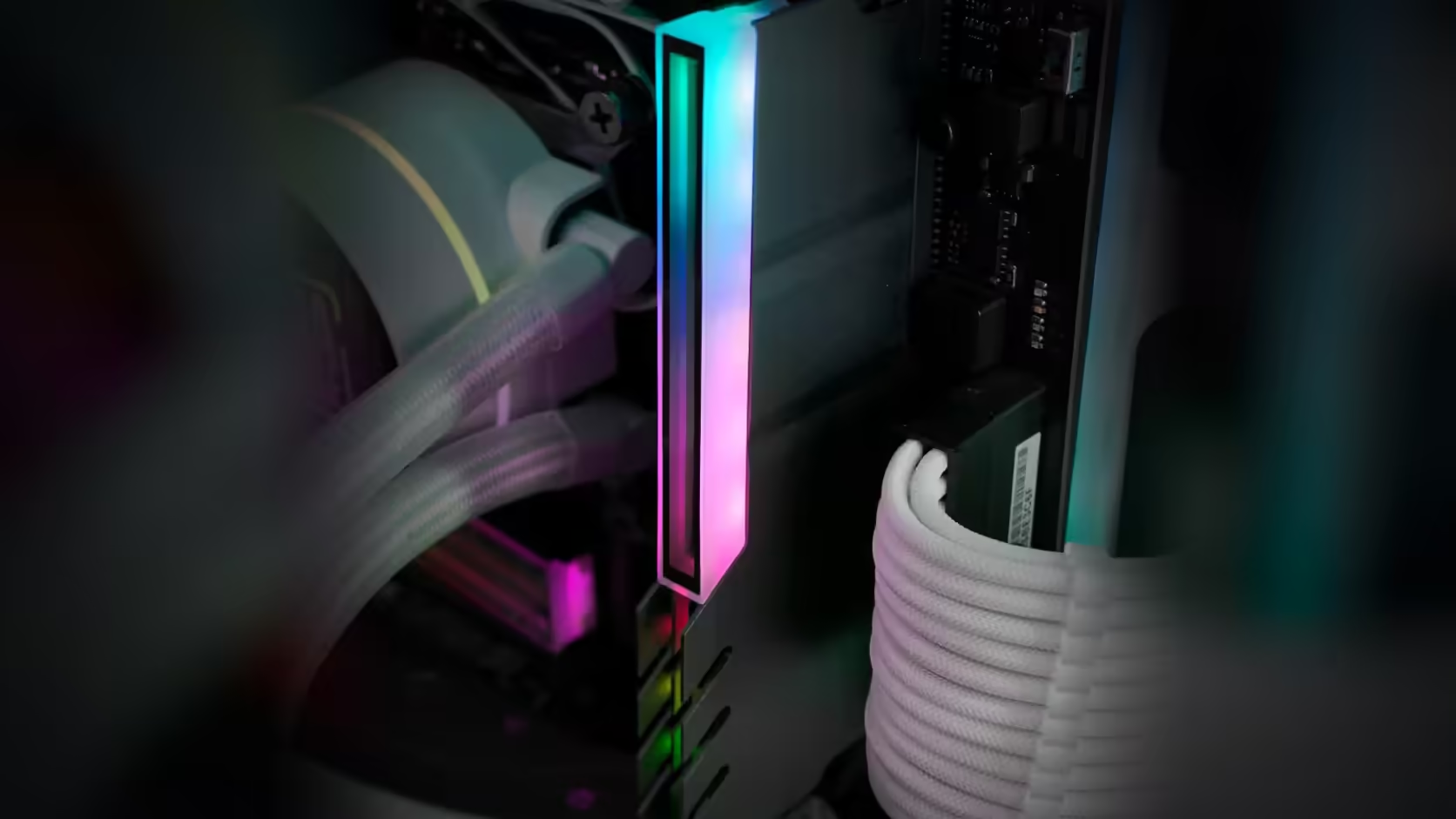
Before any accessory goes near a build, the space it needs to occupy is worth measuring rather than imagined. A RAM cover is a good example of why: it adds height above a component that already sits close to coolers, side panels and fan shrouds, and the only honest way to plan for it is with a ruler against your own hardware.
Quick Answer
Measure the vertical gap between the top of a fitted memory module and whatever sits closest above it, whether that is a cooler, a fan, or a case side panel. No installed height appears anywhere in the R249 AsiaHorse RAM Cover ARGB Heatsink's listing, so this measured gap is the number you actually have to work with before ordering one, let alone a full set.
📐 What to measure and how
A steel rule laid against the installed module gives a quick reading, or cut a piece of card to the height of the gap and keep it handy to compare against the physical cover once it arrives. Either method turns a vague "will it fit" into a specific number you can check twice - once before ordering, and once against the real part.
Which slot to start with
Measure the tightest slot first, which is usually the one nearest the processor where a tower cooler is most likely to overhang. If a cover clears there, it will clear the others; if it does not, that is exactly the information you needed before committing to a full row.
🖥️ Side panels matter too
In compact cases, it is not always a cooler that limits the space above the memory - the side panel itself, particularly in smaller form factors, can be the actual constraint. Measure to whichever is closer, cooler or panel, since that is the real ceiling for a covered module regardless of what is causing it.
✅ Using the measurement properly
The number is only useful once you have something to compare it against. When the cover arrives, measure its own installed height and set the two figures side by side before fitting anything across a full set of slots. That single check, done once, avoids buying four covers and discovering only the last one does not clear.
Whether the modules underneath are DDR5 or DDR4, the measuring process is identical - it is the space above the slot that matters, not the generation of memory sitting in it.
🔍 When the numbers are close
A gap that clearly clears, or clearly does not, is an easy call. The harder case is a measurement that sits within a millimetre or two of what the cover is likely to need, since a bare module already sits close to a fitted heatsink or spreader in many builds. In that grey zone, fitting a single cover and physically checking it against the space, rather than trusting either number in isolation, is the only measurement that actually settles the question - a ruler reading can be off by enough to matter when the margin itself is that thin.
🧰 Keep a written record per slot
Once a cover is confirmed to clear a given slot, note the measured gap and which slot it belongs to, rather than assuming every slot on the board behaves the same way. Boards are not always perfectly symmetrical in the clearance each slot offers, particularly where a cooler mounts at a slight angle to the socket or a case's side panel curves inward toward one edge. A short written note - even a single line per slot - means a second or third cover purchase does not repeat a measurement that has already been done, while still catching the one slot that genuinely differs from the rest.
🪛 What to do if nothing clears
Where every populated slot comes back too tight for a covered module, the honest options are limited: leave the memory bare, look at a lower-profile air cooler or a liquid loop that clears the area entirely, or accept a partial finish on whichever slots do have room. None of those is a failure of planning - it is exactly the outcome the measuring step exists to catch before money is spent on covers that would sit unused in a drawer.
Frequently Asked Questions
What exactly is measured?
The vertical gap between the top of a fitted module and the nearest thing above it, whether a cooler, a fan or the side panel.
Which slot should be measured?
The tightest one, usually nearest the processor, since a cover that clears there will clear the others.
What tool works best?
A steel rule against the module, or a piece of card cut to the gap, which is easier to compare against a part in your hand.
Why does the listing not help?
Because no dimensions are published for this cover, so there is no figure to compare a measurement against.
What should I do with the measurement?
Compare it against the physical cover when it arrives, before committing to a full set across every module.
Should every slot be measured?
Measuring the tightest is usually sufficient, though a cooler overhanging at an angle can make two slots differ.
Ready to measure your own build before ordering a lit memory cover?
Check Evetech's DDR4 and DDR5 memory range so you know exactly what you are measuring around.