Why Passive Airflow for PC Builds is Critical in Summer
As the South African summer kicks into high gear, your PC is likely feeling the heat as much as you are. While high-RPM fans do the heavy lifting, passive airflow for PC builds is the secret to keeping your components from throttling when the ambient temperature climbs. Understanding how air moves naturally through your chassis can save your hardware and your frame rates. 🔧
In a country where summer temperatures often exceed 30°C, your internal components face an uphill battle. If your case lacks a breathable design, heat gets trapped... creating a literal oven for your GPU. Selecting the right foundation from a massive range of computer cases is the first step toward better thermal management.
Selecting a Case for Natural Air Movement
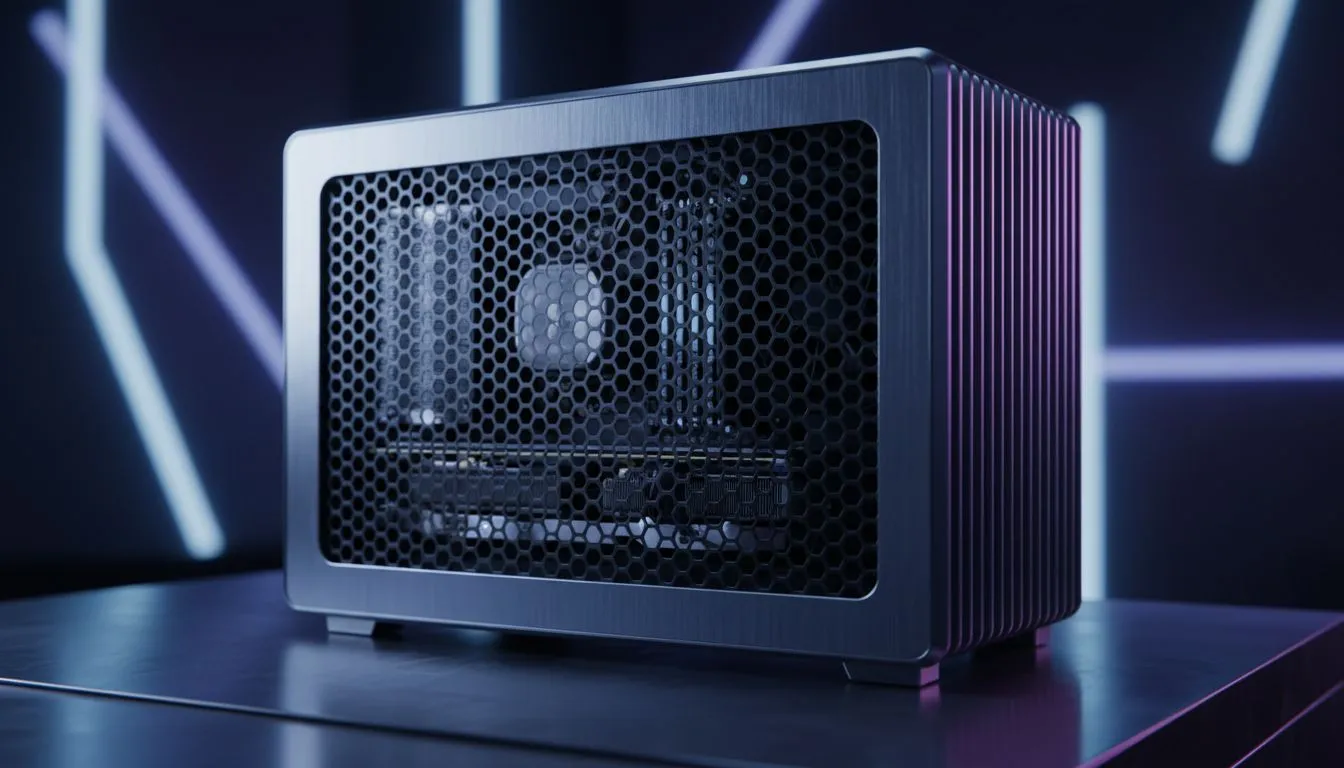
A solid front panel might look sleek, but it is often a hurdle for passive cooling. Cases that feature mesh front and top panels allow heat to escape even when your fans are at low speeds. For enthusiasts who prioritise quiet performance and thermal efficiency, Fractal Design PC cases are renowned for their high-airflow layouts that leverage natural convection beautifully. ✨
The Chimney Effect ⚡
To maximise passive airflow, ensure your top vents are completely unobstructed. Since heat naturally moves upward, a mesh top panel allows thermal energy to bleed out of the chassis even when the PC is idling or during light tasks, reducing the overall workload on your active cooling system.
Optimising Passive Airflow for PC Performance on a Budget
You do not need to spend a fortune to keep your system cool during a Durban or Joburg heatwave. Many Gamdias gaming cases offer excellent perforated designs that promote better air movement. If you are building a mid-range rig, you can find several affordable gaming cases under R1,500 that do not sacrifice thermal performance for price. 🚀
Practical Tips for Maintaining Better Case Thermals
Dust is the enemy of passive airflow. In South Africa, dry winters lead to dusty summers... and that dust clogs up the very mesh intended to let your PC breathe. Regularly cleaning your filters ensures that passive airflow for PC components remains effective. This simple maintenance prevents your fans from having to ramp up to jet-engine levels just to maintain baseline temperatures.
Positioning your PC also matters. Keeping your tower off the carpet and away from direct sunlight can lower ambient internal temperatures by several degrees. When your case can breathe, your hardware lives longer.
Ready to Keep Your Cool This Summer?
Don't let rising temperatures throttle your performance. Whether you need a high-airflow mesh masterpiece or a budget-friendly cooling solution, we have the stock to keep you running frosty. Explore our massive range of computer cases and give your components the breathing room they deserve.