We’ve all been there. It’s a sweltering summer afternoon in Jozi, the power is actually on, and you’re deep into a ranked match. Suddenly, your PC’s fans spin up, sounding like a jet preparing for take-off. Your frames drop, your game stutters, and the heat radiating from your case could brew a pot of rooibos. This isn’t just annoying; it’s your PC begging for one of our effective PC cooling solutions.
Why Your PC Hates the South African Heat
Every component in your PC generates heat, especially the CPU and GPU. When they get too hot, they automatically slow down to protect themselves—a process called thermal throttling. In South Africa, high ambient temperatures mean your PC is already fighting an uphill battle before you even launch a game. An inadequate cooling solution can lead to poor performance, shorter component lifespan, and frustrating instability.
This is especially true for high-performance rigs. If you've invested in a powerful machine, ensuring it has a robust cooling system is essential to get the performance you paid for. Many of the best PCs over R20,000 come equipped with advanced cooling to handle demanding tasks without breaking a sweat.
The Great Debate: Air vs. Liquid PC Cooling Solutions
Choosing the right type of cooling for your PC is a crucial decision. Both air and liquid cooling have their place, depending on your budget, performance needs, and aesthetic preferences.
The Reliable Workhorse: Air Coolers 🔧
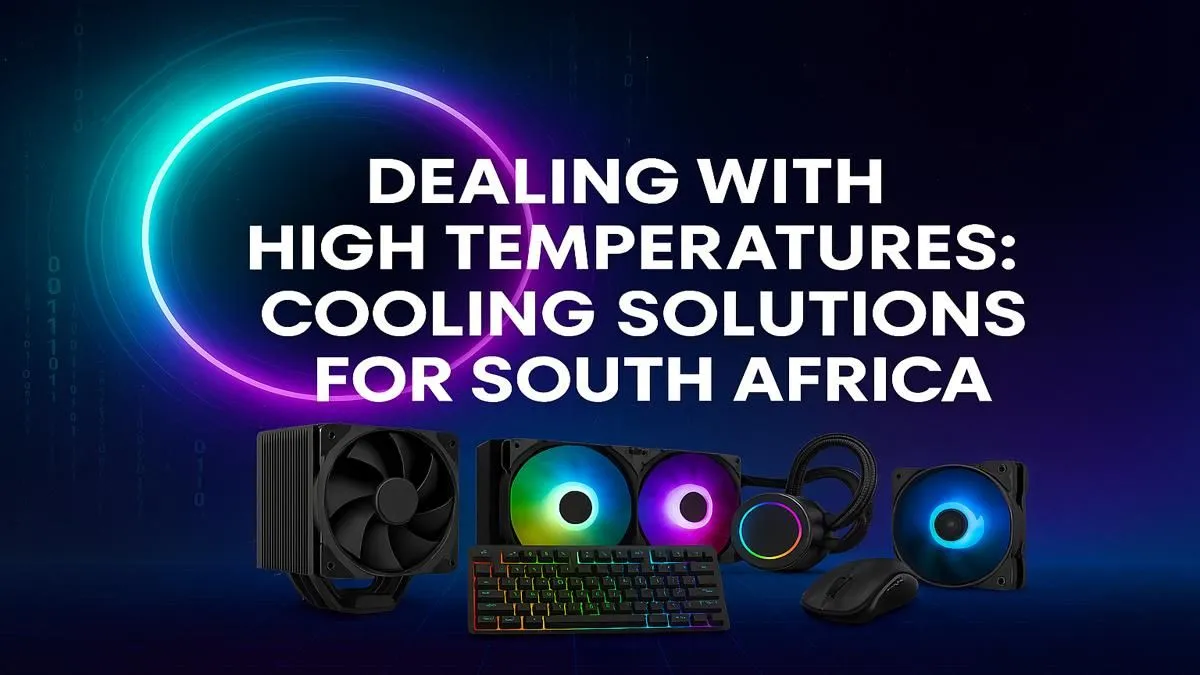
Air coolers are the classic choice for a reason. They use a combination of a metal heatsink with fins to draw heat away from the CPU, and a fan to dissipate that heat into the air.
- Pros: Highly reliable, often more affordable, and simple to install. Modern high-end air coolers can compete with many entry-level liquid coolers.
- Cons: Can be bulky, potentially interfering with tall RAM modules or small cases. Their cooling capacity has a ceiling, which might be an issue for extreme overclocking.
For most gamers, a quality air cooler provides a fantastic balance of price and performance, making it a perfect fit for many budget gaming PCs that deliver excellent value.
The Silent Performer: All-in-One (AIO) Liquid Coolers ✨
AIO liquid coolers use a closed loop where liquid coolant absorbs heat from the CPU block, travels to a radiator, and is cooled by fans before cycling back. They offer one of the most effective PC cooling solutions available.
- Pros: Superior thermal performance, often quieter under load, and a clean, modern look inside your case.
- Cons: More expensive than air coolers and have more potential points of failure (like the pump), though modern AIOs are extremely reliable.
If you're pushing your hardware to its limits or simply want the best possible temperatures, an AIO is the way to go. You'll find them in many of the best gaming PC deals in South Africa, where maximum performance is the top priority.
Check Your Temps! 🌡️
Not sure if your PC is running hot? Download a free tool like HWMonitor or MSI Afterburner. For a modern CPU, idle temperatures should be around 30-45°C, and under heavy load (like gaming), anything under 85°C is generally considered safe. If you're consistently pushing past 90°C, it's time to look at your cooling.
Quick Wins: Practical Tips for a Cooler PC
Before you spend a cent, there are a few things you can do to improve your PC's cooling performance right now. These small optimisations can make a surprising difference, especially on more accessible builds.
- Clean Your Filters: Dust is the enemy of airflow. Regularly clean the dust filters on your PC case's intake fans.
- Improve Case Airflow: Ensure you have a clear path for air to travel through your case. A standard setup is intake fans at the front and bottom, with exhaust fans at the back and top.
- Manage Your Cables: A "rat's nest" of cables can block airflow. Tucking them away neatly doesn't just look good; it helps keep things cool.
Even simple tweaks can boost the performance of affordable systems, helping you get the most from our excellent range of PCs under R20,000.
Is It Time for a Cooling Upgrade?
So, how do you know when it's time to upgrade your cooling solution? Watch for these signs:
- Loud Fans: If your fans are constantly running at full speed, they're struggling to cope.
- Performance Drops: Noticing stuttering or lower frame rates after playing for a while is a classic sign of thermal throttling.
- High Idle Temps: If your PC is running hot even when you're just on the desktop, your cooling is insufficient.
Upgrading your cooler or moving to a complete, professionally built system can feel like getting a whole new PC. Our Pre-Built PC Deals are assembled by experts who optimise airflow and cooling from the start, giving you peace of mind and peak performance.
Ready to Beat the Heat?
Don't let South Africa's climate throttle your gaming experience. An effective cooling solution is the key to unlocking consistent, high-end performance. Explore our best gaming PC deals and find a perfectly cooled machine built to conquer any challenge.