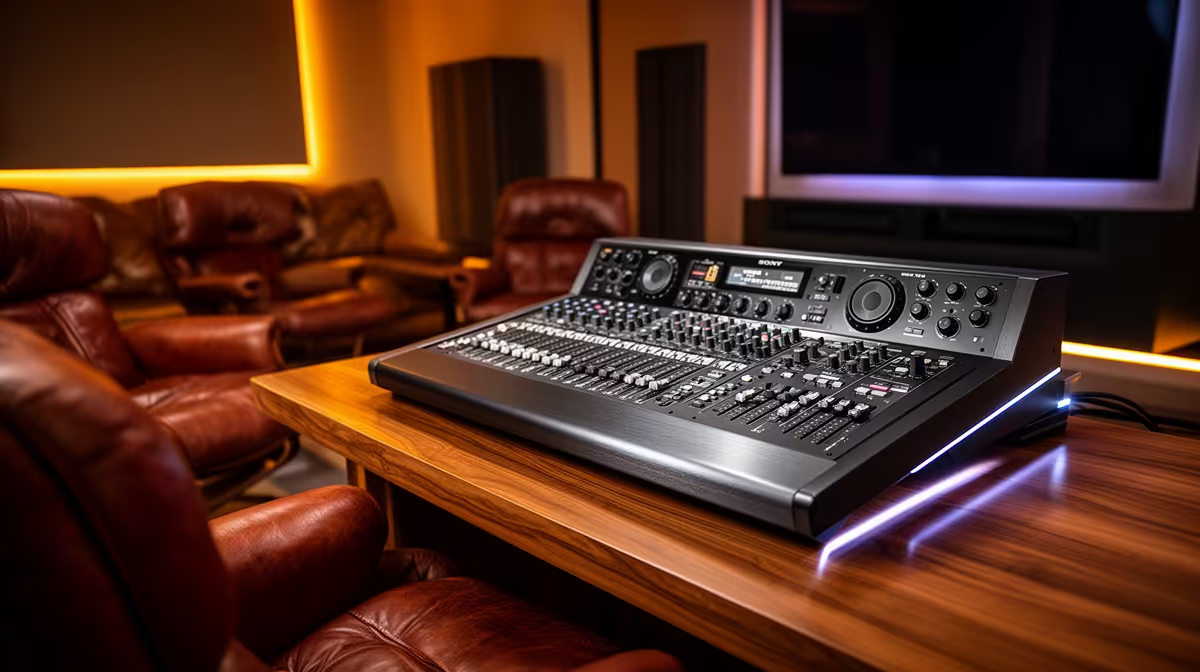
Podcast equipment can provide clear microphones and private monitoring in a lounge, but it is not a complete entertainment system. Movies and music need suitable speakers, display connections and easy control from the seating position. Use podcast hardware for recording or voice chat, then plan playback separately around the room and neighbours.
Divide capture from listening
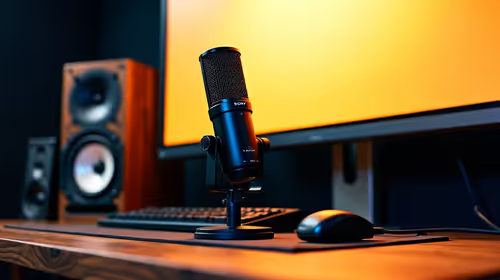
For lounge playback, verified powered options include the Logitech Z407 at R1,404 and SteelSeries Arena 3 at R2,782. The HyperX SoloCast 2 USB microphone at R690 is a verified recording device. Check inputs, dimensions and intended listening distance on each current listing. A desk speaker set may not fill a large lounge evenly.
Test the room at normal volume
Place left and right channels around the main seat, keep them clear of furniture and play familiar dialogue. Walk to adjacent rooms to judge bass spill. For a family recording or game chat, position the microphone close to the speaker and use headphones when echo enters the call. Label inputs so other users can switch between television, computer and recording tasks without moving cables. A podcast kit is sufficient only for the capture side; it cannot replace deliberate room audio.
Keep entertainment remotes and recording controls in separate labelled places so family members do not change microphone settings by mistake.
Combining lounge playback and recording? > Share the room size, sources and microphone needs with Evetech.