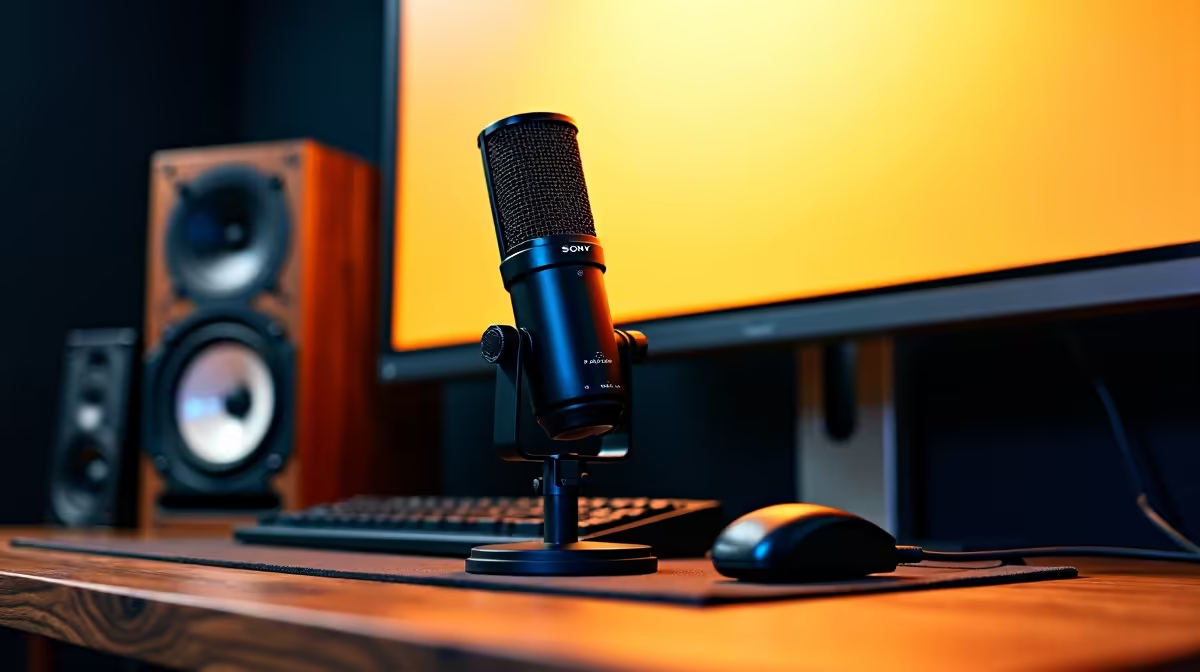
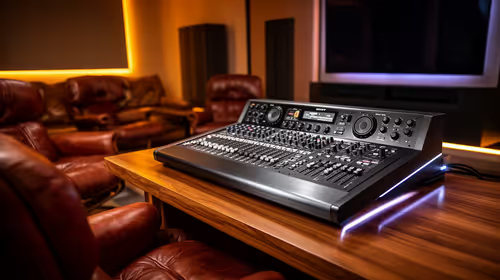
A podcast recording setup can handle basic music production when it captures clean vocals or instruments and the computer runs the chosen audio software. The NearStream USB/XLR microphone at R676 is a verified flexible starting point. It is not a substitute for every interface, monitor and input required by a larger recording project.
Count simultaneous sources before expanding
Confirm the microphone connection, pickup pattern, monitoring options, included mount, software support and warranty. USB keeps a solo voice path simple. XLR operation needs a compatible interface or mixer, and some instruments require suitable line or instrument inputs rather than a microphone socket. Check headphone routing and driver support for the full computer.
Record a spoken passage, sung vocal and any intended instrument at realistic levels. Listen for clipping, room echo, desk vibration, fan noise and monitoring delay. Build a short session with several tracks and effects, then export it while watching processor and memory use. Keep microphone placement close enough to reduce room sound without forcing uncomfortable performance.
Use the combined setup for demos, voice work and simple songs when the test remains clean. Add an interface, extra microphones or acoustic treatment only after a specific limit appears. Save dry recordings before applying effects, label input settings and back up project files with the raw audio so later mixes remain possible.
Turning a podcast desk into a music corner? > Ask Evetech to match microphone and interface connections against each required input.