You're lining up your final approach into Cape Town International... the runway lights are twinkling, the city is sprawling below. The last thing you want is the roar of your PC fans drowning out the engine's subtle hum. For true immersion, a quiet flight sim setup isn't a luxury; it's essential. This guide is for every South African simmer who dreams of a home cockpit that whispers, not shouts. Let's build your silent sanctuary. ✈️
The Heart of Your Quiet Cockpit: The PC
Your computer is ground zero for noise. A powerful rig for Microsoft Flight Simulator 2020 can sound like a jet engine itself if not built with acoustics in mind. The secret to a truly quiet flight sim setup lies in smart component selection that balances performance with silence.
Start with a PC case designed for sound dampening, often lined with foam to absorb internal noise. Pair this with large, slow-spinning fans and an All-in-One (AIO) liquid cooler for your CPU. These are far more efficient and quieter than stock air coolers under the heavy loads that flight sims demand. For a perfectly balanced system from the start, exploring expertly configured Microsoft Flight Simulator Gaming PCs is a great move, as they're optimised for performance and acoustics right out of the box.
Visual Immersion Without the Whine ✨
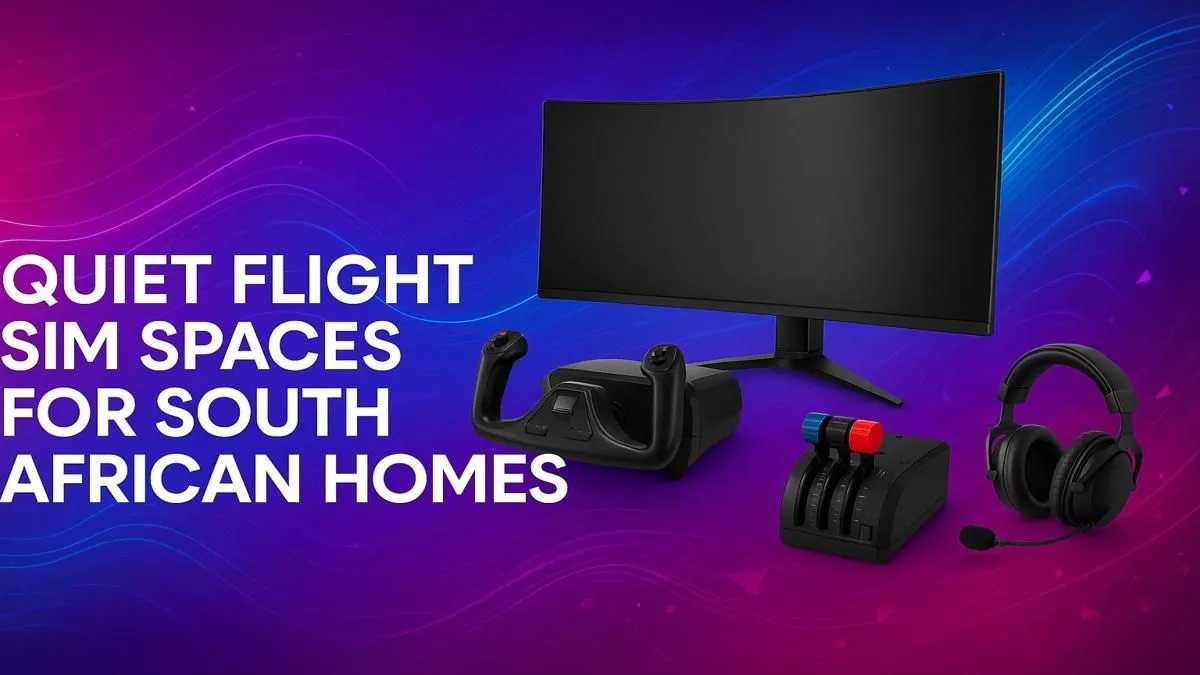
Your view of the world is everything. An immersive display is crucial, but it shouldn't introduce unwanted noise like coil whine. Getting that wrap-around cockpit feeling is best achieved with a super ultrawide or multi-monitor display. High-quality curved monitors can pull you into the simulation like nothing else, making you feel like you're actually in the pilot's seat.
Cockpit View Pro Tip 🔧
For maximum realism in MSFS 2020, use the in-game camera settings to adjust your Field of View (FOV). A wider FOV on an ultrawide monitor enhances peripheral vision, but finding the sweet spot (usually between 70-90 degrees) prevents the 'fisheye' effect and makes landings feel much more natural.
Whether you need a 4K panel for crisp instruments or a high-refresh-rate screen for buttery-smooth visuals, browsing a wide range of PC monitors will help you find the perfect centrepiece for your home cockpit.
Tactile Controls Without the Clatter
A cheap, plastic yoke that creaks and clicks with every input can shatter the illusion of flight. Building a truly quiet and immersive home cockpit means investing in quality peripherals that feel as good as they look. You want smooth, precise movements from your yoke, throttle, and rudder pedals... not squeaks and rattles.
Well-made hardware is key. Top-tier brands like Thrustmaster offer a range of flight controls known for their durable build and realistic feel, ensuring your inputs are as silent as they are accurate. This focus on quality makes a huge difference during long flights where subtle adjustments are constant.
Final Touches for Your Noise-Reduced Cockpit 🤫
With your core hardware sorted, a few final elements can complete your quiet flight sim setup. Your chair and desk matter more than you think. A wobbly desk can amplify vibrations from your PC, and a squeaky chair is just plain annoying during a long-haul flight. A sturdy desk and one of our solid gaming chairs available in South Africa provide the stable, silent foundation you need for hours of comfortable flying.
Finally, a good pair of noise-isolating headphones is the ultimate cheat code. They block out any remaining ambient noise, letting you focus entirely on ATC chatter and the beautiful soundscape of the simulator.
Ready to Build Your Dream Cockpit?
A truly immersive flight sim experience is within reach. From whisper-quiet PCs to panoramic monitors and realistic controls, Evetech has everything you need to build the ultimate home cockpit. Explore our specialised Microsoft Flight Simulator PCs and take your first step towards silent flight.