


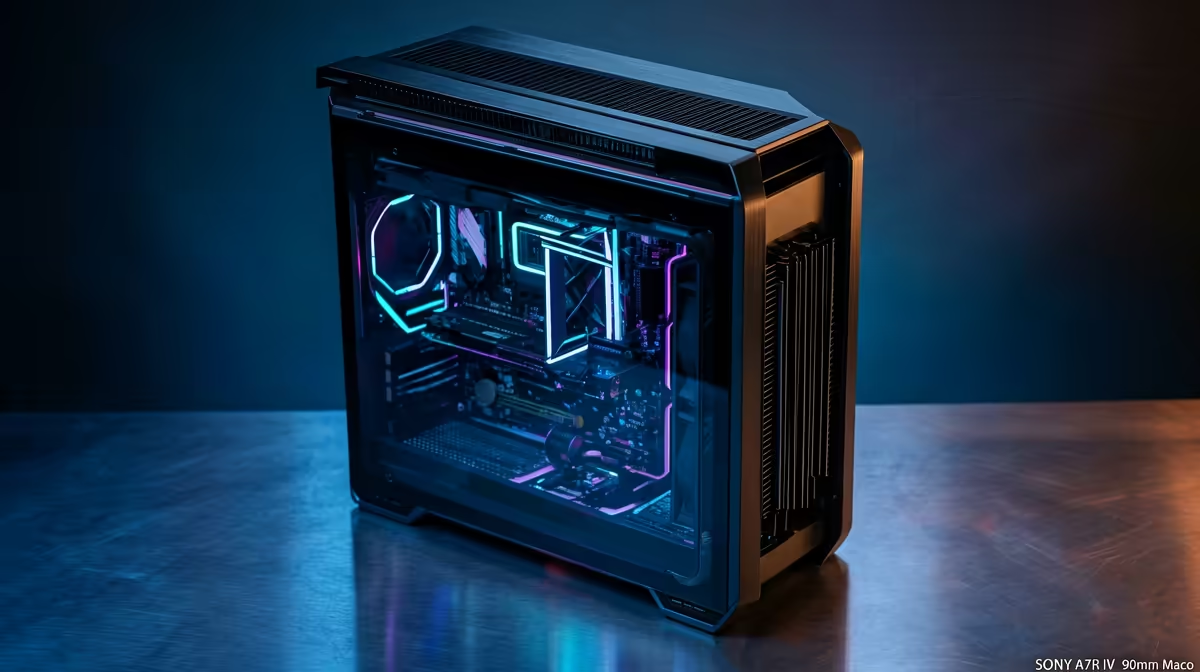
Staring at a render bar that barely moves? For South African creators, the frustration is real. A slow PC kills creativity and costs you time. But what if you could build a powerhouse rig that crushes 4K edits, handles complex effects, and doesn't break the bank? This guide explores the sweet spot for a future-proof workflow: the R30k editing PC build. It’s the perfect budget to unlock serious performance without needing to sell a kidney.
Why R30k is the Sweet Spot for an Editing PC
In South Africa, the R30,000 mark represents a significant leap in computing power. It's the point where you move from "making do" to "making magic" ✨. At this price, you can afford a balanced system where the CPU, GPU, and RAM work in harmony, eliminating bottlenecks that plague cheaper builds. An R30k editing PC build in South Africa gives you the horsepower for smooth timeline scrubbing in DaVinci Resolve, real-time previews in After Effects, and lightning-fast exports. It's a strategic investment in your productivity.
Core Components for Your R30k Editing PC Build
Building a PC is about making smart choices. For video editing, the focus is different from a pure gaming rig. Here’s where your money should go.
The CPU: Your Rig's Brain 🧠
The Central Processing Unit (CPU) is the most critical component for video editing. It handles decoding footage, rendering effects, and the final export. For a build around R30k, you should look for a CPU with at least 8 cores and 16 threads.
- Intel: A Core i5 (13th/14th Gen) or Core i7 offers a fantastic mix of high clock speeds for smooth software operation and multiple cores for rendering.
- AMD: A Ryzen 7 processor is a multitasking beast, perfect for running your editing software, browser, and other apps simultaneously.
More cores mean your PC can work on more parts of your video at once, drastically cutting down render times.
The GPU: The Visual Powerhouse
While the CPU does the heavy lifting, the Graphics Processing Unit (GPU) accelerates visual tasks. It helps with smooth playback in your timeline, powers GPU-accelerated effects (like colour grading and stabilisation), and can even speed up encoding. An NVIDIA GeForce RTX 4060 or a comparable AMD Radeon card provides excellent performance and access to technologies like NVENC for faster H.264/H.265 exports.
Productivity Pro Tip ⚡
On Windows, use the PowerToys FancyZones utility to create custom snap layouts for your windows. It's a lifesaver for managing multiple apps on an ultrawide monitor, letting you organise your timeline, preview window, and asset folders perfectly for video editing.
RAM: Fast, Plentiful Memory
Video editing loves RAM. For a 4K workflow, 16GB is the absolute minimum, but 32GB is the recommended standard for a smooth, crash-free experience. With 32GB of fast DDR5 RAM, you can handle complex timelines and multitask without your system grinding to a halt.
Storage: Speed is Everything 🚀
Your storage setup directly impacts how quickly your PC can load footage and save projects. A fast NVMe SSD is non-negotiable for your operating system, applications, and active project files. A 1TB NVMe drive is a great starting point, ensuring your software loads instantly and footage plays back without stuttering.
To Build or To Buy? The Smart Choice
So, you have the blueprint for your R30k editing PC build. Should you assemble it yourself or buy a pre-built machine? DIY is rewarding, but sourcing parts and ensuring compatibility can be a headache. If your budget is a bit tight, even some modern budget gaming PCs offer a decent starting point for 1080p editing.
For those wanting a solid creative machine without the R30k investment, exploring our range of PCs under R20k can provide incredible value. They are great for learning the ropes and handling less demanding projects.
However, the build we've outlined fits perfectly into the high-performance category of PCs above R20k. This tier is where professional-grade performance begins, giving you the power to take on paid client work with confidence.
The best part? A PC this powerful for creative work is also a phenomenal gaming machine. It often provides better all-around value than some of the best gaming PC deals that might compromise on the CPU cores or RAM that are so crucial for editing. Going with a professionally assembled PC from Evetech gives you peace of mind with a full system warranty, expert cable management, and the guarantee that your machine is optimised from day one.
Ready to Build Your Creative Powerhouse? Crafting the perfect R30k editing PC build in South Africa is an exciting journey. Whether you build it yourself or trust the experts, the right machine will transform your workflow. Explore our range of powerful pre-built PCs and find the perfect rig to bring your vision to life.











