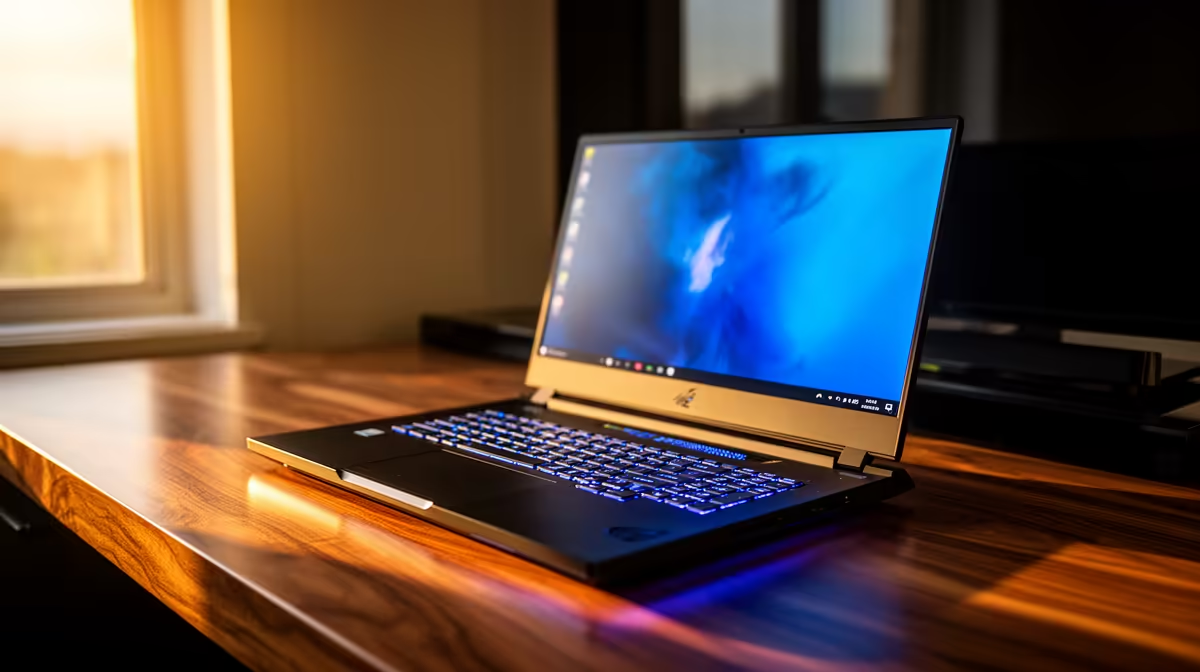
The ASUS ExpertBook P1503 i5 at R9,858 suits a home user who wants a dependable 16-inch laptop for documents, browsing, email, and everyday admin without paying for gaming hardware.
Practical home picks
The ASUS ExpertBook P1503 i5 at R9,858 is the sensible starting point for a fixed desk setup because the i5 spec is enough for school portals, spreadsheets, video calls, online banking, and a second browser window for reference notes. It keeps the recommendation grounded for a household that needs one reliable machine shared between study and work.
The Lenovo IdeaPad Slim 3 i7 at R13,400 is a stronger fit when the same desk handles heavier multitasking. Its i7 spec gives more room for large documents, multiple tabs, and app switching, which matters when someone is working from home while another person uses the machine for coursework later in the day.
Kimberley Home Desk Practicalities
Place the screen where afternoon glare is not hitting it directly, keep the charger on the same side as the wall plug, and leave space for a mouse beside the notebook. The ASUS Vivobook X1504VA i7 at R13,999 makes sense for that kind of permanent desk because its i7 spec suits browser-heavy work, admin dashboards, and media playback without feeling like a temporary setup.
The ASUS Vivobook S14 OLED at R10,719 is the better call when the same corner doubles as a creator or entertainment desk. Its OLED spec is useful for sharper-looking photos, richer video, and cleaner text, while still keeping the setup simple enough for a normal home table.
Ready to choose the right laptop?
Use ASUS ExpertBook P1503 i5 at R9,858 as the Kimberley setup benchmark, then check whether its listed spec matches the space, workload, and upgrade path.