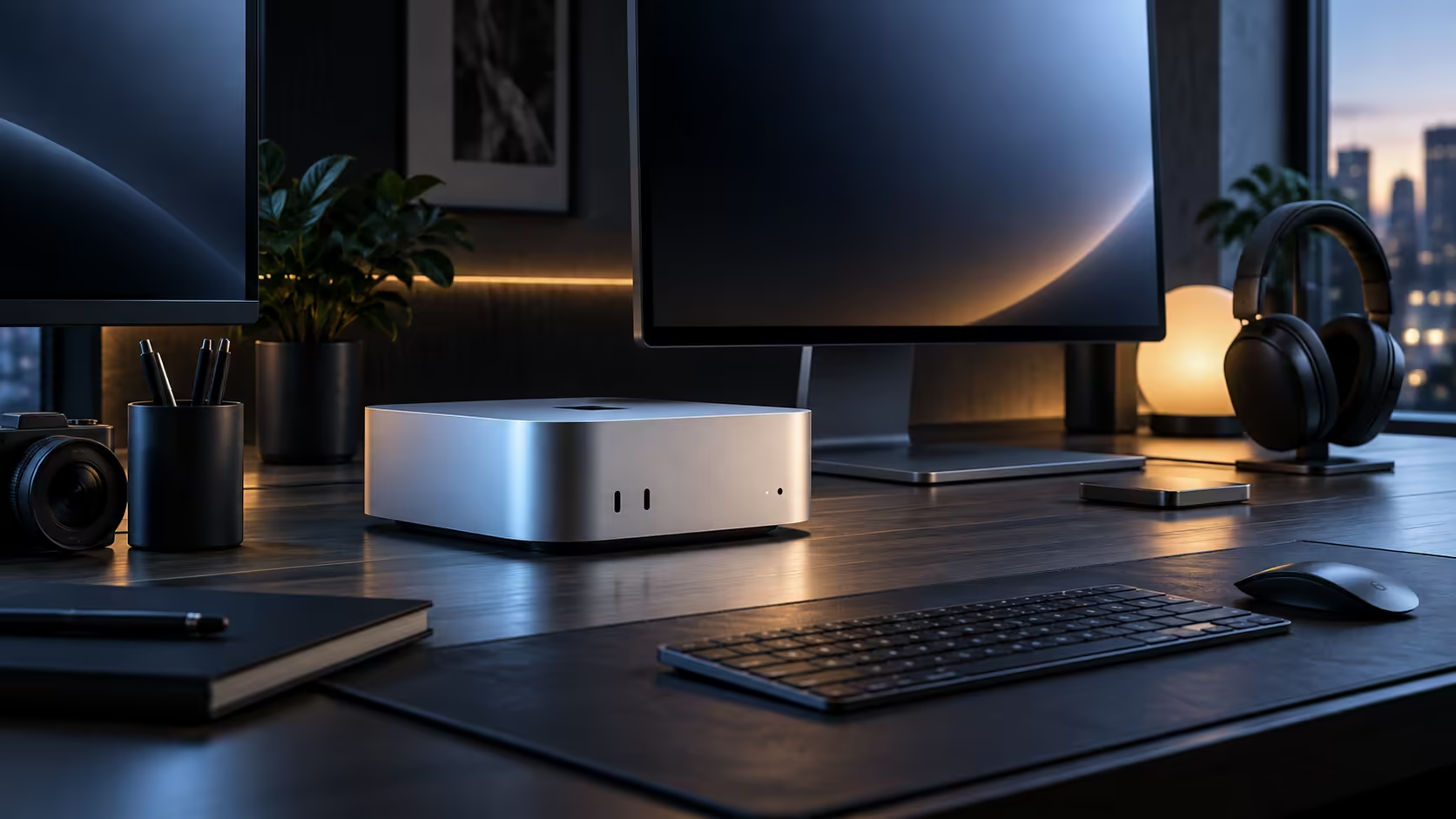
A home office rarely fails because of one bad connection; it fails because three or four devices are quietly fighting over the same overloaded Wi-Fi channel while a perfectly good wired port sits unused on the desk.
Quick Answer
Audit your home office network before assuming anything needs upgrading: count how many devices actually compete for Wi-Fi during a work call, wire the one machine that would benefit most, and let everything else stay wireless. A R21,699 Mac Mini M6 already carries 2.5Gb wired, Wi-Fi 7 and Bluetooth 6 built in, so the fix is usually a cable, not new hardware.
🔎 Auditing what is actually on your home network
Count every device likely to be active during a typical work call: a phone charging nearby, a smart TV streaming in another room, a partner on their own video call, a smart speaker checking for updates. A household this size can easily reach 8 or 10 connected devices at once, which explains congestion far better than blaming the router alone for a problem it genuinely did not cause entirely by itself, on its own, in isolation.
🔌 Wiring the one device that actually needs it
Rather than wiring an entire home office, identify the single machine doing the most demanding, most sustained work, video calls, large file transfers, cloud backups, and run one cable to it. A fibre router placed centrally, plus one wired desktop, solves more real congestion than upgrading every device to the newest wireless standard.
📡 When Wi-Fi 7 genuinely earns its keep at home
A single household with 2 or 3 devices and a strong signal notices Wi-Fi 7 least; a home with several people on calls, a smart TV, and various smart devices all active at once notices the difference in congestion handling considerably more. Match the upgrade decision to how crowded your actual home network gets, not to how new the standard sounds.
🎧 Bluetooth accessories and the desk that never gets cluttered
Wireless keyboards, mice and headsets over Bluetooth 6 free up all 5 USB-C style ports for things that actually need a cable, which matters most on a desk with a webcam, a microphone and a dock all fighting for space already.
Frequently Asked Questions
Do I need to wire every device in a home office?
No, one wired connection to the machine doing the heaviest work usually solves most real congestion; everything else is fine on Wi-Fi.
How do I know if my home network is actually congested?
Notice video call quality dropping specifically when other household members are streaming or on calls at the same time; that pattern points to shared bandwidth, not your ISP.
Is a new router necessary just for Bluetooth accessories?
No, Bluetooth pairs directly with the machine and has nothing to do with your router or Wi-Fi standard at all.
Should I run the audit again after buying new hardware?
Yes, worth repeating a few weeks after any change, since a new smart device or a household member's new phone can quietly add back the same congestion an earlier fix removed in the first place.
Does a mesh Wi-Fi system make wired connections unnecessary?
Not entirely; a mesh system improves coverage around the home considerably, but a single sustained heavy task still benefits from a direct wired link more than any wireless mesh node can offer, even a well-placed one close to the desk itself.
🕑 The time-of-day pattern most people miss
Congestion on a home network rarely stays constant through the day; it spikes in the early evening once everyone in the household is home, streaming, gaming or on a call at the same time, and drops off noticeably late morning on a weekday. Running the same speed test at both times, rather than once, is a simple way to tell whether the problem is your setup or simply everyone competing for bandwidth during the same 2-hour window.
🖧 A cleaner wiring option than running cable across the floor
Running a single Ethernet cable from a router in one room to a desk in another is often the actual sticking point, since drilling or trunking through a wall puts off plenty of home office setups indefinitely. A pair of powerline or mesh units built around proper wired networking gear solves that without a single visible cable crossing the floor, which is usually the more realistic fix than accepting Wi-Fi congestion as permanent.
🖥️ Where the machine itself fits into all this
None of this network planning changes with the machine chosen; a Mac Mini M6 or the wider mini PC range both use the same 2.5Gb port and built-in wireless radio, so the audit above applies before or after picking hardware, not instead of it.
Ready to fix your actual home office network problem?
Audit what is really competing for bandwidth before buying any new hardware.