A CPU cooler decision for low-latency online gaming comes down to one question: is your chip throttling? If heat is forcing it to drop clocks, you upgrade; if temperatures are fine, you keep it and spend elsewhere. Frame consistency, not raw cooling, is the goal.
Quick Answer
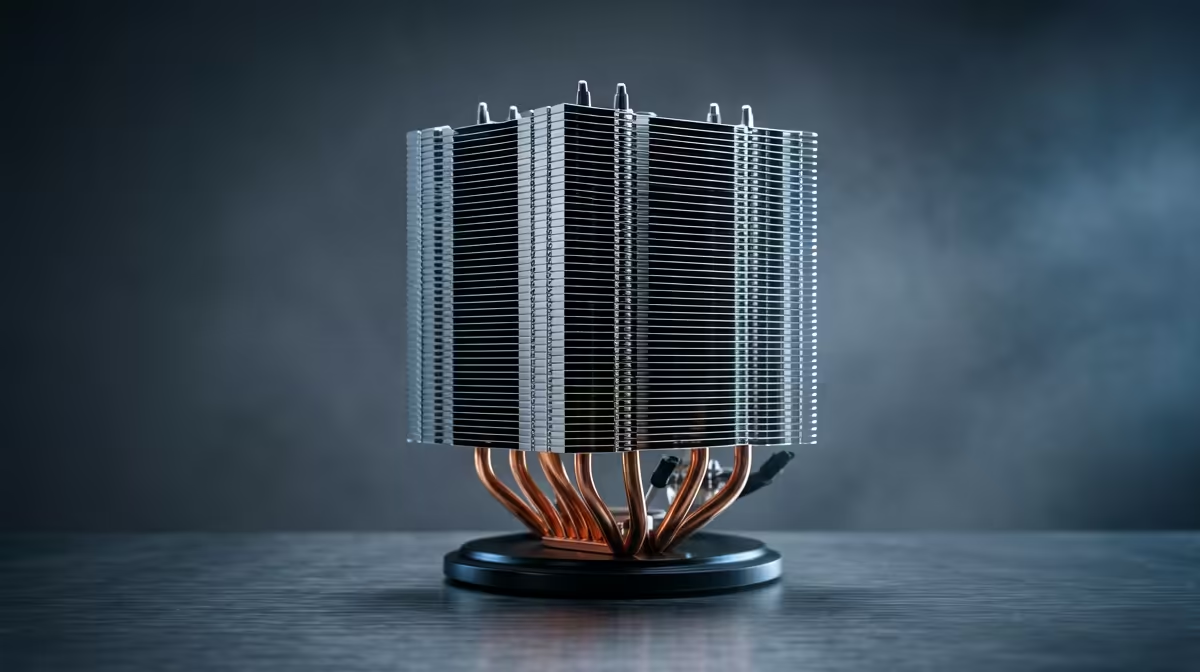
Upgrade your CPU cooler for low-latency gaming only if the CPU exceeds about 85C and throttles during play; otherwise keep it. A R900 dual-tower air cooler at Evetech holds a Ryzen 5 7600 or Core i5-13400F under 75C, which keeps boost clocks steady for consistent sub-20ms input.
Upgrade If You See Throttling
Open a monitoring tool during a ranked session. If the CPU touches 90C and clock speed sags, it is throttling, and that causes the micro-stutters that hurt frame timing in fast online games. A R900 dual-tower air cooler or a 240mm AIO near R2,000 fixes this, holding the chip in the low 70s C so clocks stay pinned and frame times stay flat.
Keep It If Temps Are Fine
If your CPU stays under about 80C in gaming, a new cooler will not improve latency or FPS; competitive titles like CS2 and Valorant are GPU and engine bound at the frame rates that matter. In that case keep the cooler and put the money into a high-refresh monitor or faster RAM, which do more for the felt experience.
Air Versus Liquid For This Job
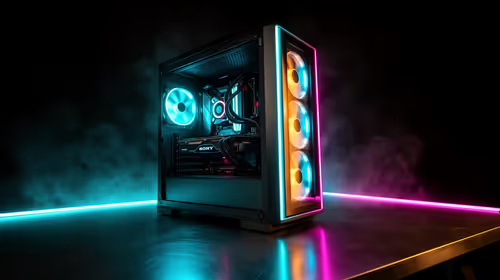
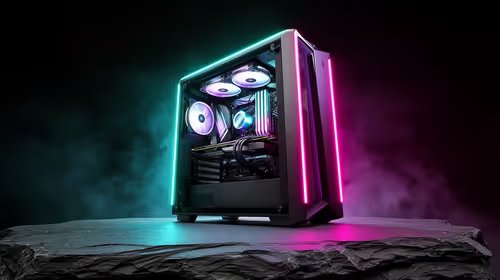
For mid-range gaming chips, a dual-tower air cooler matches a 240mm AIO and has no pump to fail. Reserve liquid cooling for hot Ryzen 9 or Core i7/i9 parts, or for a glass-case build where looks count alongside performance.
FAQ
How do I know if my CPU cooler needs replacing?
Watch CPU temperature during gaming; if it hits about 90C and clock speed drops, the cooler is inadequate and the chip is throttling. Steady temps under 80C mean the cooler is fine for low-latency play.
Does a better cooler lower input latency?
Only indirectly. A cooler that stops thermal throttling keeps clocks steady, which removes the micro-stutters that disrupt frame timing. If the chip already runs cool, the cooler has no effect on latency.
Air or liquid for competitive gaming?
A R900 dual-tower air cooler is ideal for mid-range gaming chips, matching a 240mm AIO without a pump to fail. Choose a 240mm AIO only for hot high-core CPUs or a show build.
temperature monitor during one ranked match; upgrade the cooler only if the CPU passes 85C and clocks drop, otherwise spend on a faster monitor.