



Fix Dead pixel checks on RX 9070 XT build
Dead pixel on RX 9070 XT build needs careful display-chain checks, not a single-part blame. Test the screen, cable, port, scaling, drivers, and setup context before replacing hardware.
Read moreAchieve a silent PC cooling for streaming setup that keeps your studio mic audio crystal clear. Eliminate fan hum and thermal throttling with our 2025 guide to zero-noise liquid coolers and cases. 🤫🎙️ Perfect for pro content creators!
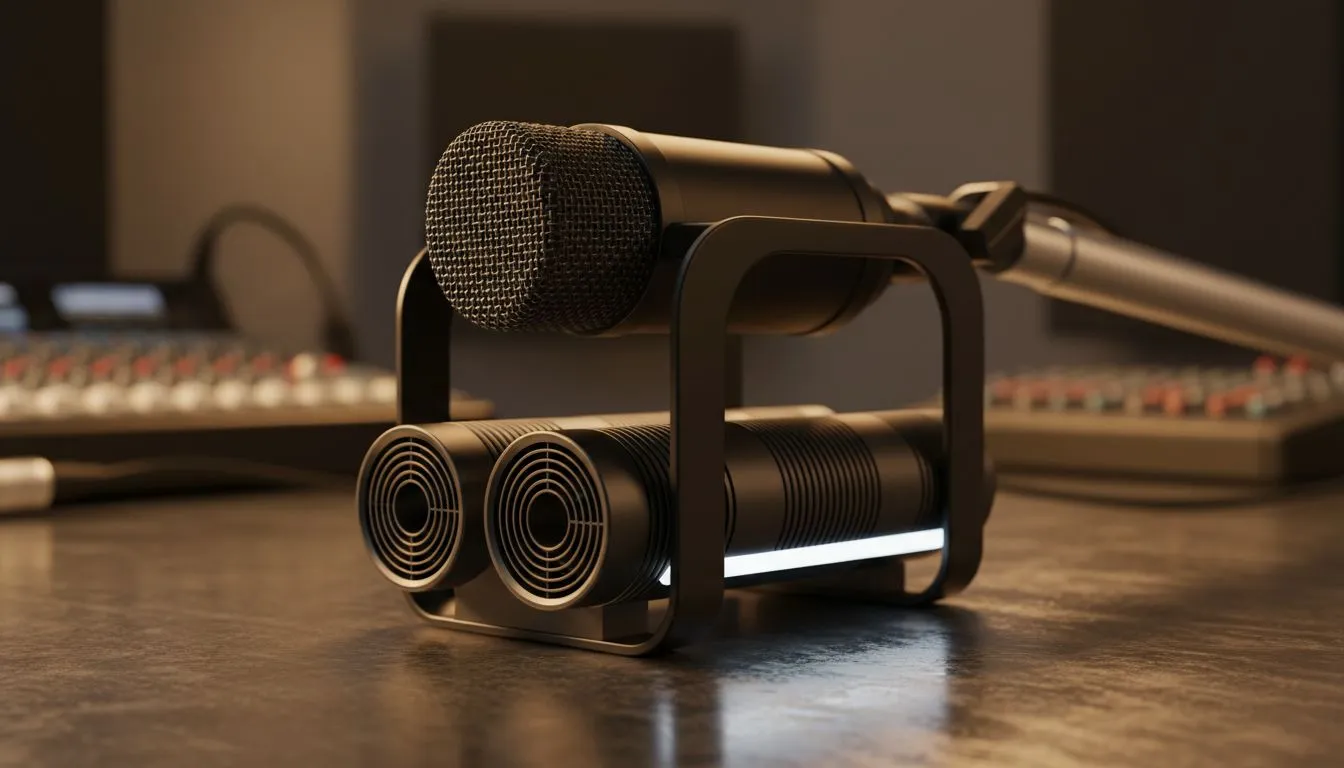
You’re live. The chat is popping off, you’re about to clutch a 1v3 in Apex, and your mic is crystal clear… or is it? For many South African streamers, the biggest enemy isn’t lag; it’s the jet engine whine from their PC fans. A truly professional broadcast demands near-silence. This guide will walk you through achieving the ultimate silent PC cooling for streaming, ensuring your voice, not your hardware, is the star of the show. 🤫
Ever edited a VOD only to find a constant, low-level hum you can't get rid of? That’s your PC’s cooling system bleeding into your audio. Your microphone, especially a sensitive condenser mic, picks up everything. A silent PC cooling solution isn't just a luxury; it's a core component of a professional streaming setup.
It means:
Achieving this level of quiet requires a smart approach to your build, focusing on components designed for low-noise operation.
When building a quiet rig, your CPU cooler is the first and most important decision. You have two main paths, and both can lead to a near-silent experience if you choose wisely. For a broad overview of what's available, you can explore the full range of CPU coolers right here.
Don't underestimate modern air cooling. Massive heatsinks with large, slow-spinning fans can dissipate heat incredibly effectively with minimal noise. A premium air cooler is often simpler to install and has fewer points of failure. They are a fantastic choice for a reliable and quiet streaming PC.
For the ultimate zero noise setup in 2025, an All-In-One (AIO) liquid cooler is often the top choice. An AIO moves the CPU's heat via liquid to a radiator mounted on your case's edge. This is more efficient than trapping hot air around the CPU socket.
This efficiency allows the radiator fans to spin much slower, drastically reducing noise. A good quality liquid cooler (AIO) provides both elite thermal performance and the whisper-quiet operation that streamers crave. Generally, a larger radiator means better, quieter cooling. Opting for a model with a 360mm radiator gives you a massive surface area to cool your liquid, letting your fans run at practically inaudible speeds even under load.
Getting the right hardware is half the battle. The other half is optimising it. Brands known for quality engineering often produce the quietest components. For example, many of the top-performing and quietest AIOs on the market come from specialists like CORSAIR, who focus heavily on low-noise pump and fan designs.
Beyond brand choice, a few tweaks can make a massive difference.
Your motherboard's BIOS is your best friend for a silent build. Instead of using the default "Standard" or "Performance" fan profiles, create a custom fan curve. Set your CPU and case fans to stay at their lowest RPM (around 20-30%) until your CPU hits a higher temperature, like 60-70°C. This ensures your PC stays dead silent during idle, browsing, or even light gaming, only ramping up when truly necessary.
Also, consider your PC case. A case with good airflow and sound-dampening panels can further reduce any audible noise, perfecting your silent PC cooling for streaming and giving your audience that studio-quality audio they deserve.
Ready to Build Your Silent Powerhouse? A quiet PC is the foundation of a professional stream. Stop letting fan noise ruin your audio and start building a rig that performs in silence. Explore our massive range of CPU coolers and find the perfect solution to conquer your stream.
Liquid AIO coolers with magnetic levitation fans offer the best balance of thermal performance and silence for professional streaming setups.
Adjust fan curves in BIOS, upgrade to silent PC fans like Noctua or be quiet!, and move the tower further from your studio microphone.
Generally, yes. High-end AIO liquid cooling spreads heat over a larger surface area, allowing fans to spin slower and quieter than standard air coolers.
Look for cases with sound-dampening panels and baffled air intakes, specifically designed to trap internal component noise during recording sessions.
Absolutely. Custom fan curve optimization ensures fans only spin up when temperatures spike, keeping your rig silent during light tasks and managed under load.
Not necessarily. A fanless PC limits performance. High-quality PWM fans running at low RPMs are virtually inaudible and better for high-end gaming.
Dead pixel on RX 9070 XT build needs careful display-chain checks, not a single-part blame. Test the screen, cable, port, scaling, drivers, and setup context before replacing hardware.
Read more
Genshin Impact anti-cheat error on RTX 4090 usually needs service, permissions, overlay, and file integrity checks. Use this SA-focused fix path to isolate launch blockers before reinstalling or changing security settings.
Read more
Mass Effect launch trouble on RX 7800 XT needs focused driver, settings, launcher, and heat checks. Use this SA-friendly guide to isolate the likely cause, protect saves, and return to smoother play without unsupported hardware claims.
Read more
144Hz 1440p setup for video editing in 1080p - what SA needs a balanced, cautious look before buying. Compare fit, budget, workload, warranty support, and upgrade room so the choice makes sense for South African buyers.
Read more
R8,000 gaming PC build in KwaZulu-Natal needs a practical check before you shortlist anything. Compare fit, compatibility, warranty support, timing, and total setup balance for South African buyers.
Read more
Brits video editing in 4K build under R20,000 needs a balanced parts plan, not a random basket. Map the CPU, GPU, RAM, SSD, cooling, and monitor target to the budget so SA builders know where to spend first.
Read more
Windows never combine taskbar shows separate labelled buttons for open windows. Choose it in Taskbar behaviours, then review space and other-display settings; labels and grouping are linked in the available options.

8BitDo Ultimate 3C+ brings adjustable stick tension to the C Series. Windows uses wired USB or the 2.4 GHz adapter; Android uses Bluetooth. Confirm those modes and local pricing before buying.

EPOMAKER Galaxy75 previews an aluminium 75% keyboard with wireless modes and HUB/VIA customisation. It is still marked coming soon; final pricing and South African supply are not confirmed.

Windows Delivery Optimisation can share update files with other PCs. Review its activity, choose local-only sharing or turn peer sharing off, and use bandwidth controls; those choices do not disable Windows Update.
Windows never combine taskbar shows separate labelled buttons for open windows. Choose it in Taskbar behaviours, then review space and other-display settings; labels and grouping are linked in the available options.
Windows Delivery Optimisation can share update files with other PCs. Review its activity, choose local-only sharing or turn peer sharing off, and use bandwidth controls; those choices do not disable Windows Update.

Windows touch indicator adds visual feedback where you touch a screen. Change it in Accessibility, Mouse pointer and touch; a feedback circle is different from inaccurate input, ghost touches or a damaged panel.

Windows underline access keys makes supported menu letters easier to see. Enable the keyboard accessibility option, then follow the app's displayed Alt cues; this does not remap keys or create missing app shortcuts.

Windows Task View button visibility is a taskbar preference. Hide it in Taskbar settings if you prefer Windows plus Tab, and keep virtual desktop switching separate from closing your applications.

Windows taskbar search box display options can free space without removing search. Choose Hide, an icon or a box in Taskbar settings, then use Windows plus S when you need to search.

Windows text suggestions can offer word choices while you type with a physical keyboard. Enable the setting under Typing, test a supported app, and keep suggestions separate from automatic corrections.

Windows autocorrect settings and application spelling tools are separate controls. Change one at a time, test a harmless sentence, and keep useful spelling highlights if automatic replacements get in your way.