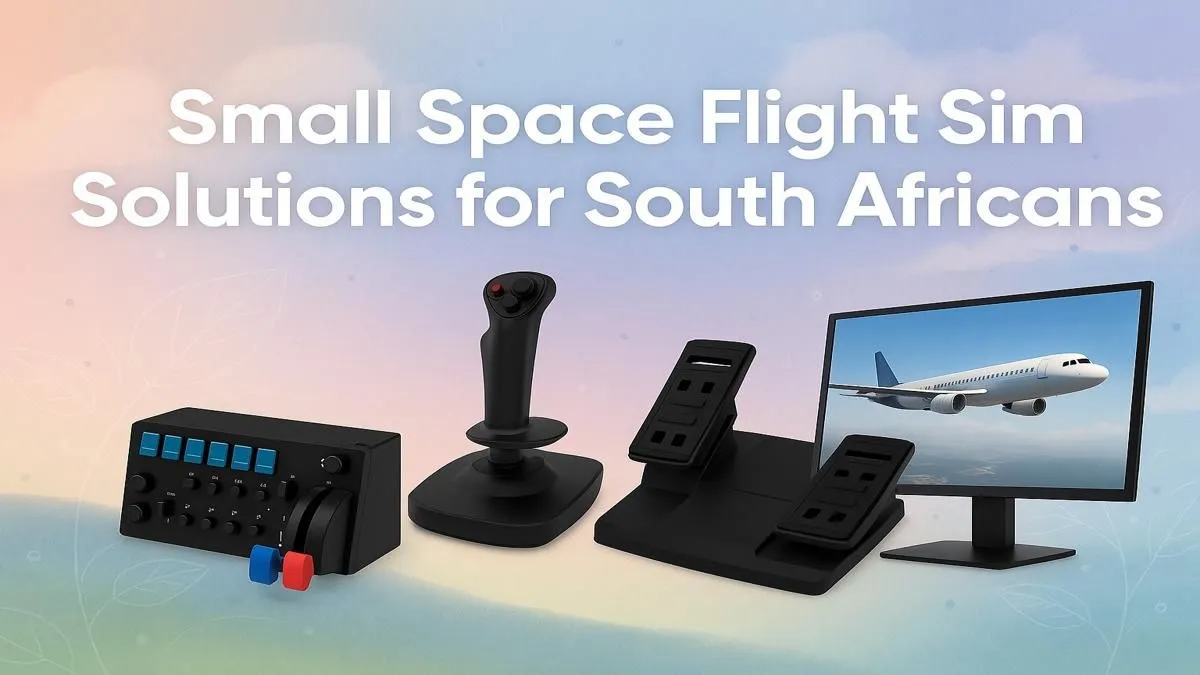
Dreaming of banking over the Drakensberg in Microsoft Flight Simulator, but your desk is the size of a postage stamp? Ja, we get it. Many South African gamers think a full flight sim setup needs a dedicated room. The good news? You don't need a hangar to house your passion. With a few clever choices, you can build an incredibly immersive small space flight sim setup right in your current nook. Let's get you cleared for takeoff. 🚀
The Engine: Your Compact PC
Before you even think about yokes or pedals, you need a PC that can handle the massive world of modern flight sims without melting. Flight Simulator 2020 is notoriously demanding, but you don't need a giant tower to get smooth performance.
A sleek, powerful mid-tower or even a Small Form Factor (SFF) PC can deliver all the grunt you need. Look for a rig with a solid CPU (like an Intel Core i5/Ryzen 5 or better) and a capable graphics card (think NVIDIA RTX 3060 or higher). The key is to get a balanced build that prioritises performance without hogging your floor space. For a flight-ready machine straight out of the box, exploring pre-configured Microsoft Flight Simulator Gaming PCs is the smartest first step.
Your Cockpit Window: The Right Display
Your monitor is your view of the world. For a compact flight sim setup, a multi-monitor array is usually out of the question. So, what’s the alternative?
Go Wide, Not Multiple
A single ultrawide monitor is a fantastic solution. It gives you that wide, peripheral vision that's crucial for situational awareness, without the clutter of bezels and extra stands. An immersive curved monitor can wrap the scenery around you, making your small room feel like an endless sky. It’s a single, elegant solution that enhances both flying and everyday use. If an ultrawide isn't for you, there are plenty of high-refresh-rate PC monitors that offer stunning clarity in a standard footprint.
Pro Tip: Reclaim Your Desk 🔧
Use a VESA monitor arm to mount your display. This lifts the monitor off your desk, freeing up valuable surface area underneath for your flight controls, notes, or even your morning coffee. It also lets you pull the screen closer for maximum immersion during flight and push it back for work.
Taking Control: Space-Saving Peripherals
This is where your small space flight sim setup truly comes to life. While a full yoke, throttle quadrant, and rudder pedals are the dream, they can be bulky.
For most space-constrained pilots, a high-quality HOTAS (Hands-On Throttle-And-Stick) is the perfect compromise. It combines the joystick and throttle into two compact units that can easily fit on either side of your keyboard. Many models, like those from Thrustmaster, can be clamped to the edge of your desk for stability and removed in seconds when you need to switch back to work or other games. This modularity is the secret to a successful dual-purpose setup.
The Captain's Seat: Ergonomics Matter
You'll be spending hours in the virtual sky, so don't skimp on your chair. You don't need a dedicated, fixed-back racing seat that takes up permanent residence. A well-designed ergonomic chair is far more practical.
A quality seat provides the support needed for long-haul flights while doubling as your everyday office chair. Look for adjustable armrests, lumbar support, and a comfortable base. Investing in one of the excellent gaming chairs available in South Africa is a smart move for your back and your flight sim immersion. After all, it's hard to feel like a captain in a rickety dining room chair. ✨
Building a flight simulator for a small room isn't about compromise… it's about making smart, efficient choices. With the right gear, you can create a cockpit that delivers all the thrills without the clutter.
Ready for Takeoff?
A world-class flight sim experience is closer than you think. From powerful, compact PCs to immersive peripherals, we've got everything you need to build your dream setup. Explore our specialised Microsoft Flight Simulator PCs and get ready to earn your wings.