Rapid Trigger is one of those features you are told you have but rarely see. It works below the level of conscious feel, so the only way to be sure it is switched on and doing its job is to measure it. A free browser key tester does that in a few minutes. This guide shows how to use one to test Rapid Trigger on an AULA magnetic keyboard, what a correct result looks like, and how to spot when the feature is off.
Quick Answer
Open an online key tester, press a key on an AULA magnetic board such as the WIN68 HE, then lift it slowly: with Rapid Trigger on, the key releases the moment it starts to rise. A normal key waits until it passes a fixed release point. Every AULA magnetic board lists Rapid Trigger, and the HERO 75 HE's driver can also show key travel live. A WIN68 HE from Evetech is R449, and a HERO 75 HE is R899.
🧪 What a key tester actually shows
A key tester is a web page that listens for the two events your keyboard sends for every key: a keydown when the press registers and a keyup when the release registers. Most testers highlight each key while it is held and many also log the events with timings.
That is all you need. Rapid Trigger does not change what is sent; it changes when. The test is simply watching exactly when the keyup arrives as you lift your finger.
Why a tester rather than a game?
A game mixes key input with frame rate, network and game logic, so it is hard to see a key's behaviour in isolation. A tester shows the raw events and nothing else. It is also quick, free and safe to use on any browser.
🔬 Step-by-step test
- Open the driver and check the setting. Make sure Rapid Trigger is on for the key you want to test, and note its sensitivity.
- Open a key tester in your browser. Any tester that shows keys lighting up while held will do.
- Press a key slowly and fully. Watch it light up at your actuation point.
- Lift very slowly. With Rapid Trigger on, the key should switch off almost as soon as your finger starts rising, well before the top of its travel.
- Press again from halfway. Without letting the key come fully up, push down again. With Rapid Trigger on, it fires again on the way down.
- Repeat with Rapid Trigger off in the driver. Now the key stays lit until it passes a fixed release point, and a half-lift press does not re-fire.
Step 5 is the clearest sign. A short flutter in the middle of the travel producing repeated keydown events is Rapid Trigger working.
🧭 Reading the results
How to tell Rapid Trigger is off
The key only releases near the top of its travel, and a partial lift followed by a press does nothing. If you see that with the driver set to on, check that the setting was saved to the board, and that you are testing the key you changed.
Opposite keys held together
Hold A, then press D, and watch the tester. On a board without SOCD handling, or with it turned off, both keys show as held. On boards that list SOCD (the WIN68 MAX, HERO 75 HE and AG75 among the magnetic range), switching SOCD on changes this: typically only the most recent key remains active. This is a handy way to confirm SOCD is off before a game or event that does not allow it.
Testing the HERO 75 HE
The HERO 75 HE's driver shows key travel in real time, alongside magnetic switch calibration. That lets you see the depth at which each key actuates and releases while you run the tester in another window. If a key behaves oddly, start with a calibration pass, since hot-swapping switches can change how a key reads.
✅ Which boards should pass
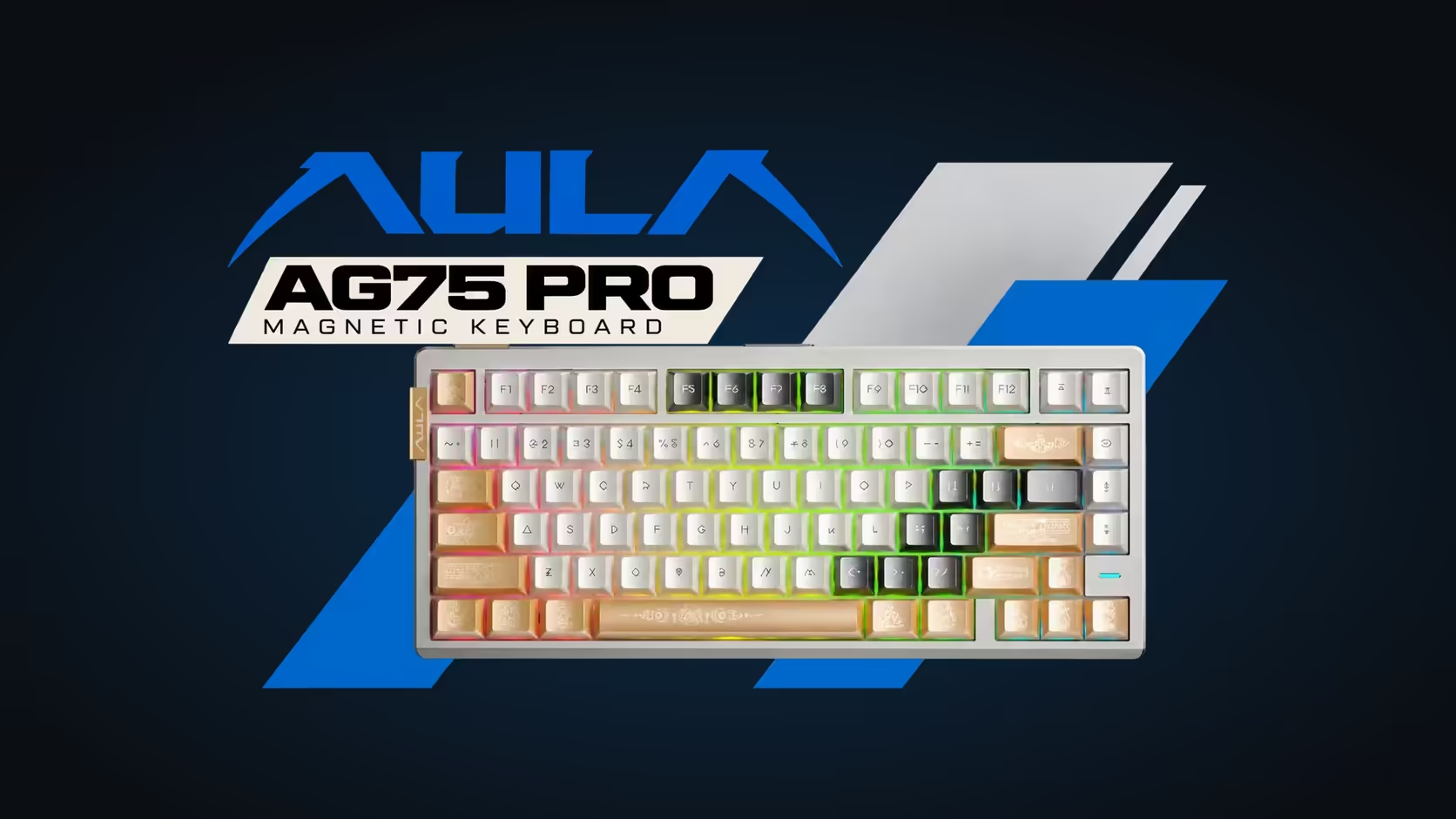
All nine AULA magnetic boards list Rapid Trigger: the WIN68 HE and WIN68 MAX, all three colourways of the HERO 75 HE, the white and purple HERO 84 HE, and the AG75 Pro in two colours plus the AG75 Ultra. Each should show the early release and the mid-travel re-press in a tester once the feature is on.
The mechanical and membrane keyboards in AULA's range do not offer Rapid Trigger, so they will always show a fixed release point.
Every one of the nine carries a 2 Years Local Warranty at Evetech, so if a key refuses to behave after calibration, a local claim is the next step. Compare the magnetic boards in the gaming keyboards category, and find replacements for hot-swap sockets in the keyboard switches range.
Frequently Asked Questions
What should the key tester show with Rapid Trigger on?
The key releases as soon as it starts to rise, and a press from partway up fires it again.
Why use a browser tester instead of a game?
It shows raw key events without frame rate, network or game logic getting in the way.
How can I tell Rapid Trigger is switched off?
The key only releases near the top of its travel, and a partial lift and re-press does nothing.
What should holding two opposite keys show?
Both keys held, unless SOCD is on, in which case usually only the latest key stays active.
Does the HERO 75 HE driver help with testing?
Yes. It shows key travel live and offers magnetic switch calibration.
Which boards should pass this test?
All nine AULA magnetic boards, from the WIN68 to the AG75.
Want to see Rapid Trigger working for yourself?
Browse the magnetic keyboards at Evetech and pick a board you can tune and test key by key.