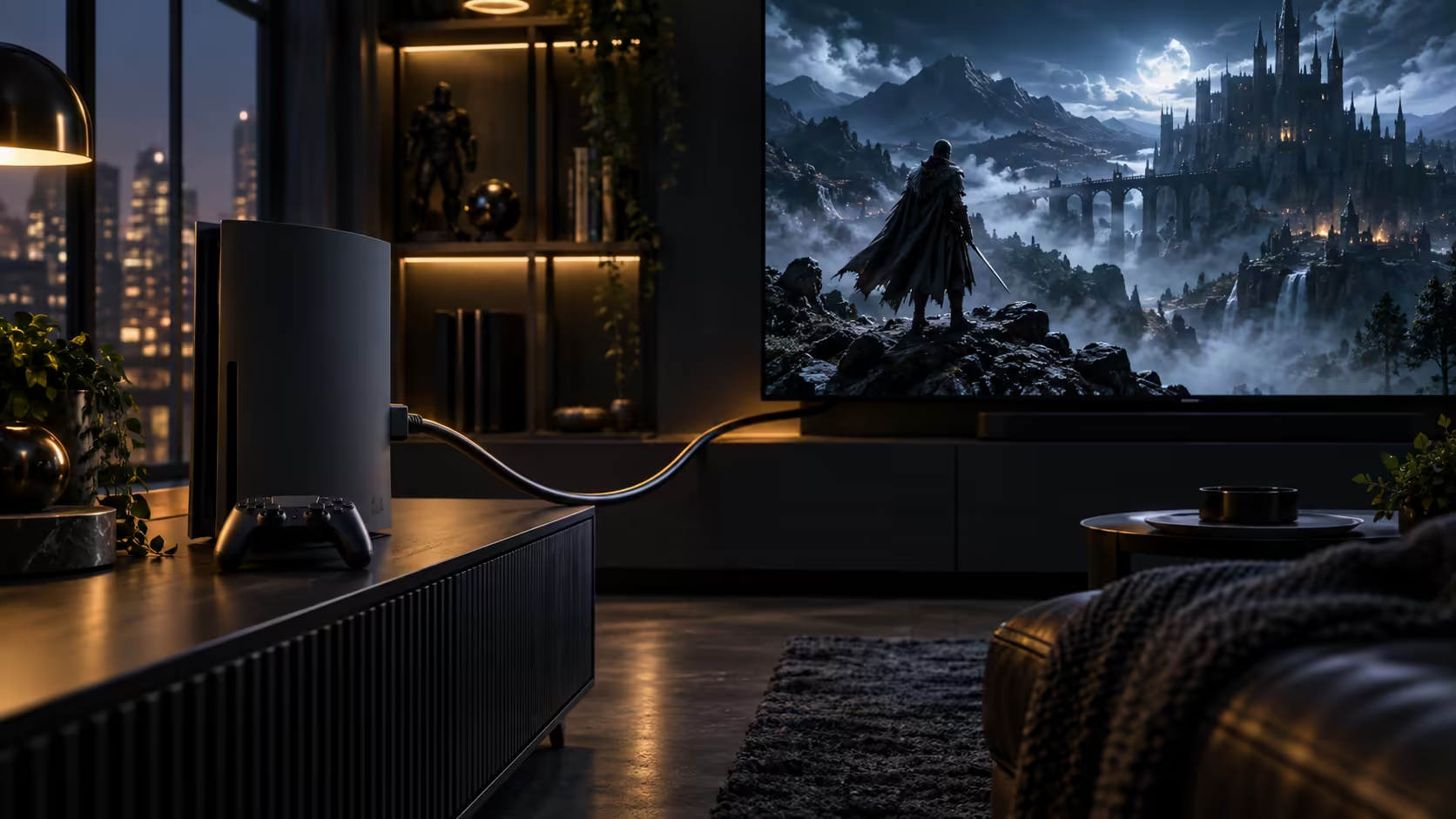
Choosing an HDMI cable for console gaming properly takes four decisions, in a specific order, and getting the first one right makes the rest almost trivial by comparison.
Quick Answer
Start with the rating, because 48Gbps is what unlocks the faster console modes. Then pick a length that reaches with a little slack, plug into the input the maker marks for gaming, and buy somewhere a warranty is usable. The Anker 1.8m answers the first two at R299.
🔢 Decision one: the bandwidth rating
Everything else in this guide is secondary to this figure. A cable rated for 48Gbps clears the way for a current console's fastest modes; drop below that figure and the connection quietly settles for whatever it can actually carry instead, usually plain 4K at 60Hz, no matter how capable the console itself is. Check for the Gbps figure printed directly on the comprehensive cable range, since "HDMI 2.1" alone can describe cables built to lower tiers of the same standard.
📏 Decision two: length that actually fits
Measure the real path from the console to the television, including any bend around a cabinet or up behind a wall mount, rather than guessing at a round number. Most consoles sit within 1 metre of the screen they feed, which is well within a 1.8m cable's reach, leaving slack to spare for routing it neatly out of sight behind the unit. A cable stretched too tight strains the connector at both ends every time the unit gets dusted or the console gets moved.
🎧 Decision three: sorting sound from picture
Sound reaching a soundbar or receiver from the television travels over its own separate HDMI connection using eARC, which is a different cable doing a different job from the one feeding the console. If that audio cable is old or unrated, it can become its own bottleneck for object-based surround formats, worth checking independently of the console's own picture cable. None of this touches how a wired gaming headset connects either, since that runs over its own dedicated link straight to the console or controller, entirely separate from the television's HDMI chain.
🧰 A note on cables that come in the box
Some consoles ship with a basic HDMI cable included, and it is worth checking that specific cable's rating before assuming it matches the console's own capability. A bundled cable is often built to a lower cost target than a console's own hardware, since it only needs to meet a minimum requirement rather than the best the console can output. If your console arrived with a cable that has no printed Gbps figure anywhere on it, treat that as a reasonable sign it is worth replacing before troubleshooting anything else about a stalled 120Hz setup.
This is a genuinely common situation worth checking early rather than late: a fresh console straight out of the box, connected with its bundled cable, running perfectly at 4K 60Hz, gives no obvious hint that a higher mode is even being held back. The console's own menu quietly leaves 120Hz off the list whenever the cable cannot support it, with nothing on screen to explain the omission, so the fix is often as simple as swapping the bundled lead for a properly rated one right from the very start of setting things up.
🛒 Decision four: putting it all together
One 1.8m 48Gbps HDMI cable handles the console-to-television leg for R299. Check the eARC cable behind the television separately if surround sound matters to you, and add a wired controller if input responsiveness during competitive play is a bigger priority than convenience. Buy from somewhere a faulty cable is a quick local warranty claim rather than a parcel booked overseas, since a cable failing intermittently is a fairly ordinary occurrence rather than a rare one.
Frequently Asked Questions
Should I buy the most expensive HDMI cable available for gaming?
No. A cable that already hits the full 48Gbps rating carries everything a game can throw at it; paying more past that point buys styling and build quality rather than any real performance gain.
Does a gaming headset need a special HDMI-compatible cable?
No. A wired gaming headset connects over its own dedicated audio link, entirely separate from the HDMI cable carrying picture and eARC audio.
Is one HDMI cable enough for a full console gaming setup?
Usually, for the console-to-television connection specifically. A separate cable already exists for eARC audio to a soundbar if one is part of the setup, and that is worth checking independently.
How do I know if my current HDMI cable is holding my console back?
Check its stated Gbps figure against 48. If it is unmarked or clearly older, it is worth testing whether 120Hz becomes available after swapping in a confirmed 48Gbps lead.
Ready to put together the right cable setup for your console?
Sort the rating first, then the length, then check sound and accessories separately.