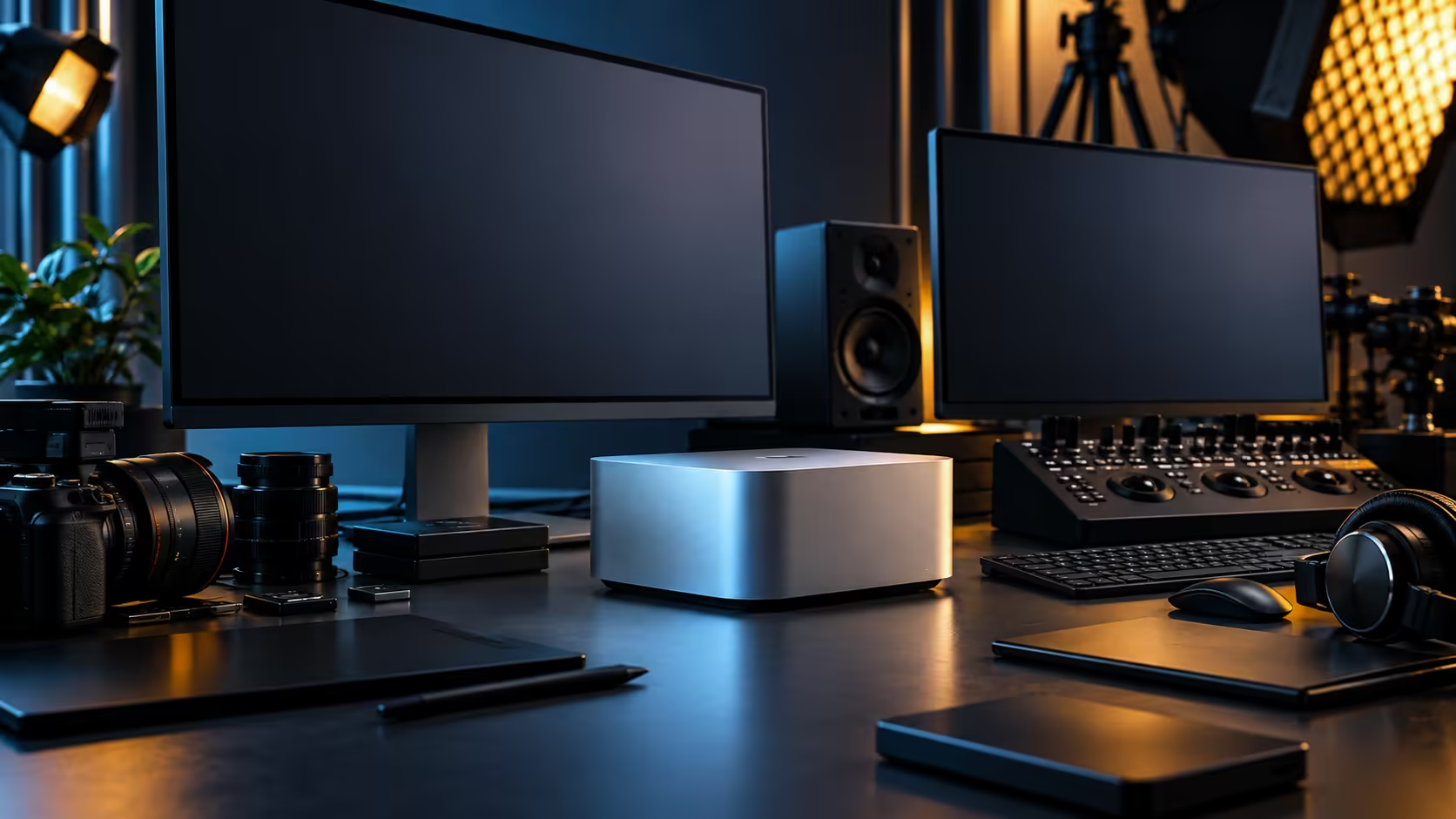
Four Thunderbolt 5 ports sit on the back of the Mac Studio M5 Max, and the mistake most buyers make is treating them as one big pool of bandwidth to be shared out however a cable happens to land. Give each port a specific job before you plug anything in, and the R49,499 machine behaves like a proper workstation rather than a hub with a chip attached.
Quick Answer
Assign each of the four Thunderbolt 5 ports a fixed role: one for scratch storage, one for an expansion chassis or dock, one for audio or capture, and one kept free. Every port carries full data, display and power on its own, so a direct connection beats a shared hub whenever you can spare the socket. The 36GB, 512GB configuration is R49,499.
🔌 Give every port a job, not a queue
A four-port machine with five things to plug in is normal, and the fix is prioritisation rather than a bigger hub.
Scratch storage earns the first port on its own, because a drive fighting for bandwidth behind a hub is the single most common cause of dropped frames during an export. An expansion chassis, whether that's a multi-bay enclosure or a capture and audio interface box, takes the second. The third is where an audio interface, a card reader or a control surface lives day to day. The fourth stays open for whatever a client brings in on a USB-C drive, because that slot is the one you will regret losing.
The back panel is rounded out by a pair of USB-C sockets and a pair of USB-A ones, both handling lower-bandwidth peripherals like a keyboard, a mouse dongle or a printer, so none of that competes with the Thunderbolt lanes at all. It's worth planning this before you buy rather than after, since Thunderbolt port counts actually vary across the mini PC range, and a local warranty claim on a chassis this compact is far simpler to arrange than one that has to travel overseas.
📦 What "PCIe expansion" actually means here
The phrase gets thrown around loosely, so it helps to separate what it covers from what a single cable can do.
A Thunderbolt-attached expansion chassis is an external box built around a PCIe backplane, into which you fit a card the Mac itself has no internal slot for: extra storage controllers, additional capture inputs, or specialised audio hardware. The chassis and the card inside it must be built and marketed for Thunderbolt attachment specifically, and not every PCIe card works this way, so check the compatibility list a manufacturer publishes for their own enclosure before buying one, rather than assuming any card will drop in.
This is fundamentally different from an internal PCIe slot in a tower. You are adding one card's function to the desk over a cable, not adding a slot to the machine itself, and the external SSD range is the simpler version of the same idea: a drive in an enclosure, attached the same way a PCIe chassis would be.
🎛️ Docks versus direct connections
A dock earns its place at a desk with more accessories than ports, but it is not free.
Connecting a keyboard, a mouse and a webcam through one docking station is sensible, because none of those devices need dedicated bandwidth. Routing your primary storage or a monitor through the same dock is where problems start, since everything downstream now shares whatever the dock's own upstream link can carry. The practical rule: low-bandwidth accessories go through a dock happily, and anything that moves large amounts of data or drives a display earns its own direct port.
For a two-person edit suite this matters twice over. One editor's scratch drive competing with the other's audio interface behind a shared hub is the kind of intermittent glitch that takes an afternoon to diagnose, when giving each person a dedicated port would have avoided it from the start.
🎙️ Pro accessories that actually want a dedicated lane
Audio interfaces and capture devices are the accessories most likely to suffer from being an afterthought on a shared connection.
A multi-channel audio interface streaming several inputs at once needs a stable, low-latency link, which is exactly what a direct Thunderbolt connection provides and a chained hub does not guarantee. The same goes for a capture card pulling in a live feed for streaming or recording, where a dropped frame is visible immediately rather than buried in a render log.
Plan the desk in this order: figure out which two accessories cannot tolerate any contention, give those the first two ports, and only then work out how the rest share what is left.
Frequently Asked Questions
Can I add a PCIe card to the Mac Studio through a Thunderbolt port?
Only through an external chassis built and sold specifically for Thunderbolt attachment, and only for cards the chassis maker lists as compatible. It adds one card's function externally rather than adding an internal slot.
How many Thunderbolt 5 ports does the Mac Studio M5 Max have?
Four, alongside two further USB-C ports, two USB-A ports and one HDMI output on the back panel.
Should low-bandwidth accessories share a hub or get their own port?
A keyboard, mouse or webcam can share a dock without issue. Storage, displays and pro audio or capture devices should each get a direct connection.
Does a Thunderbolt 5 port supply power to what is plugged into it?
Yes, alongside data and, where relevant, display signal, all over the same cable, which is part of why a direct connection is simpler than routing through a hub.
What is the difference between the Thunderbolt ports and the HDMI port for accessories?
Thunderbolt carries data, display and power together and suits drives, docks and expansion chassis. HDMI is video-only and suits a television, projector or a monitor with no USB-C input.
Ready to plan which accessory goes on which port?
Work out your two most demanding devices first, then browse mini PCs and Thunderbolt storage built for exactly this kind of desk.