Quick Answer
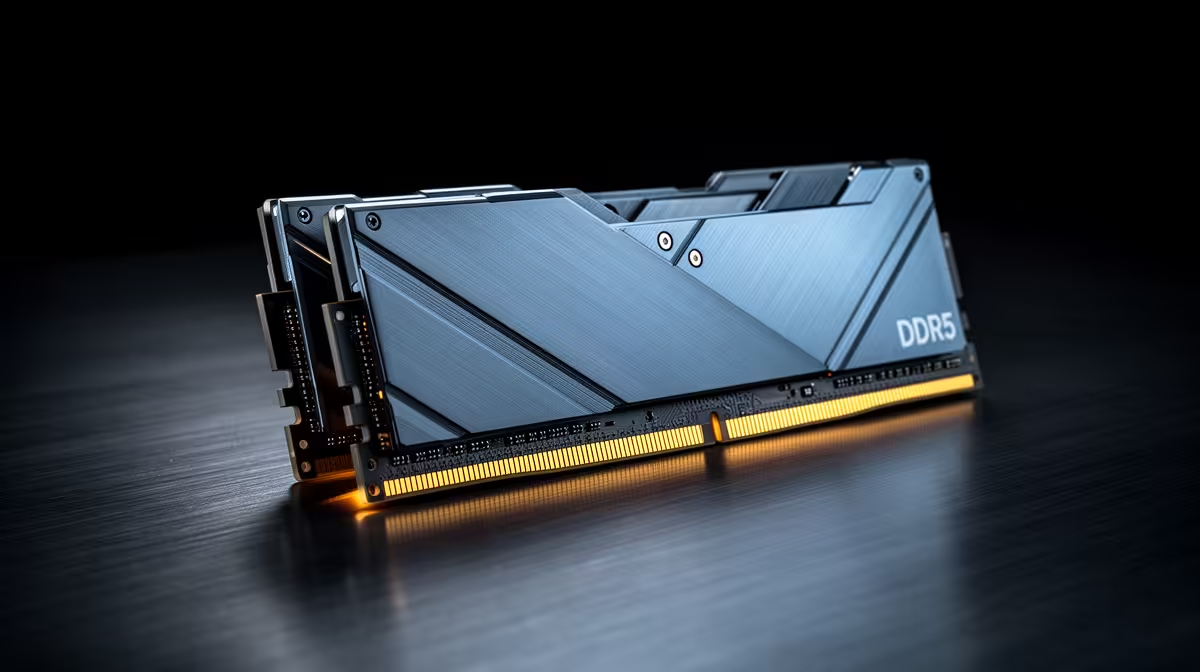
The easiest upgrade is a matched kit or storage bump that does not force a platform rebuild. For matric-to-varsity upgrades, choose Kingston Fury Beast DDR5-6000, Corsair Vengeance DDR5-5600, and G.Skill Ripjaws S5 in the R1,500-R3,200 range and confirm 32 GB as the practical lab floor, DDR5-5600 to DDR5-6000 speed, two matched sticks, and EXPO or XMP support before opening the machine.
What To Prioritise First
For matric-to-varsity upgrades, the must-have is the spec you touch every day: comfort, reliability, and compatibility. Check 32 GB as the practical lab floor, DDR5-5600 to DDR5-6000 speed, two matched sticks, and EXPO or XMP support before paying for styling. In SA, a product that works with the desk, laptop, router, or case you already own is usually better value than the one with the loudest packaging claim.
Spend Where It Changes Daily Use
Use three price bands to keep the shortlist honest. The budget tier in the R1,500-R3,200 range should solve the core job without forcing extra adapters; the balanced tier should add durability, speed, or comfort you will notice weekly; the premium tier must justify itself with a measurable gain. Treat Kingston Fury Beast DDR5-6000, Corsair Vengeance DDR5-5600, and G.Skill Ripjaws S5 as reference names, then confirm the current Evetech listing, warranty terms, and exact stock before buying.
Specs And Extras To Treat Carefully
Ignore styling, bundle extras, and headline numbers until the basics are proven. The product should fit the desk or bag, work with the current PC, and make the main task easier. If a cheaper option delivers the same weekly result, keep the saving for storage, RAM, or a better monitor arm.
FAQ
What is the safest budget for ddr5 rams in SA?
For matric-to-varsity upgrades, start with the R1,500-R3,200 band and move up only when the upgrade changes comfort, speed, or reliability. Exact live pricing changes, so use the band for planning and check the current Evetech listing before checkout.
Which spec matters most for matric-to-varsity upgrades?
The most important spec is the one that removes the daily bottleneck: 32 GB as the practical lab floor, DDR5-5600 to DDR5-6000 speed, two matched sticks, and EXPO or XMP support. Cosmetic features should come after that, especially for shared rooms, student desks, and compact home setups.
Should I buy the cheapest ddr5 ram available?
Only buy the cheapest option if it still matches the device, workload, and warranty requirement. If it needs an adapter, extra fan, bigger capacity, or a replacement within months, the cheaper price is not the better SA buy.