Quick Answer
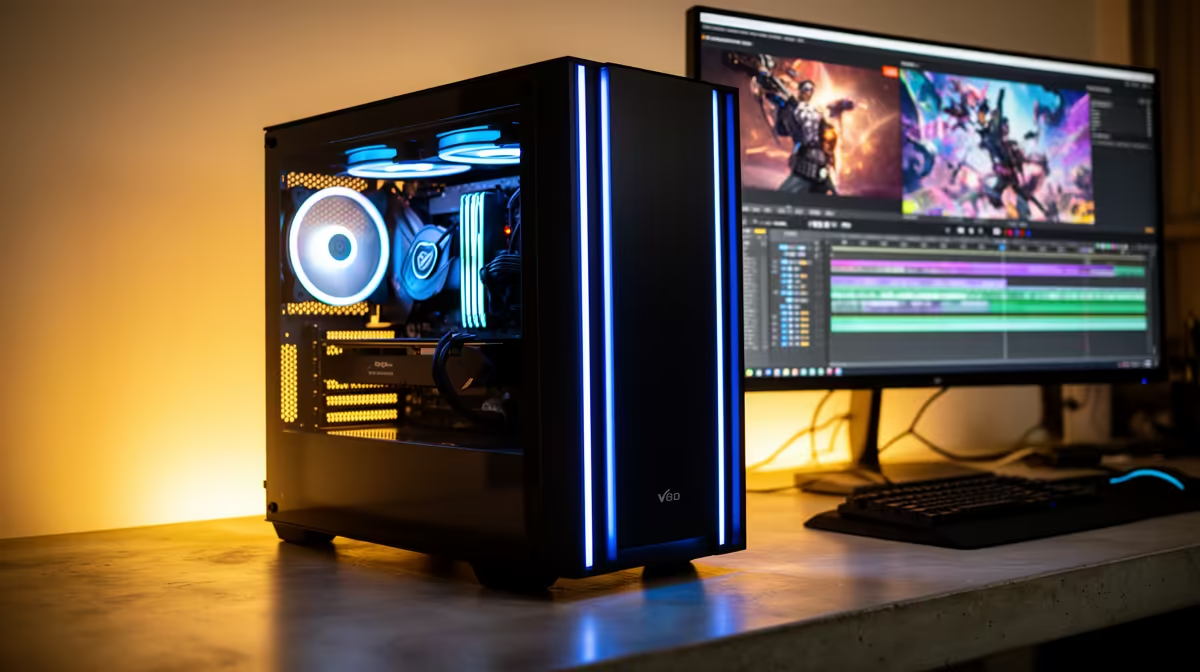
A Worcester 4K video-editing build under R20,000 should pair an RTX 4060, Ryzen 7 7700, 32GB DDR5 and a 1TB NVMe SSD, using proxy media for smooth 4K timelines. It handles 4K editing in DaVinci Resolve and Premiere with proxies, keeping the build under R20,000.
4K On A Budget Means Proxies
True 4K editing usually needs 64GB RAM and an RTX 4070, which exceeds R20,000. Under this budget, the smart approach is proxy editing: a Ryzen 7 7700 (around R6,500), RTX 4060 (around R6,500) and 32GB DDR5 (around R3,000) scrub 4K smoothly using lower-resolution proxy files, then export at full 4K. This is how to edit 4K under R20,000 without stutter.
Storage And Workflow
A 1TB NVMe Gen4 SSD (around R1,100) holds active 4K projects and proxy files, while an HDD archives raw footage. In DaVinci Resolve or Premiere, generate proxies on import so playback stays smooth at 4K; the RTX 4060 then accelerates the full-resolution H.265 export. Expect longer exports than a 4070 build, but a usable 4K workflow under budget.
Worcester Notes
Evetech ships assembled editing rigs to Worcester and across the Western Cape by courier. The warm inland climate suits a mesh case with two intake fans to keep the GPU under 75C during long exports. Openserve and Vumatel fibre serve parts of Worcester for uploading finished 4K videos.
FAQ
Can I really edit 4K under R20,000?
Yes, with proxy media. The RTX 4060 and Ryzen 7 7700 build scrubs 4K smoothly using proxies, then exports at full resolution. Exports are slower than a 4070 build.
Do I need 64GB of RAM for 4K?
For native 4K editing, ideally yes - but with proxies, 32GB is workable under R20,000. Add more RAM later if you move to native 4K timelines.
What is proxy editing?
Editing with lower-resolution stand-in files for smooth playback, then exporting at full 4K. It lets modest hardware handle 4K timelines without stutter.
media on import in DaVinci Resolve for 4K work on a Worcester budget build - it lets the RTX 4060 scrub 4K timelines smoothly under R20,000.