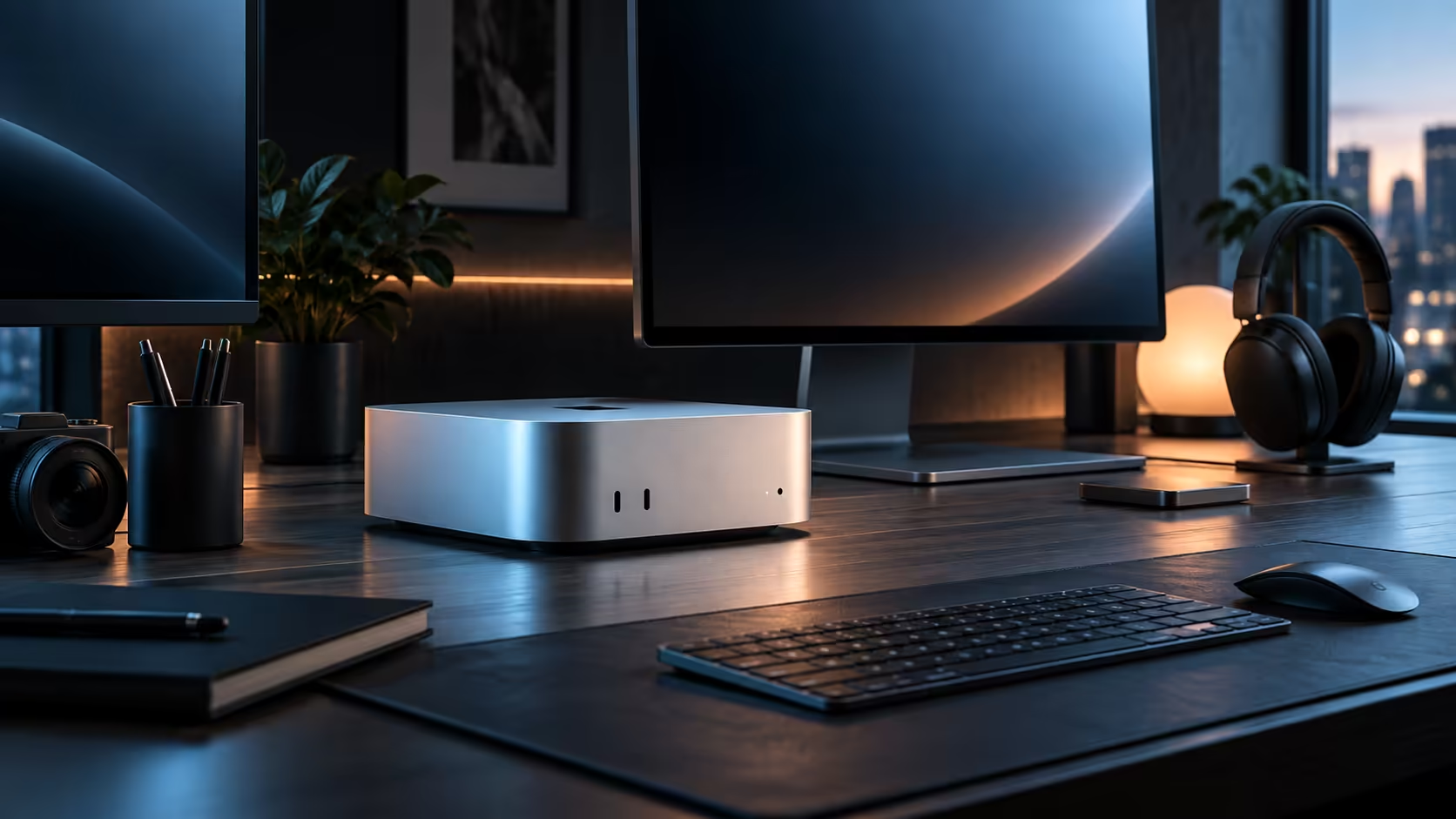
A student building a design portfolio, a hobbyist photographer selling prints on the side, and a part-time content creator all ask this question with a genuinely lower budget ceiling than a full-time studio does, and 16GB answers most of them honestly well.
Quick Answer
For portfolio work, part-time photography and casual content creation, yes: 16GB and 512GB cover it without strain at R21,699. The answer changes once that side hustle turns into daily paid client work with 4K deadlines, at which point the ceiling starts to show and a higher-memory configuration is worth pricing separately.
🎓 Building a portfolio without overspending on hardware
A student assembling a design or photography portfolio rarely needs to run more than one heavy application at a time, which is exactly the workload 16GB handles comfortably. Spending the difference between this tier and a higher one on a proper monitor instead usually improves the actual portfolio work more than extra memory would.
📸 The side-hustle photographer's real numbers
Editing a weekend's worth of shoots, even a few hundred images, sits well inside 16GB and 512GB together, since photo editing rarely approaches the memory demands of video. Storage fills faster once RAW files at 30MB or more each accumulate over months, so archiving a season's shoots to an external SSD rather than leaving everything on the internal drive keeps the machine responsive.
🎥 Where a part-time creator hits the ceiling first
Someone posting short 1920x1080 or light 3840x2160 clips regularly will notice 16GB tightening only once editing and exporting genuinely overlap, or once a local AI tool for captions or upscaling runs alongside the timeline. That specific combination, not the video work alone, is the actual signal it may be time to look at a higher tier.
🧾 Why buying locally still matters at this budget
Buying an R21,699 machine locally keeps the warranty local too, and that matters exactly as much to a side income as it does to a full-time studio, because a machine with no backup sitting broken costs you work either way.
🖥️ Where the rest of the Mac Mini lineup fits in
None of these three buyers, the student, the side-hustle photographer or the part-time creator, needs to start by comparing every tier on Apple's own mini PC page; the base configuration answers the question for all three at this budget level. Save that wider comparison for the day paid client work, rather than a personal project, is genuinely on the table.
Frequently Asked Questions
Is 16GB enough for a design or photography portfolio?
Yes, comfortably, for the kind of one-project-at-a-time work most portfolio building involves.
When does a part-time creator actually need to consider more memory?
Once editing and exporting genuinely overlap, or a local AI tool runs alongside the timeline regularly, rather than from video work alone.
Should a hobbyist buy external storage from the start?
If RAW photo files or video footage accumulate steadily, yes; archiving a completed shoot early keeps the internal drive comfortably ahead of full.
Ready to size a Mac Mini for your side project or portfolio work?
Match the configuration to your actual current workload, not the one you might grow into.